01. Overview & Architecture

Schema validatedSource pinned
Purpose
Hyprland shell written with Fabric: notch bar, dashboard, launcher and wallpaper colors.
Compatibility
Arch Linux (Server: WAYLAND)
Window Manager & Theme
Hyprland / Material

02. Installation & Deployment

Before you installThis changes your desktop configuration. Run it as your normal user, never with sudo: it asks for sudo only where a step needs it (listed below).The guided installer shows its plan first. Files it would replace are kept unless you approve. Everything it copies, clones or appends to in your home folder is backed up and verified first, and --rollback restores it. Packages, sudo changes and the other commands listed under Impact are not undone.
IntegrityEach release from main builds the installers in GitHub Actions and signs them with a GitHub build attestation. Verify your download against the repository, not this website (Option B, step 2). If it does not verify, don't run it.
ImpactRuns the upstream installer bash install.sh, which manages its own files. The guided installer backs up your usual desktop config folders first.
RecoveryGuided: backups in ~/.local/state/0xtsoa/backups/, undo with bash install.sh --rollback.Manual: back up first (Option A, step 3).
Option A: manual installAdvanced
Read the source at the reviewed commit, back up, then run each step yourself.
$git clone https://github.com/Axenide/Ax-Shell ~/0xtsoa-review/axenide-ax-shell# 1. clone to a review folder
$git -C ~/0xtsoa-review/axenide-ax-shell checkout --detach 1a3551fb6d1d5354c99f31880a39f7c7149da78e# 2. the reviewed commit
$for p in ~/.config/hypr ~/.config/quickshell ~/.config/waybar ~/.config/eww ~/.config/ags ~/.config/hyprpanel ~/.config/kitty ~/.config/foot ~/.config/alacritty ~/.config/wezterm ~/.config/ghostty ~/.config/rofi ~/.config/wofi ~/.config/fuzzel ~/.config/dunst ~/.config/mako ~/.config/swaync ~/.config/i3 ~/.config/sway ~/.config/niri ~/.config/bspwm ~/.config/sxhkd ~/.config/awesome ~/.config/polybar ~/.config/picom ~/.config/qtile ~/.config/wlogout ~/.config/swaylock ~/.config/fish ~/.config/nvim ~/.config/fastfetch ~/.config/starship.toml ~/.config/matugen ~/.config/wal ~/.config/gtk-3.0 ~/.config/gtk-4.0 ~/.config/Kvantum ~/.config/qt5ct ~/.config/qt6ct ~/.bashrc ~/.zshrc ~/.themes; do [ -e "$p" ] && cp -a "$p" "$p.bak-0xtsoa"; done# 3. back up what the steps write
Read the upstream installer in ~/0xtsoa-review/axenide-ax-shell before running it, and every script it calls.Then the steps. Package commands are written for Arch; on other distros use your package manager.

Step-by-step deployment protocol

Step-by-step deployment
1Clone the repository
$git clone --filter=blob:none https://github.com/Axenide/Ax-Shell
$git -C Ax-Shell checkout 1a3551fb6d1d5354c99f31880a39f7c7149da78e
$cd Ax-Shell
2Run the upstream installer
$bash install.sh
Option B: guided installerRecommended
The same steps as one script for any distro. It shows the plan first, keeps files you already have unless you approve replacing them, and backs up everything it changes in your home folder. Never pipe it into a shell.
$curl -fsSLo install.sh 'https://www.0xtsoa.dev/configs/axenide/ax-shell/install.sh'# 1. download
$gh attestation verify install.sh --repo nyharena25/0xTsoa --signer-workflow nyharena25/0xTsoa/.github/workflows/attest-installers.yml# 2. verify (GitHub CLI 2.49+, signed in)
$less install.sh# 3. read it
$bash install.sh --dry-run# 4. preview: changes nothing
$bash install.sh# 5. install (asks first)
$bash install.sh --rollback# undo the file changes
View script in browserOther options: --force (replace conflicts, backed up first), --yes, --help

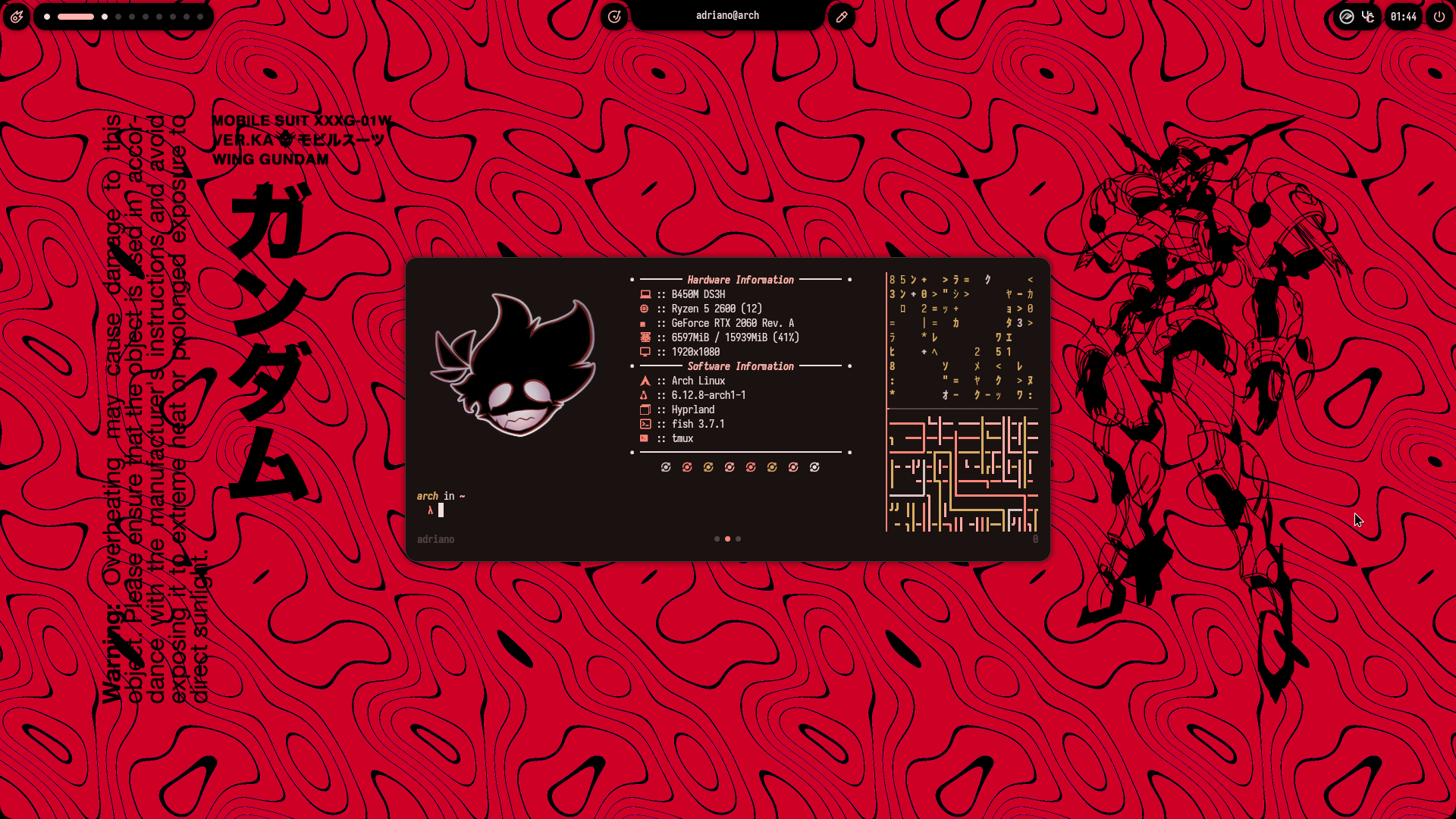
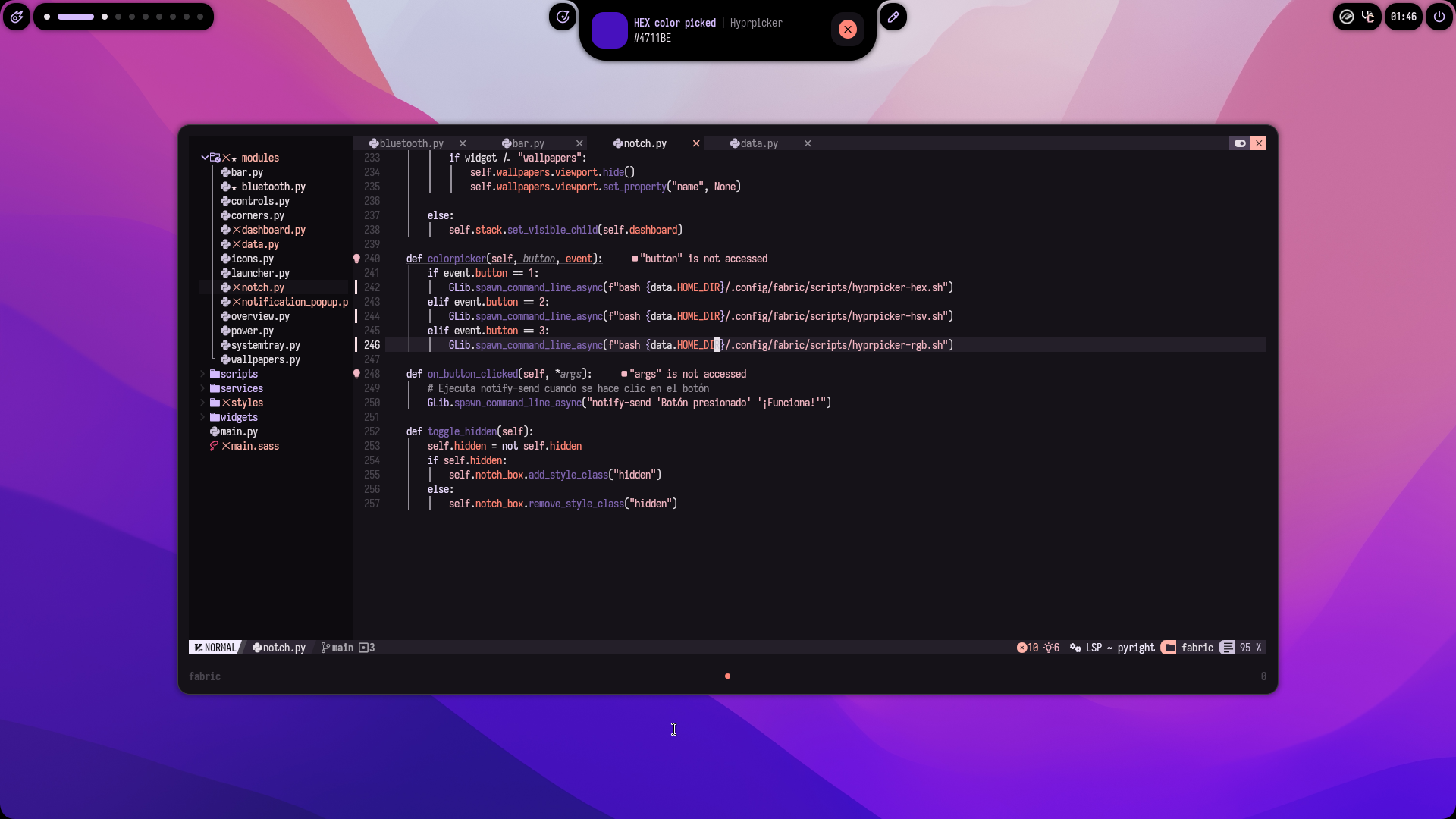
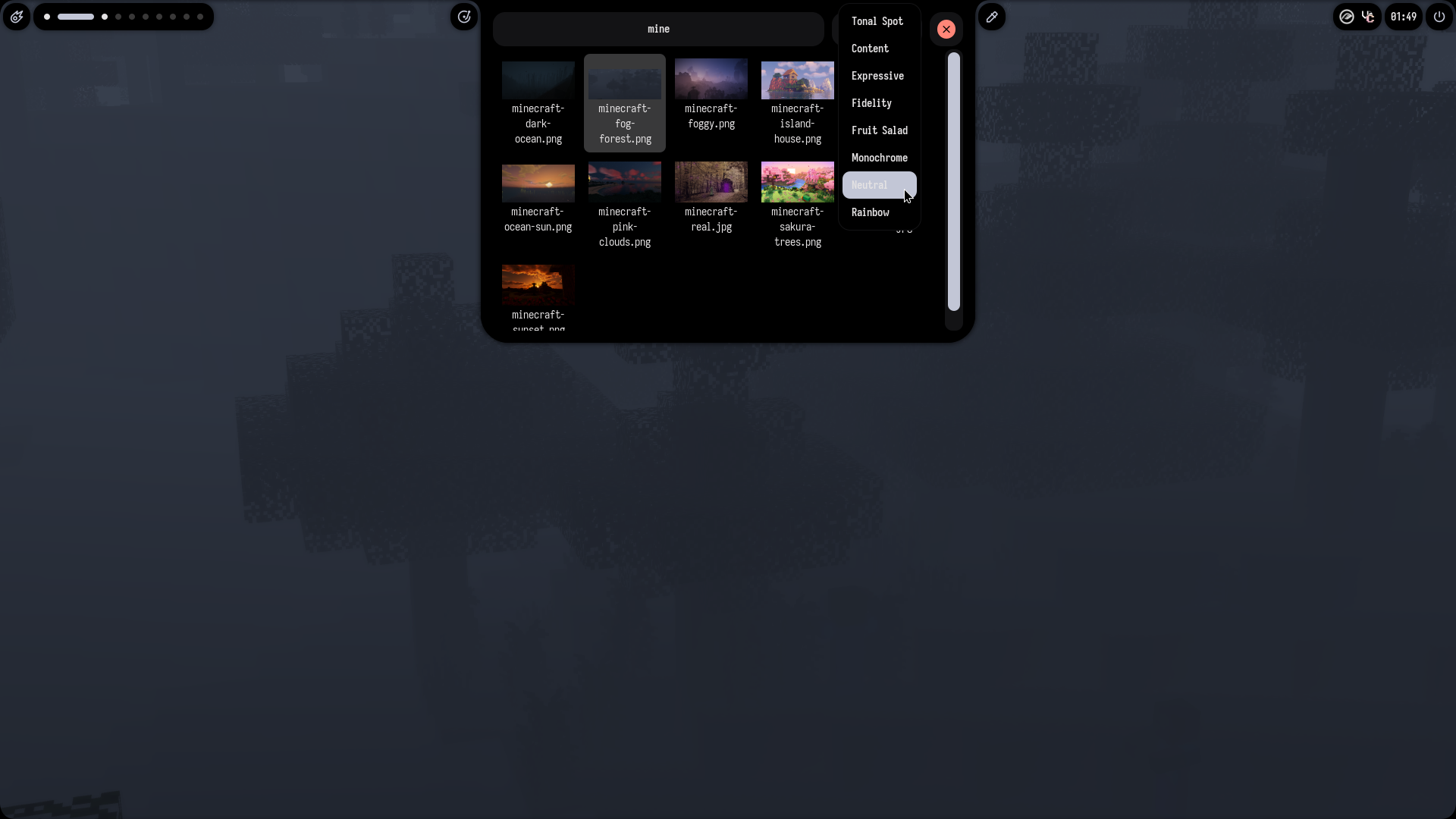
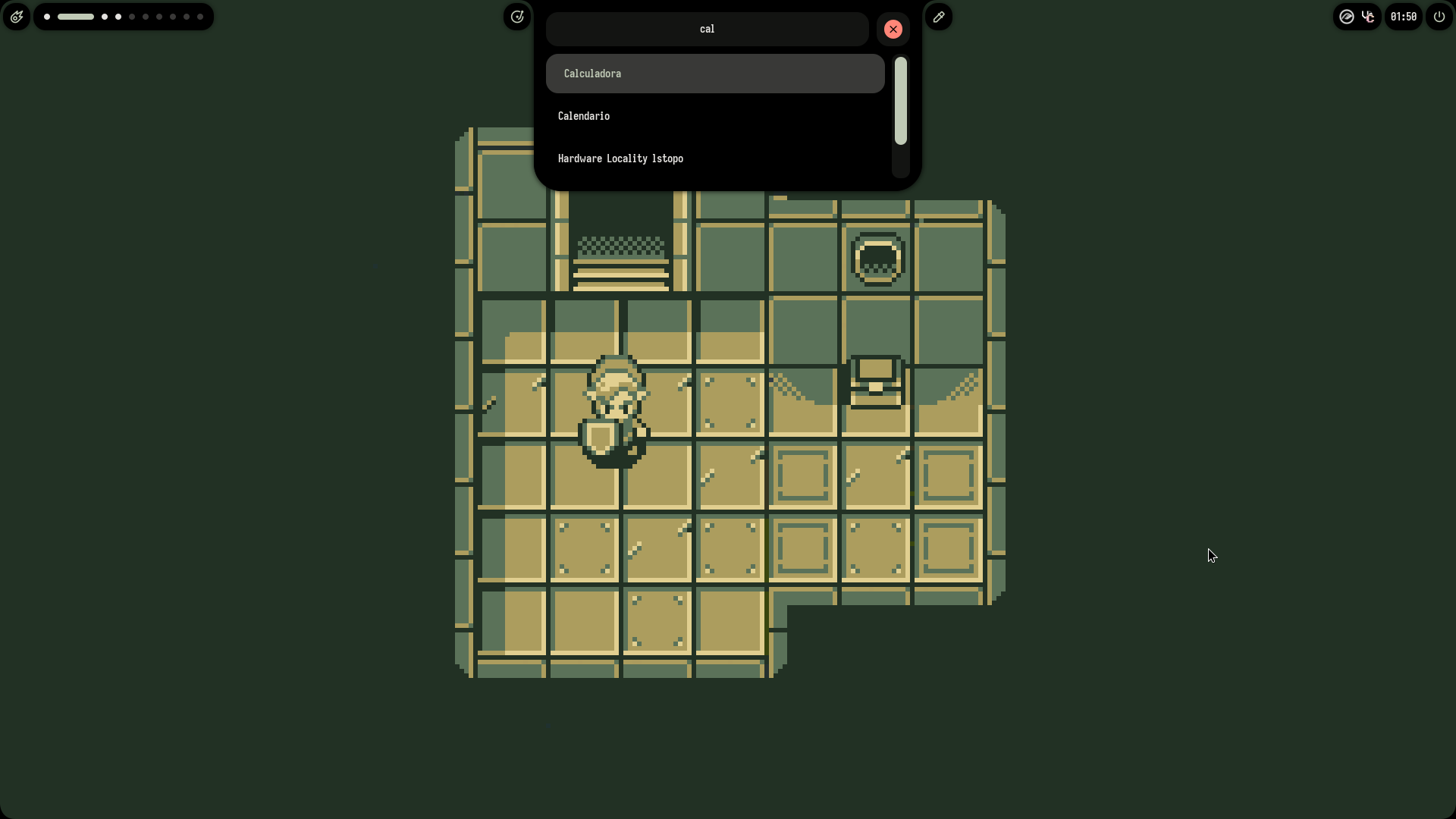
03. Screenshot Gallery // Ax-Shell

Capture 01 // Fullscreen
Ax-Shell screenshot 1
01 / 10

04. Documentation & Guide

Source: Axenide/Ax-ShellRef: 1a3551fb6d
README.md|GitHub Flavored Markdown

Warning

Ax-Shell has been deprecated in favor of Ambxst and will not receive any more updates.

Ambxst is more performant, customizable and feature-rich, and has feature parity with Ax-Shell. Go check it out!


Sparkles A hackable shell for Hyprland Powered by Fabric Sparkles

GitHub stars Ko-Fi Discord


Camera with Flash Screenshots

Package Installation

Note

You need a functioning Hyprland installation. This will also enable NetworkManager if it is not already enabled.

Arch Linux

Tip

This command also works for updating an existing installation!

Run the following command in your terminal once logged into Hyprland:

curl -fsSL get.axeni.de/ax-shell | bash

Alternative:

curl -fsSL https://raw.githubusercontent.com/Axenide/Ax-Shell/main/install.sh | bash

NixOS

poogas has created a flake for Ax-Shell. 👉 Try it out! 👈

Manual Installation

  1. Install dependencies:

    • Fabric
    • fabric-cli
    • Gray
    • Matugen
    • awww
    • brightnessctl
    • cava
    • cliphist
    • ddcutil
    • gnome-bluetooth-3.0
    • gobject-introspection
    • gpu-screen-recorder
    • grimblast
    • hypridle
    • hyprlock
    • hyprpicker
    • hyprshot
    • hyprsunset
    • imagemagick
    • libnotify
    • networkmanager
    • network-manager-applet
    • nm-connection-editor
    • noto-fonts-emoji
    • nvtop
    • playerctl
    • swappy
    • tesseract
    • tesseract-data-eng
    • tesseract-data-spa
    • tmux
    • unzip
    • upower
    • uwsm
    • vte3
    • webp-pixbuf-loader
    • wl-clipboard
    • Python dependencies:
      • PyGObject
      • ijson
      • numpy
      • pillow
      • psutil
      • pywayland
      • requests
      • setproctitle
      • toml
      • watchdog
    • Fonts (automated on first run):
      • Zed Sans
      • Tabler Icons
  2. Download and run Ax-Shell:

    git clone https://github.com/Axenide/Ax-Shell.git ~/.config/Ax-Shell
    uwsm -- app python ~/.config/Ax-Shell/main.py > /dev/null 2>&1 & disown

    

Rocket Roadmap

  • App Launcher
  • Bluetooth Manager
  • Calculator
  • Calendar
  • Clipboard Manager
  • Color Picker
  • Customizable UI
  • Dashboard
  • Dock
  • Emoji Picker
  • Kanban Board
  • Network Manager
  • Notifications
  • OCR
  • Pins
  • Power Manager
  • Power Menu
  • Screen Recorder
  • Screenshot
  • Settings
  • System Tray
  • Terminal
  • Tmux Session Manager
  • Update checker
  • Vertical Layout
  • Wallpaper Selector
  • Workspaces Overview
  • Multi-monitor support
  • Multimodal AI Assistant
  • OSD
  • OTP Manager

Sparkles sᴜᴘᴘᴏʀᴛ ᴛʜᴇ ᴘʀᴏᴊᴇᴄᴛ Sparkles
Support me on Ko-fi!
GitHub Flavored Markdown (github-markdown-css)README snapshot at 1a3551fb6d