Marble Shell
For details checkout https://github.com/Aylur/marble-shell
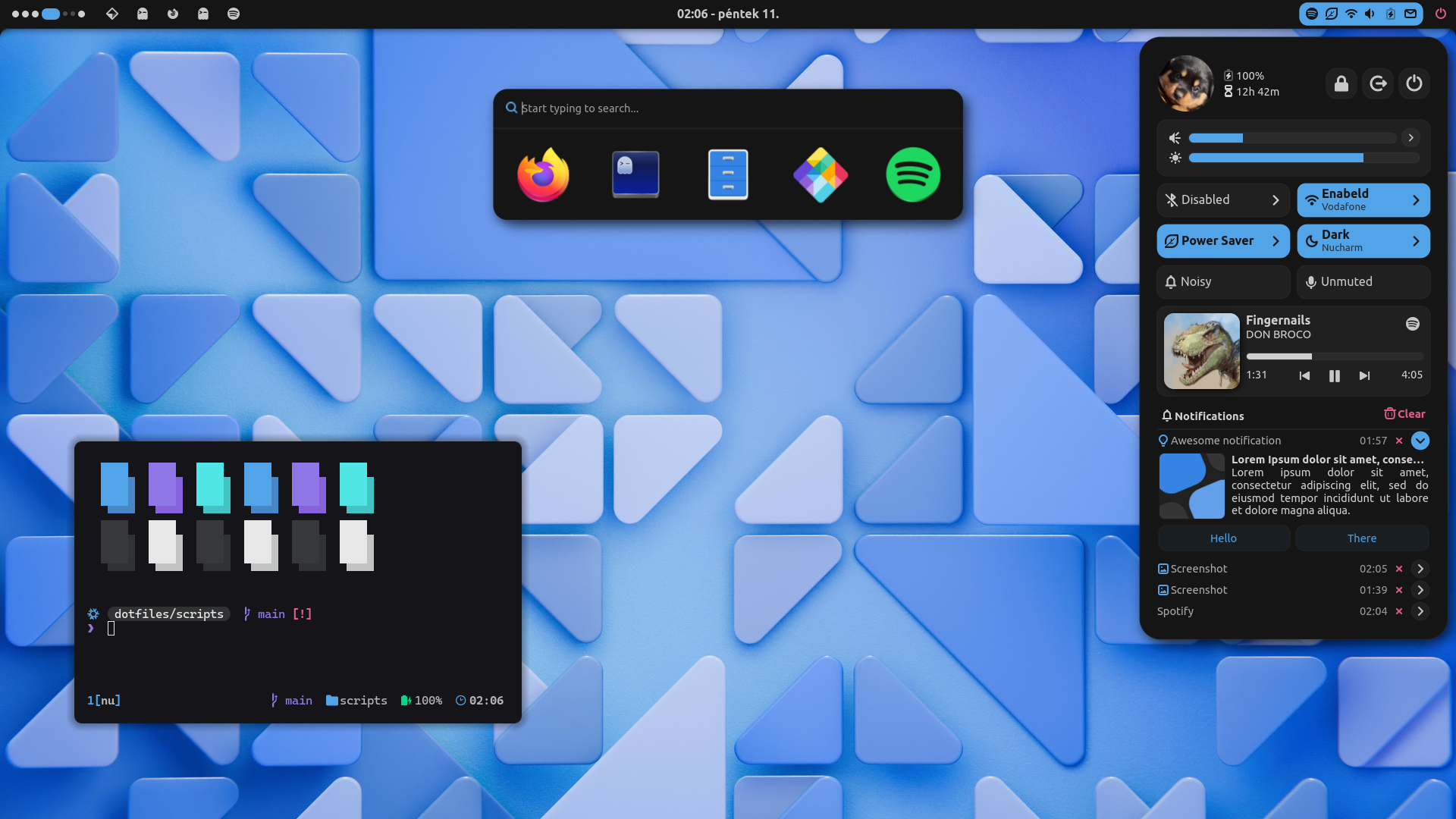
sudo: it asks for sudo only where a step needs it (listed below).The guided installer shows its plan first. Files it would replace are kept unless you approve. Everything it copies, clones or appends to in your home folder is backed up and verified first, and --rollback restores it. Packages, sudo changes and the other commands listed under Impact are not undone.main builds the installers in GitHub Actions and signs them with a GitHub build attestation. Verify your download against the repository, not this website (Option B, step 2). If it does not verify, don't run it.~/.local/state/0xtsoa/backups/, undo with bash install.sh --rollback.Manual: the steps below only write in the download folder or run listed commands.git clone https://github.com/Aylur/dotfiles ~/0xtsoa-review/aylur-dotfiles# 1. clone to a review foldergit -C ~/0xtsoa-review/aylur-dotfiles checkout --detach b3a43b1229d747ec089b62b06303eb09cb01d389# 2. the reviewed commitgit clone --filter=blob:none https://github.com/Aylur/dotfilesgit -C dotfiles checkout b3a43b1229d747ec089b62b06303eb09cb01d389cd dotfilesxdg-open https://github.com/Aylur/dotfiles#readmecurl -fsSLo install.sh 'https://www.0xtsoa.dev/configs/aylur/dotfiles/install.sh'# 1. downloadgh attestation verify install.sh --repo nyharena25/0xTsoa --signer-workflow nyharena25/0xTsoa/.github/workflows/attest-installers.yml# 2. verify (GitHub CLI 2.49+, signed in)less install.sh# 3. read itbash install.sh --dry-run# 4. preview: changes nothingbash install.sh# 5. install (asks first)bash install.sh --rollback# undo the file changes--force (replace conflicts, backed up first), --yes, --helpb3a43b1229For details checkout https://github.com/Aylur/marble-shell