01. Overview & Architecture

Profile: v2.0.0
Schema validatedSource pinned
Purpose
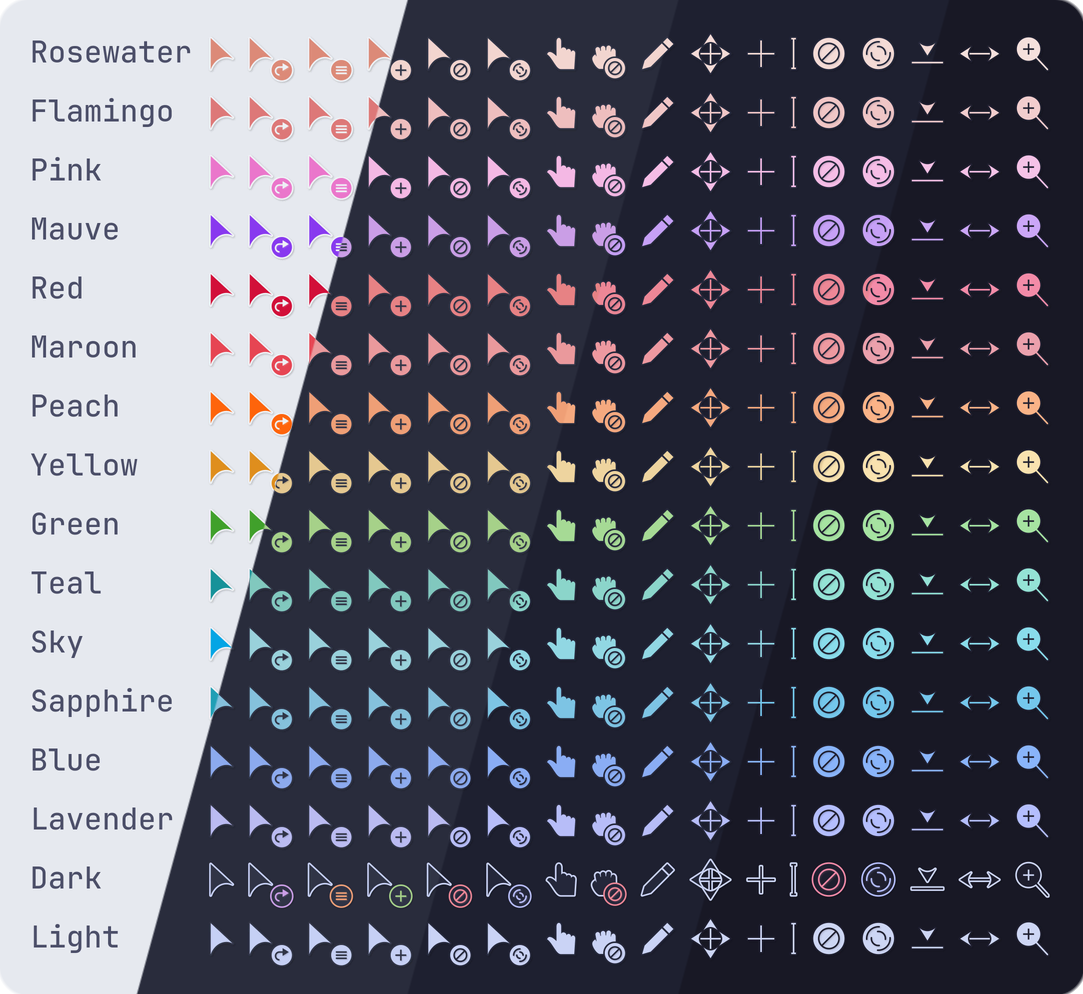
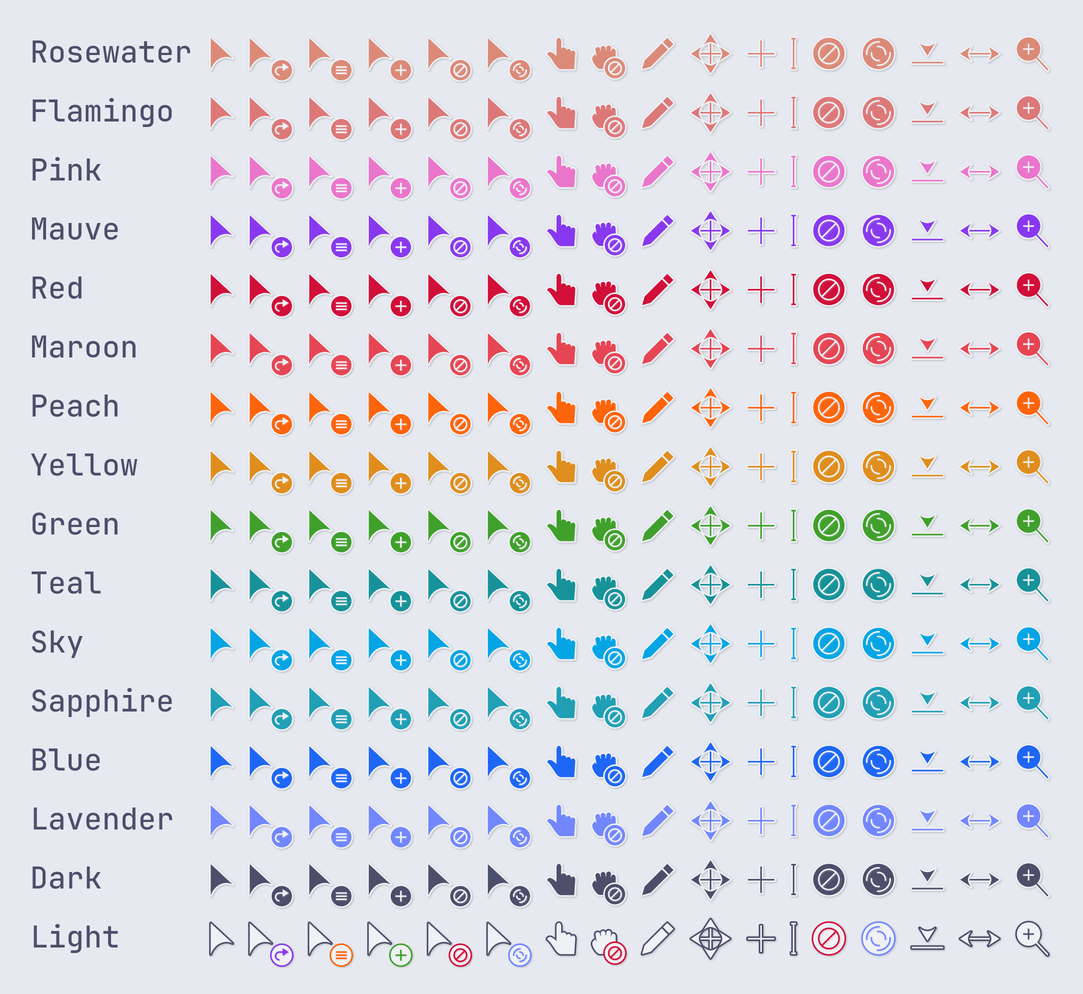
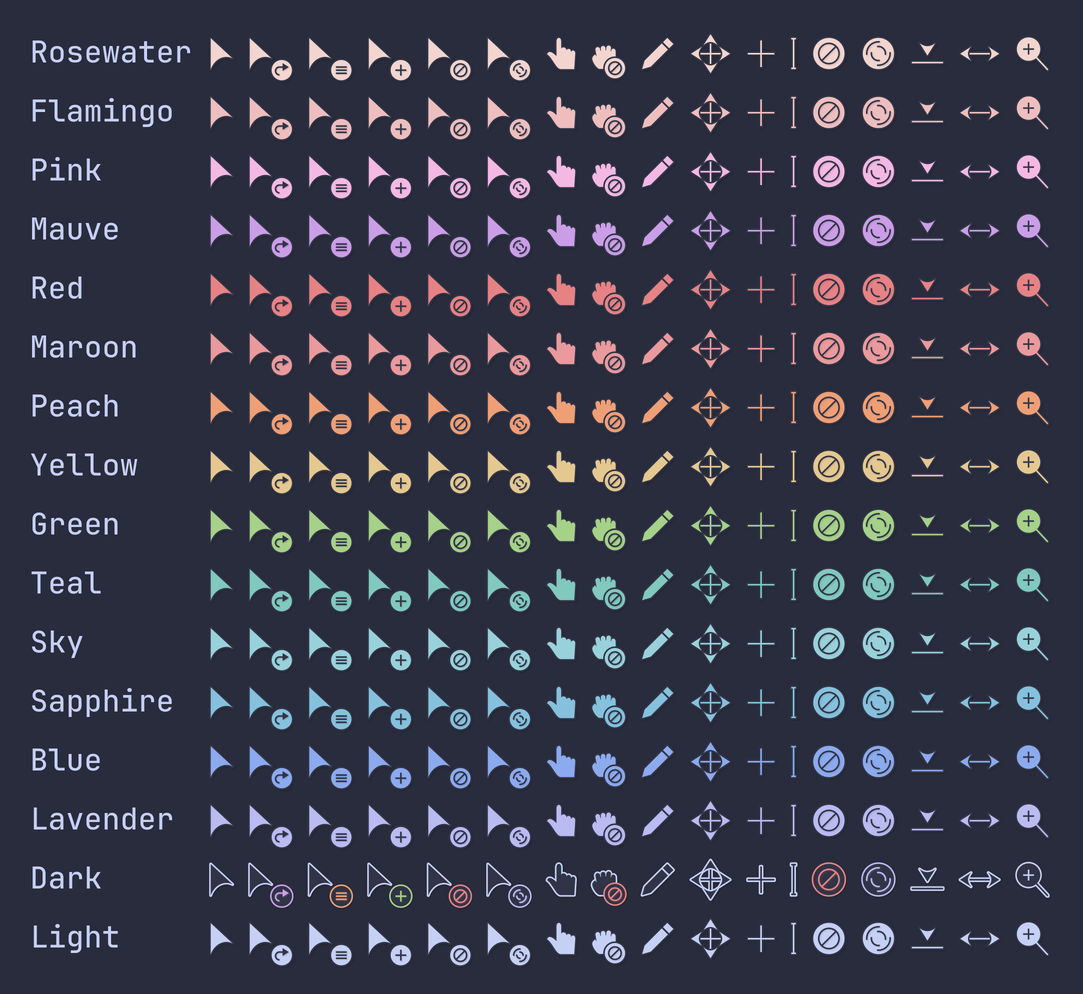
Soothing pastel cursors in all Catppuccin flavors and accents.
Compatibility
Any distro (Server: BOTH)
Desktop Part
Cursor themes
Window Manager & Theme
Any WM / DE / Catppuccin

02. Installation & Deployment

Before you installThis changes your desktop configuration and installs packages. Run it as your normal user, never with sudo: it asks for sudo only where a step needs it (listed below).The guided installer shows its plan first. Files it would replace are kept unless you approve. Everything it copies, clones or appends to in your home folder is backed up and verified first, and --rollback restores it. Packages, sudo changes and the other commands listed under Impact are not undone.
IntegrityEach release from main builds the installers in GitHub Actions and signs them with a GitHub build attestation. Verify your download against the repository, not this website (Option B, step 2). If it does not verify, don't run it.
ImpactPackages: catppuccin-cursors-mocha (some from the Arch AUR)
RecoveryGuided: backups in ~/.local/state/0xtsoa/backups/, undo with bash install.sh --rollback.Manual: the steps below only write in the download folder or run listed commands.
Option A: manual installAdvanced
Read the source at the reviewed commit, back up, then run each step yourself.
$git clone https://github.com/catppuccin/cursors ~/0xtsoa-review/catppuccin-cursors# 1. clone to a review folder
$git -C ~/0xtsoa-review/catppuccin-cursors checkout --detach a7eb08527dcce01010fa0ec46fa2bc4c3154f0d4# 2. the reviewed commit
Then the steps. Package commands are written for Arch; on other distros use your package manager.

Step-by-step deployment protocol

Step-by-step deployment
1Install catppuccin-cursors-mocha (AUR)
$yay -S catppuccin-cursors-mocha # AUR
$# Other distros: see the upstream README
Option B: guided installerRecommended
The same steps as one script for any distro. It shows the plan first, keeps files you already have unless you approve replacing them, and backs up everything it changes in your home folder. Never pipe it into a shell.
$curl -fsSLo install.sh 'https://www.0xtsoa.dev/configs/catppuccin/cursors/install.sh'# 1. download
$gh attestation verify install.sh --repo nyharena25/0xTsoa --signer-workflow nyharena25/0xTsoa/.github/workflows/attest-installers.yml# 2. verify (GitHub CLI 2.49+, signed in)
$less install.sh# 3. read it
$bash install.sh --dry-run# 4. preview: changes nothing
$bash install.sh# 5. install (asks first)
$bash install.sh --rollback# undo the file changes
View script in browserOther options: --force (replace conflicts, backed up first), --yes, --help

03. Screenshot Gallery // Catppuccin Cursors

Capture 01 // Fullscreen
Catppuccin Cursors screenshot 1
01 / 08

04. Documentation & Guide

Source: catppuccin/cursorsRef: a7eb08527d
README.md|GitHub Flavored Markdown

Logo
Catppuccin for Cursors

Stargazers

Previews

🌻 Latte
🪴 Frappé
🌺 Macchiato
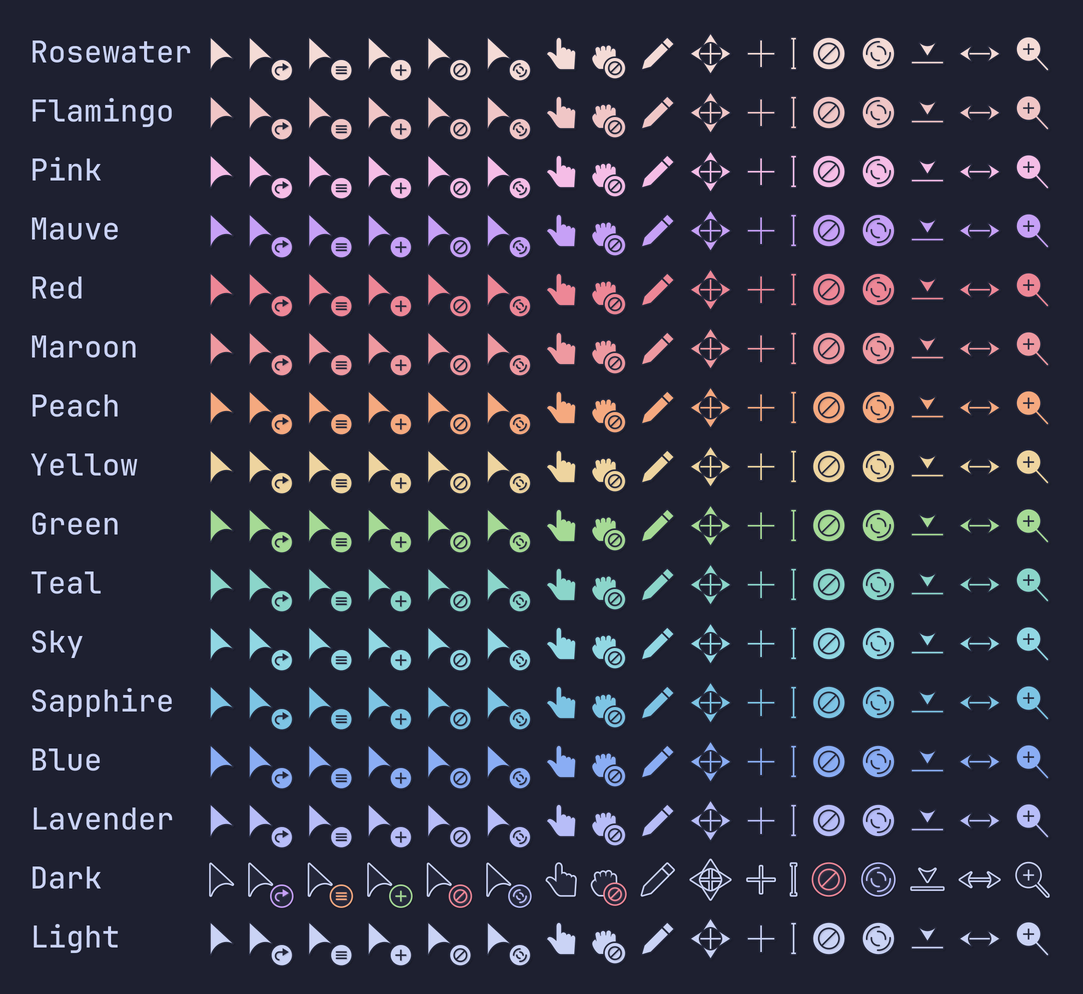
🌿 Mocha
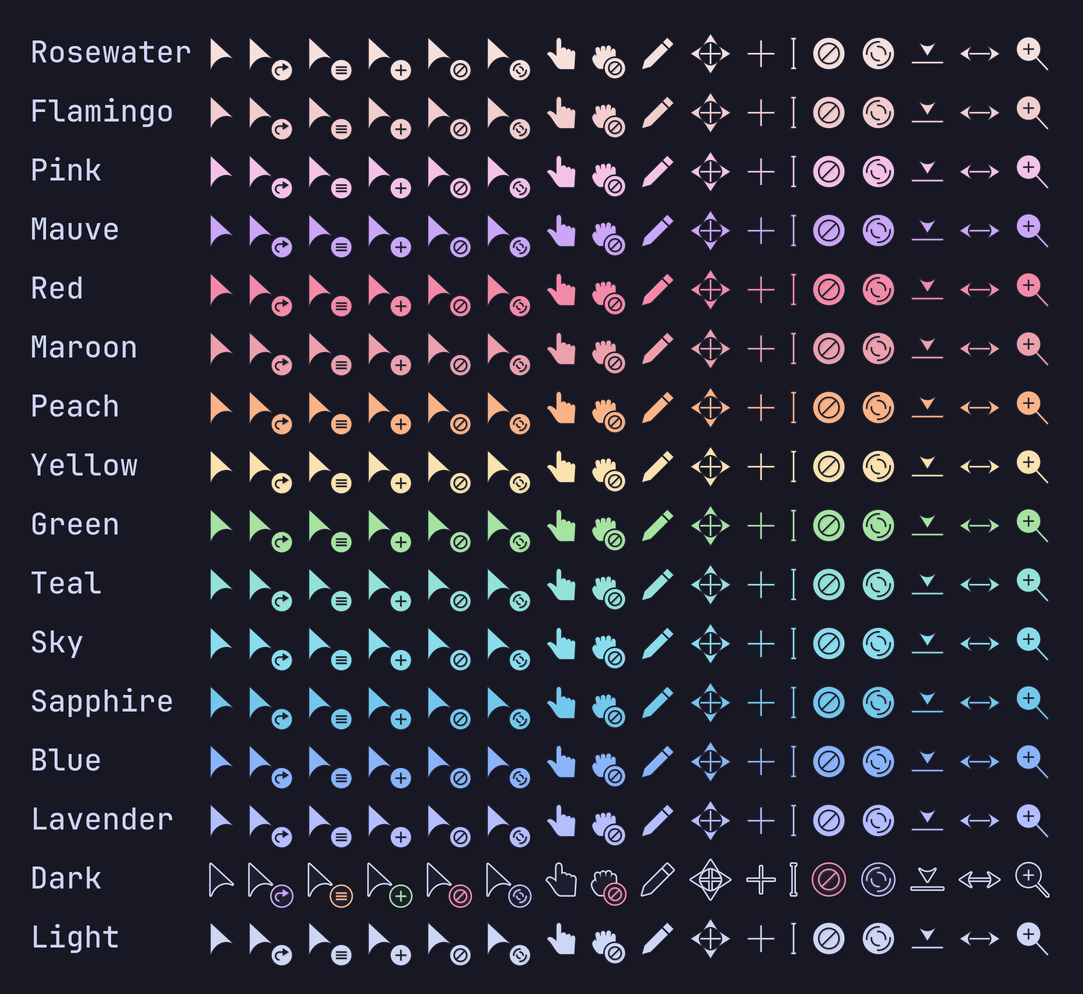
Acknowledgement

This project is a modification of Volantes Cursors.

Installation

GitHub Release

  1. Download your preferred flavor and accent from the latest GitHub release.

  2. Extract the downloaded zip to one of the following locations:

    • For the local user: $HOME/.icons
    • For all users: /usr/share/icons
  3. Choose the theme in your settings.

Example Installation
cd $HOME/.icons # or `/usr/share/icons`
curl -LOsS https://github.com/catppuccin/cursors/releases/download/v2.0.0/catppuccin-frappe-blue-cursors.zip
unzip catppuccin-frappe-blue-cursors.zip

Arch Linux

Individual flavor packages are available to download with your preferred AUR helper:

yay -S catppuccin-cursors-latte
yay -S catppuccin-cursors-frappe
yay -S catppuccin-cursors-macchiato
yay -S catppuccin-cursors-mocha

A -git package is also available which builds the cursors from source. This package contains all variants of flavor and accent.

yay -S catppuccin-cursors-git

NixOS

Nixpkgs has catppuccin-cursors. Use it by providing your preferred flavor + accent in camelCase. E.g.

pkgs.catppuccin-cursors.mochaMauve

Manual Installation

Requirements

  • python3 to execute scripts in the codebase.
  • whiskers to generate the cursor SVGs.
  • xcursorgen to generate the cursors.
  • inkscape to convert SVGs to PNGs.
  • (Optional) just to easily run development commands.

Steps

  1. Clone this repository and go to downloaded directory:

    git clone https://github.com/catppuccin/cursors.git
    cd cursors
    
  2. Run the following command(s) if you have just installed, if not then look inside the justfile to understand what commands are being run.

    just all # Build all flavor-accent variants.
    just build mocha # To build all variants under one single flavor.
    just build mocha blue # To build only the blue variant under mocha.
    just build mocha 'blue mauve peach' # To build only the blue, mauve, and peach variants under mocha.
    
  3. Extract built cursors in ./dist to $HOME/.icons or /usr/share/icons.

💝 Thanks to


Copyright © 2021-present Catppuccin Org

GitHub Flavored Markdown (github-markdown-css)README snapshot at a7eb08527d