01. Overview & Architecture

Profile: v2.0.0
Schema validatedSource pinned
Purpose
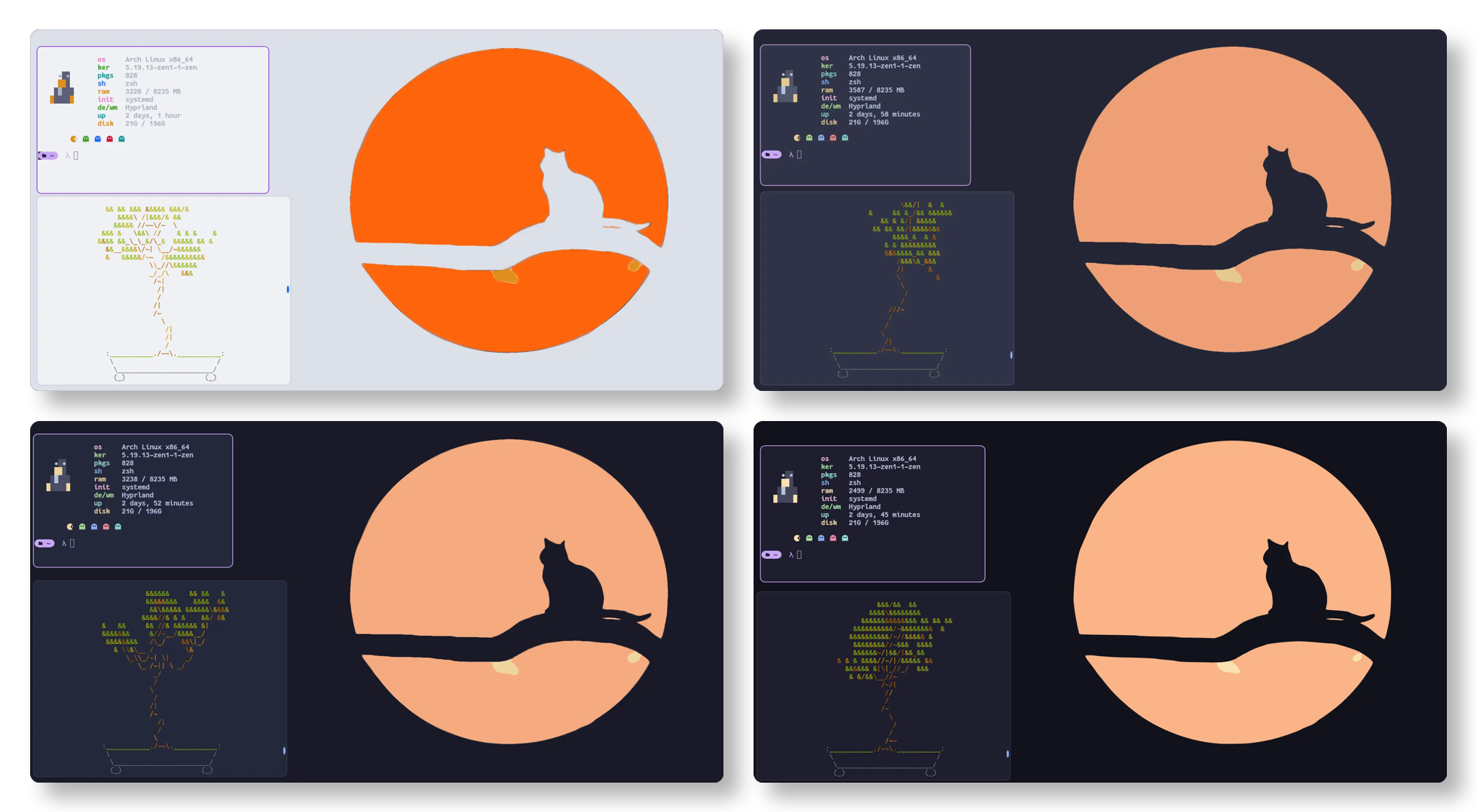
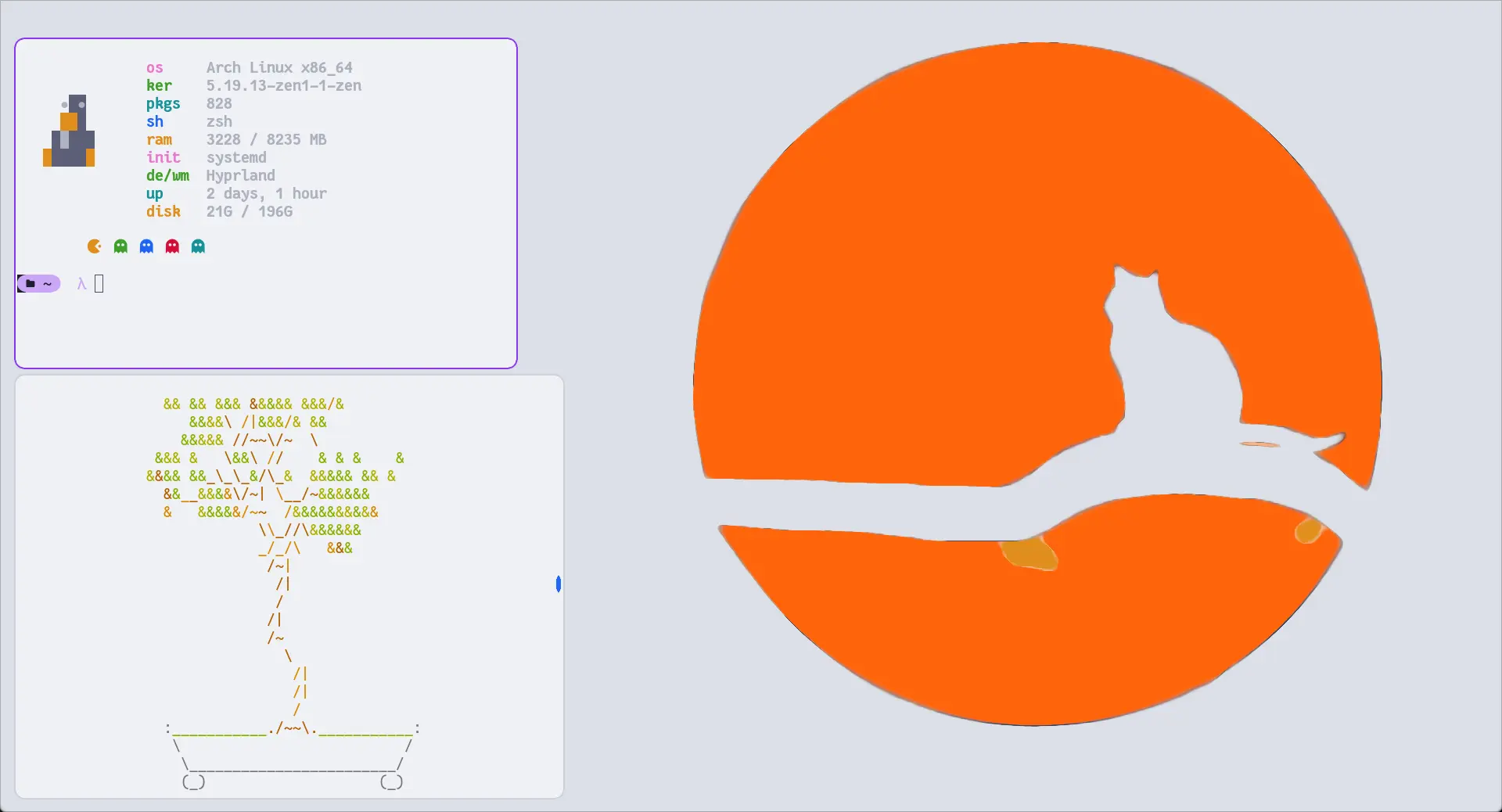
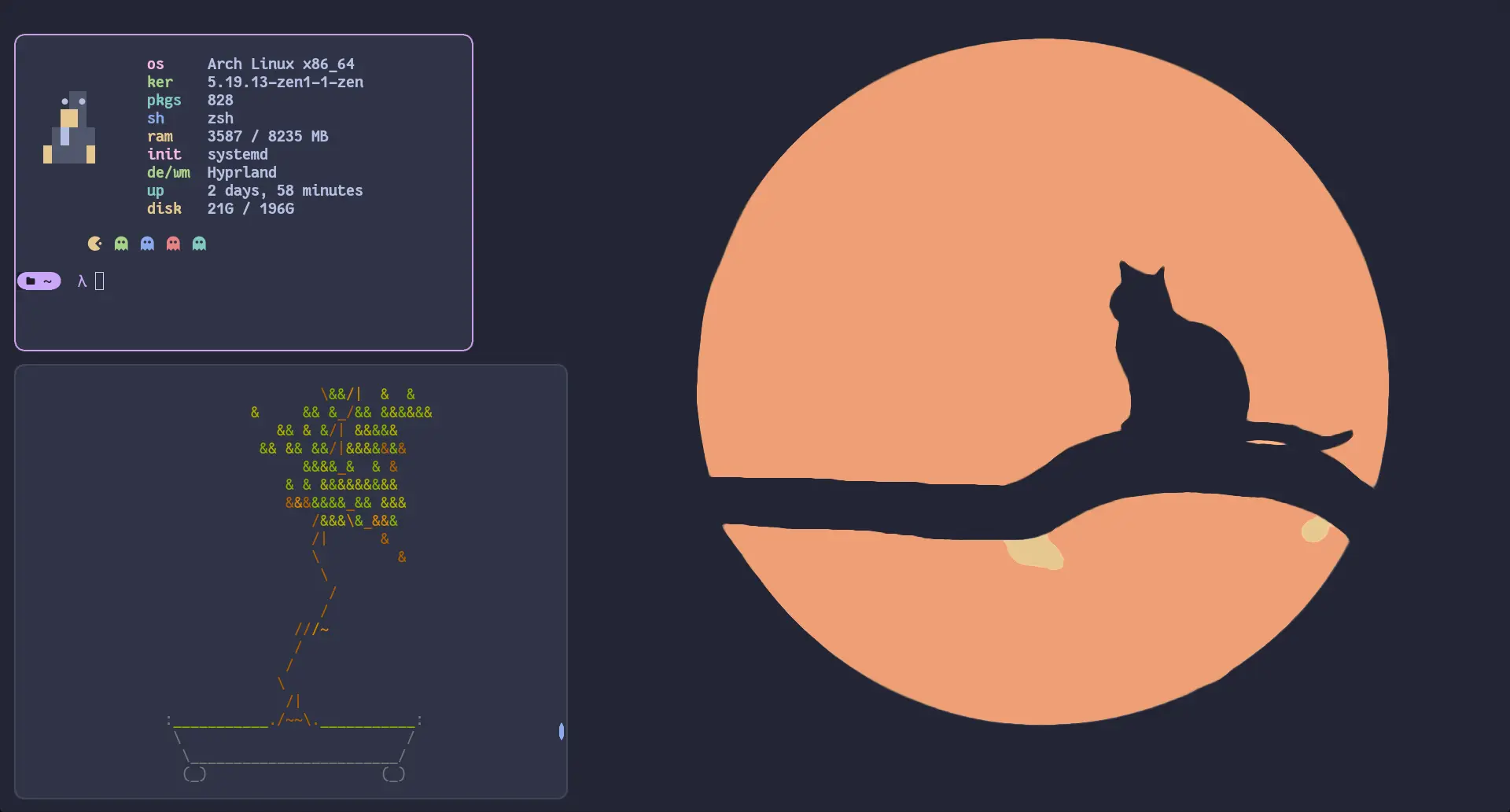
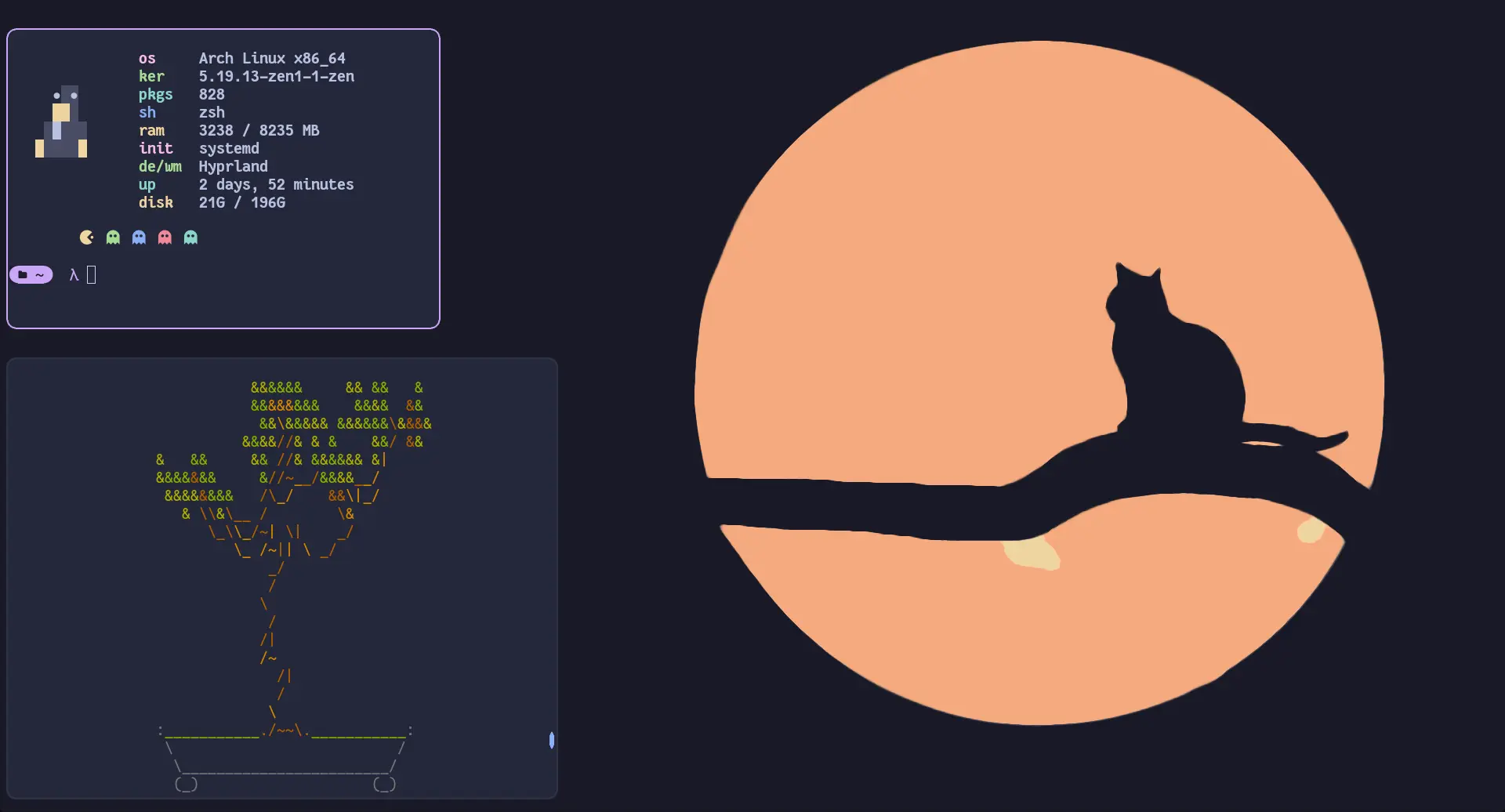
Soothing pastel color themes (Mocha, Macchiato, Frappe, Latte) for Hyprland.
Compatibility
Arch Linux, NixOS, Fedora, Void Linux (Server: WAYLAND)
Window Manager & Theme
Hyprland / Catppuccin Mocha Pastel
Key Components
Bar:Waybar Catppuccin•Terminal:Kitty Catppuccin•Launcher:Rofi Catppuccin•Notifications:Dunst Mocha•Editor:Neovim•Shell:fish
Full Description
The official Catppuccin color palette ported to Hyprland. Includes pre-configured color border variables, active window gradient rings, drop shadows, and matching styling across four pastel flavor tiers.

02. Installation & Deployment

Before you installThis changes your desktop configuration. Run it as your normal user, never with sudo: it asks for sudo only where a step needs it (listed below).The guided installer shows its plan first. Files it would replace are kept unless you approve. Everything it copies, clones or appends to in your home folder is backed up and verified first, and --rollback restores it. Packages, sudo changes and the other commands listed under Impact are not undone.
IntegrityEach release from main builds the installers in GitHub Actions and signs them with a GitHub build attestation. Verify your download against the repository, not this website (Option B, step 2). If it does not verify, don't run it.
ImpactWrites: ~/.config/hypr/catppuccin, ~/.config/hypr/hyprland.conf
RecoveryGuided: backups in ~/.local/state/0xtsoa/backups/, undo with bash install.sh --rollback.Manual: back up first (Option A, step 3).
Option A: manual installAdvanced
Read the source at the reviewed commit, back up, then run each step yourself.
$git clone https://github.com/catppuccin/hyprland ~/0xtsoa-review/catppuccin-hyprland-theme# 1. clone to a review folder
$git -C ~/0xtsoa-review/catppuccin-hyprland-theme checkout --detach 9f03f26fc10a00e00ec6b2ac2a41e44d16297548# 2. the reviewed commit
$for p in ~/.config/hypr/catppuccin ~/.config/hypr/hyprland.conf; do [ -e "$p" ] && cp -a "$p" "$p.bak-0xtsoa"; done# 3. back up what the steps write
Then the steps. Package commands are written for Arch; on other distros use your package manager.

Step-by-step deployment protocol

Step-by-step deployment
1Clone Catppuccin Hyprland repository
$git clone https://github.com/catppuccin/hyprland.git ~/.config/hypr/catppuccin
$git -C ~/.config/hypr/catppuccin checkout 9f03f26fc10a00e00ec6b2ac2a41e44d16297548
2Source theme in hyprland.conf
$echo "source = ~/.config/hypr/catppuccin/themes/mocha.conf" >> ~/.config/hypr/hyprland.conf
3Live reload Hyprland theme
$hyprctl reload
Option B: guided installerRecommended
The same steps as one script for any distro. It shows the plan first, keeps files you already have unless you approve replacing them, and backs up everything it changes in your home folder. Never pipe it into a shell.
$curl -fsSLo install.sh 'https://www.0xtsoa.dev/configs/catppuccin/hyprland-theme/install.sh'# 1. download
$gh attestation verify install.sh --repo nyharena25/0xTsoa --signer-workflow nyharena25/0xTsoa/.github/workflows/attest-installers.yml# 2. verify (GitHub CLI 2.49+, signed in)
$less install.sh# 3. read it
$bash install.sh --dry-run# 4. preview: changes nothing
$bash install.sh# 5. install (asks first)
$bash install.sh --rollback# undo the file changes
View script in browserOther options: --force (replace conflicts, backed up first), --yes, --help

03. Screenshot Gallery // Catppuccin Hyprland

Capture 01 // Fullscreen
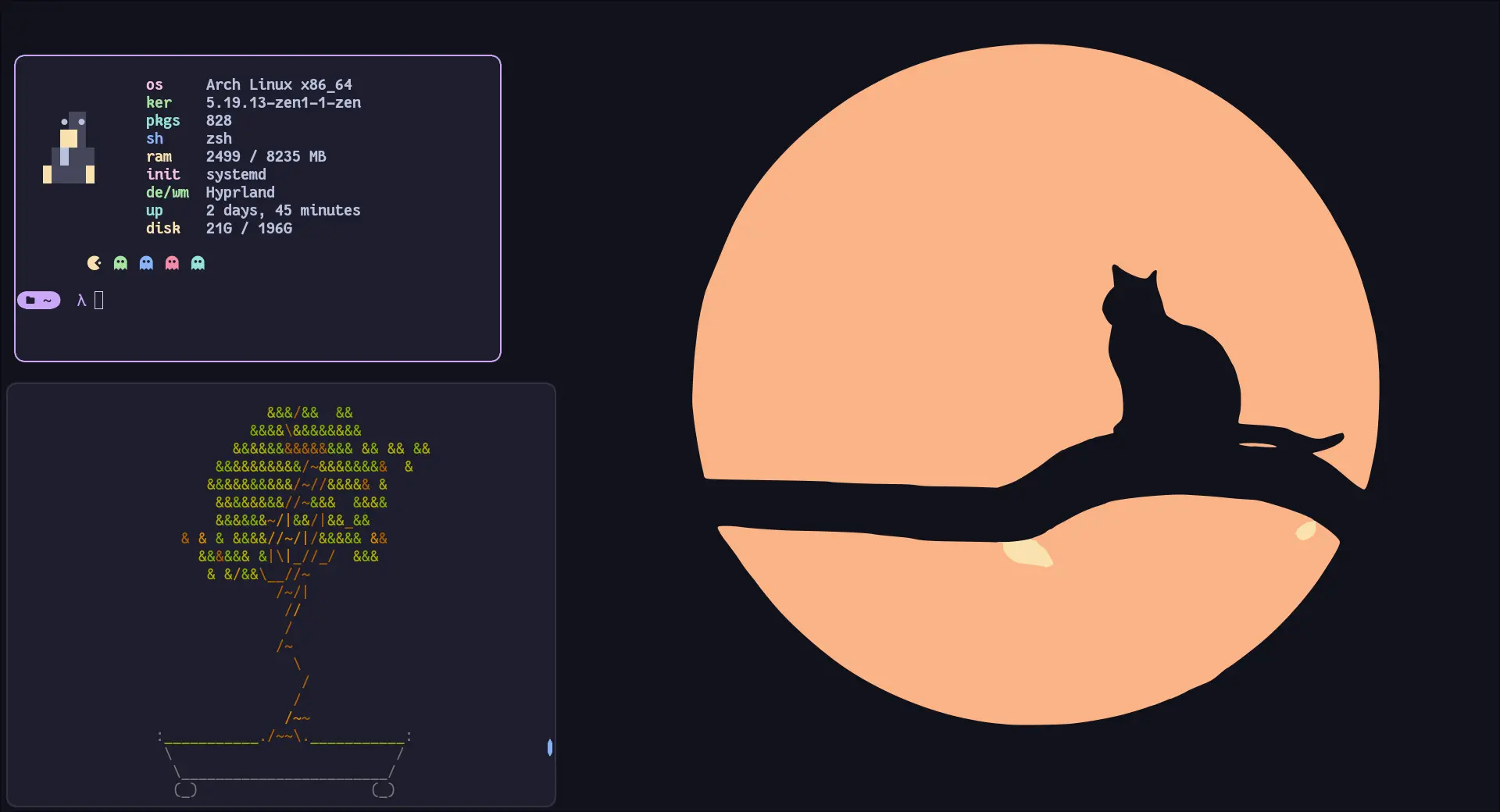
Catppuccin Mocha theme preview for Hyprland
01 / 08

04. Documentation & Guide

Source: catppuccin/hyprlandRef: 9f03f26fc1
README.md|GitHub Flavored Markdown

Logo
Catppuccin for Hyprland

Previews

🌻 Latte
🪴 Frappé
🌺 Macchiato
🌿 Mocha

Usage

Important

Since Hyprland 0.55, Hyprland configuration is done in Lua. For the legacy .conf format, please visit and follow the instructions on the v1.3 tag.

  1. Download the theme for your desired flavour, e.g. catppuccin-mocha.lua (from the release or from themes/lua/ after cloning)
  2. Copy it into your Hyprland config, e.g. ~/.config/hypr/themes/catppuccin-mocha.lua
  3. Load it from your hyprland.lua
local colors = require('themes.catppuccin-mocha')
  1. Use colors
-- Non-alpha values are already in Hyprland's rgb(...) format.
local base = colors.base

-- Alpha values are hex without transparency; append the alpha, eg. `ee` and wrap in rgba(...).
local surface0_ee = rgba(colors.surface0Alpha .. 'ee')

🙋 FAQ

  • Q: "Hyprland doesn't work with the colors"
    A: Make sure you are loading the correct theme file for your Hyprland version (.lua for >= 0.55) and referencing the values correctly (e.g. colors.base).


💝 Thanks to


Copyright © 2021-present Catppuccin Org

GitHub Flavored Markdown (github-markdown-css)README snapshot at 9f03f26fc1

05. Keyboard Shortcuts

Total: 2 shortcuts
SUPER + QShortcut
exec, kitty
Open Kitty terminal
SUPER + CShortcut
killactive
Close window