01. Overview & Architecture

Profile: v0.0.2
Schema validatedSource pinned
Purpose
Python framework for building desktop widgets with GTK.
Compatibility
Any distro (Server: BOTH)
Desktop Part
Widgets & shells
Window Manager & Theme
Any WM / DE / Other

02. Installation & Deployment

Before you installThis changes your desktop configuration and installs packages. Run it as your normal user, never with sudo: it asks for sudo only where a step needs it (listed below).The guided installer shows its plan first. Files it would replace are kept unless you approve. Everything it copies, clones or appends to in your home folder is backed up and verified first, and --rollback restores it. Packages, sudo changes and the other commands listed under Impact are not undone.
IntegrityEach release from main builds the installers in GitHub Actions and signs them with a GitHub build attestation. Verify your download against the repository, not this website (Option B, step 2). If it does not verify, don't run it.
ImpactPackages: python-fabric-git (some from the Arch AUR)
RecoveryGuided: backups in ~/.local/state/0xtsoa/backups/, undo with bash install.sh --rollback.Manual: the steps below only write in the download folder or run listed commands.
Option A: manual installAdvanced
Read the source at the reviewed commit, back up, then run each step yourself.
$git clone https://github.com/Fabric-Development/fabric ~/0xtsoa-review/fabric-development-fabric# 1. clone to a review folder
$git -C ~/0xtsoa-review/fabric-development-fabric checkout --detach 285439dfcb8cd9ab07b83fb5fa48c34489d6ba03# 2. the reviewed commit
Then the steps. Package commands are written for Arch; on other distros use your package manager.

Step-by-step deployment protocol

Step-by-step deployment
1Install python-fabric-git (AUR)
$yay -S python-fabric-git # AUR
$# Other distros: see the upstream README
Option B: guided installerRecommended
The same steps as one script for any distro. It shows the plan first, keeps files you already have unless you approve replacing them, and backs up everything it changes in your home folder. Never pipe it into a shell.
$curl -fsSLo install.sh 'https://www.0xtsoa.dev/configs/fabric-development/fabric/install.sh'# 1. download
$gh attestation verify install.sh --repo nyharena25/0xTsoa --signer-workflow nyharena25/0xTsoa/.github/workflows/attest-installers.yml# 2. verify (GitHub CLI 2.49+, signed in)
$less install.sh# 3. read it
$bash install.sh --dry-run# 4. preview: changes nothing
$bash install.sh# 5. install (asks first)
$bash install.sh --rollback# undo the file changes
View script in browserOther options: --force (replace conflicts, backed up first), --yes, --help

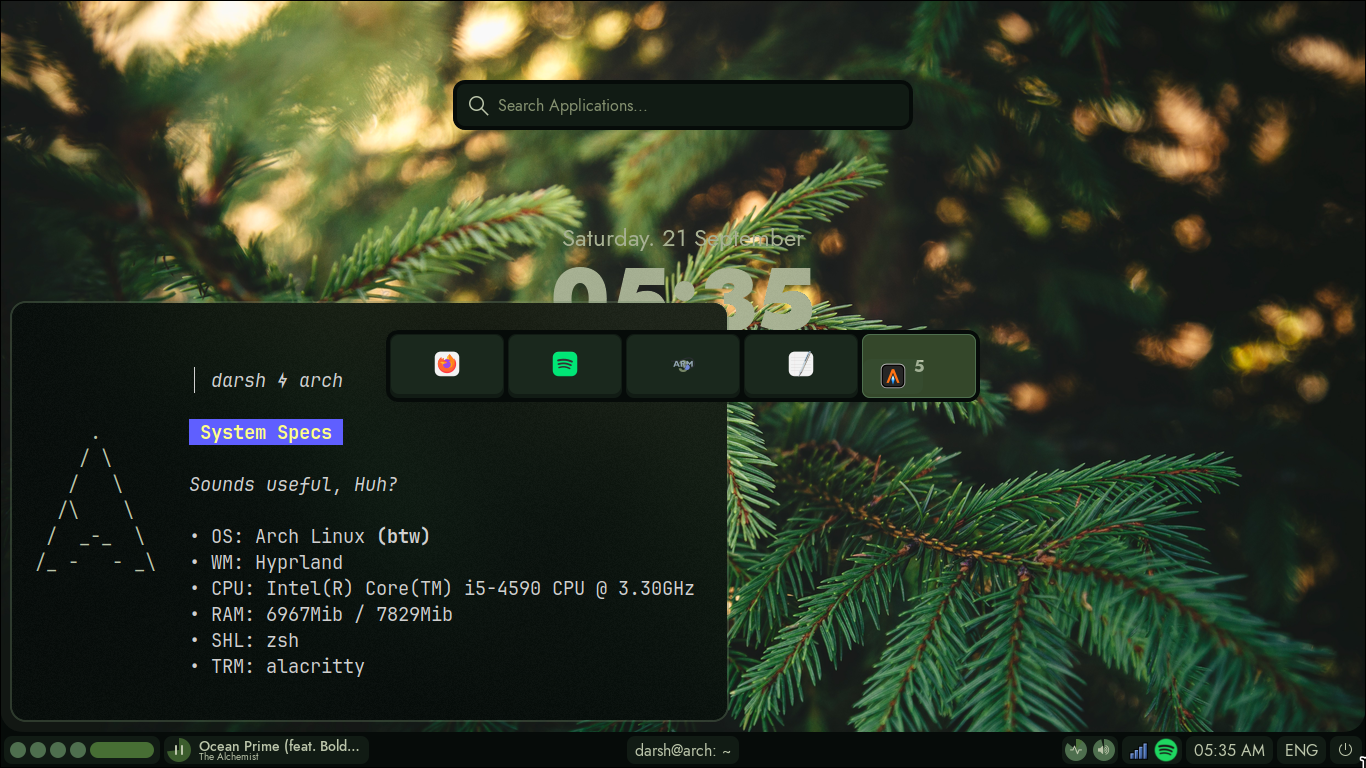
03. Screenshot Gallery // Fabric

Capture 01 // Fullscreen
Desktop showcase capture
01 / 01

04. Documentation & Guide

Source: Fabric-Development/fabricRef: 285439dfcb
README.md|GitHub Flavored Markdown

art by @SlumberDemon

Ricing, Made Easy 🍚⚡

 
Wiki Pages
 
 
Discord Server


What's Fabric?

Fabric is a Desktop Widgets System that you can customize using Python. It offers a variety of features to make the often tedious process of creating widgets much easier and more enjoyable!

Our goal is to provide a high-level, signal-based workflow—no polling or bash scripting required for even the most basic tasks.

Key Features

  1. Simple yet Powerful
  2. Supports both X11 and Wayland
  3. Access to all other Python modules
  4. Excellent Developer Experience (DevEX) and typing support
  5. Low resource usage
    • Built-in Python code replaces the need for resource-heavy shell scripts

Visual Tour

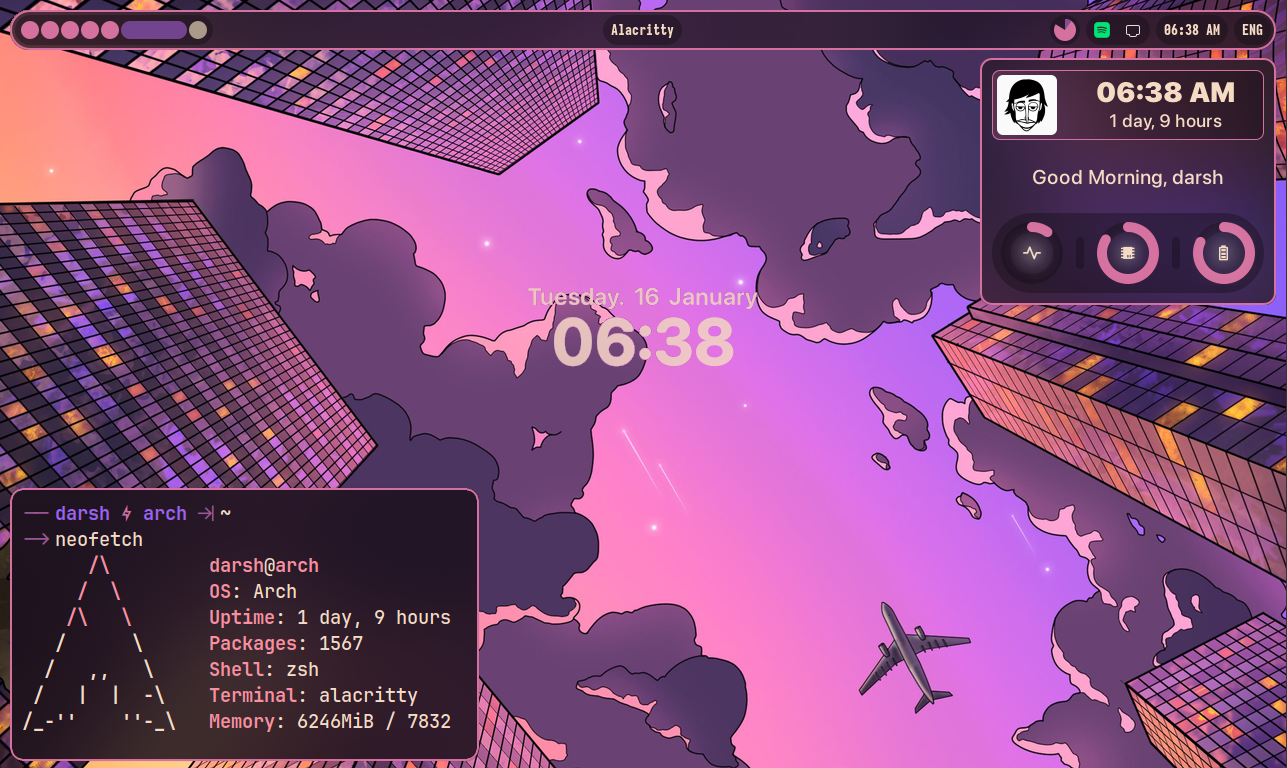
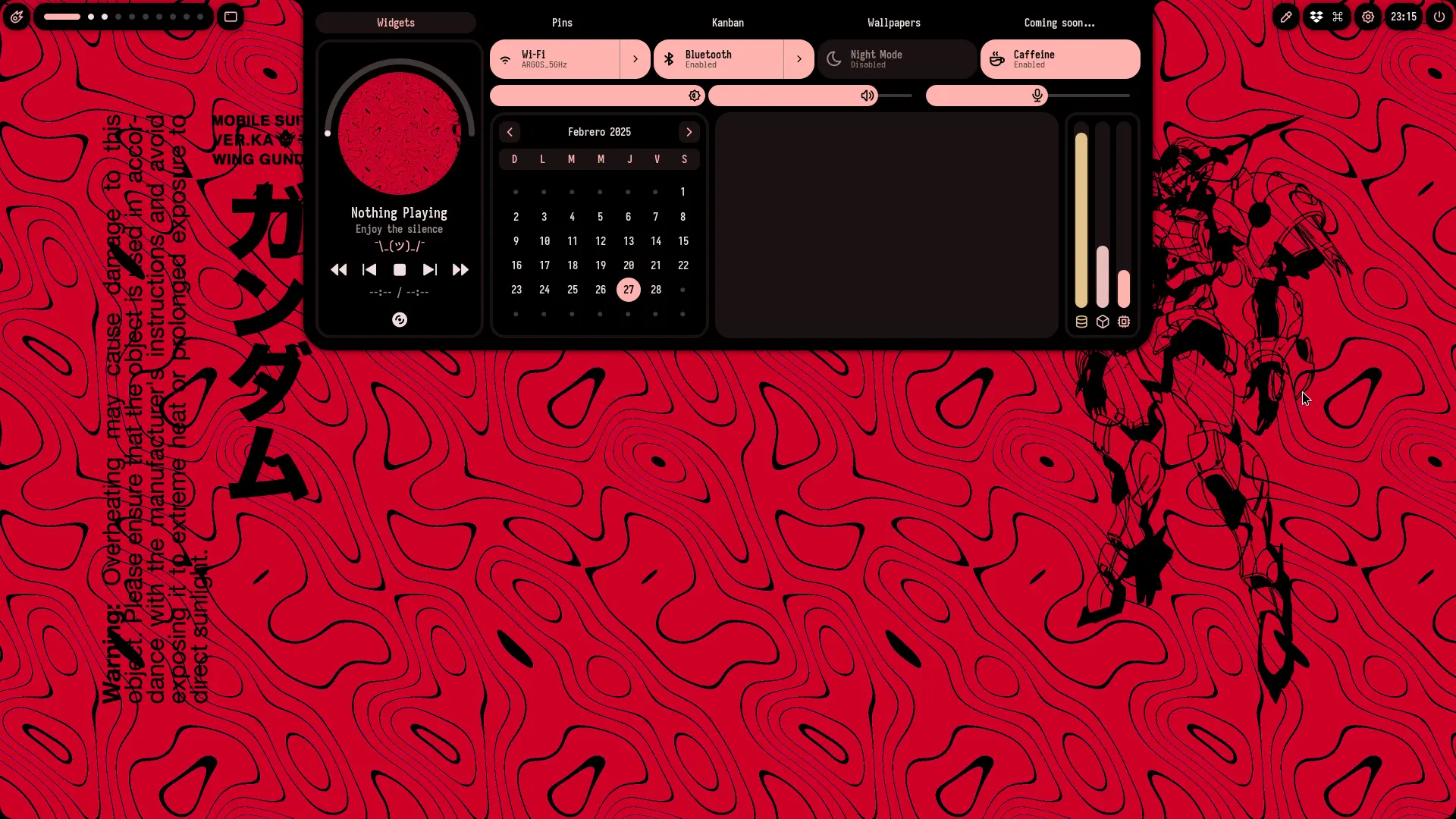
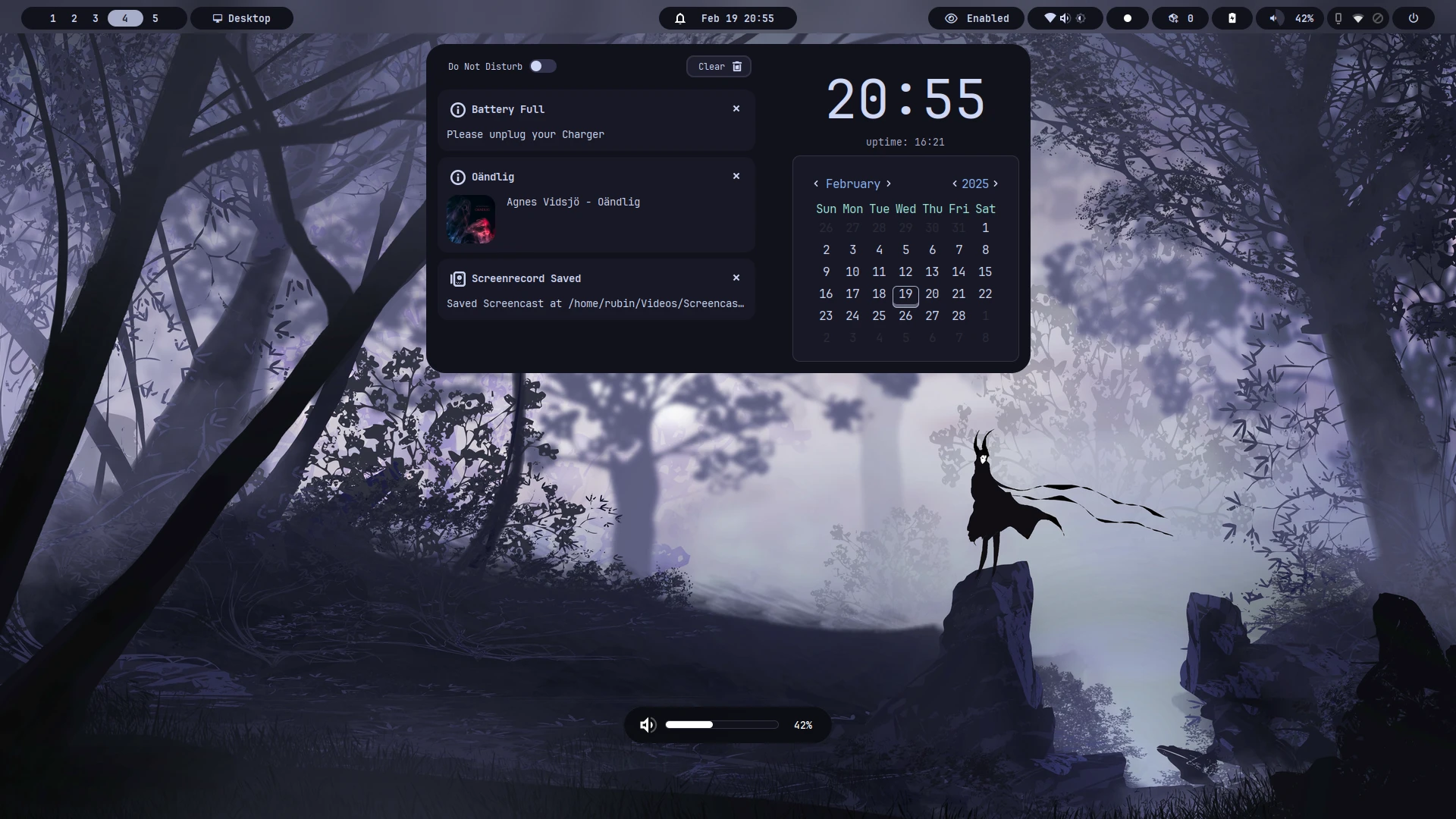
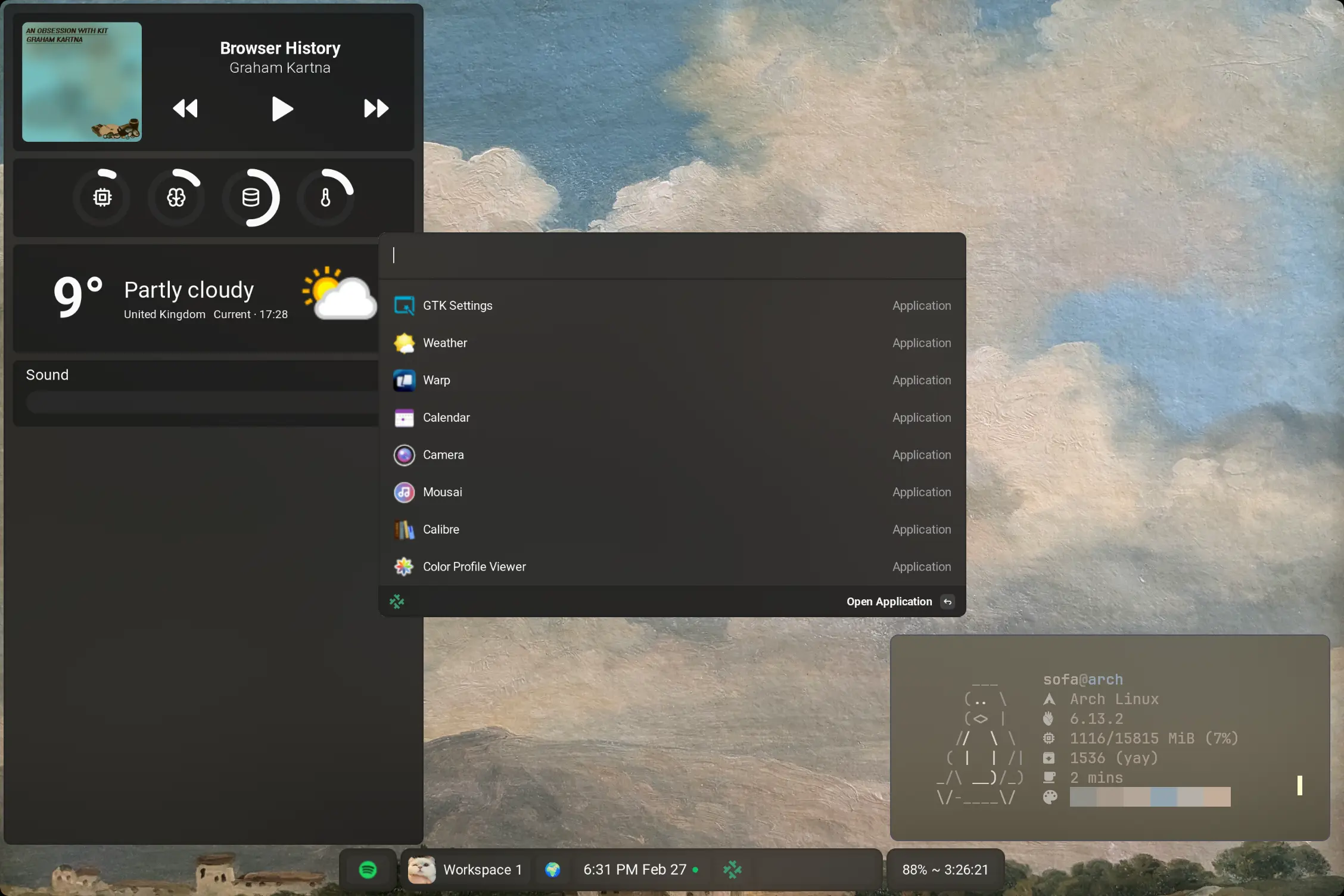
A Collection of Desktop rices that muscle-show what you are able to do using Fabric!

Hacking and Contributing

Interested in contributing? Check out the full guide in our wiki pages.

GitHub Flavored Markdown (github-markdown-css)README snapshot at 285439dfcb