01. Overview & Architecture

Profile: v0.56.2
Schema validatedSource pinned
Purpose
Official dynamic tiling Wayland compositor that doesn't sacrifice on the looks.
Compatibility
Arch Linux, NixOS, Fedora, openSUSE (Server: WAYLAND)
Desktop Part
WM & compositors
Window Manager & Theme
Hyprland / Hyprland Cyan & Charcoal
Key Components
Bar:Waybar•Terminal:Kitty•Launcher:Wofi / Rofi-wayland•Notifications:Dunst•Editor:Neovim•Shell:zsh
Full Description
The reference configuration for Hyprland: dynamic tiling, fluid bezier curves, rounded borders, GPU-accelerated blur, and comprehensive IPC controls. Serves as the high-performance foundation for modern Wayland desktops.

02. Installation & Deployment

Before you installThis changes your desktop configuration and installs packages. Run it as your normal user, never with sudo: it asks for sudo only where a step needs it (listed below).The guided installer shows its plan first. Files it would replace are kept unless you approve. Everything it copies, clones or appends to in your home folder is backed up and verified first, and --rollback restores it. Packages, sudo changes and the other commands listed under Impact are not undone.
IntegrityEach release from main builds the installers in GitHub Actions and signs them with a GitHub build attestation. Verify your download against the repository, not this website (Option B, step 2). If it does not verify, don't run it.
ImpactPackages: hyprland, waybar, kitty, wofiWrites: ~/.config/hypr/
RecoveryGuided: backups in ~/.local/state/0xtsoa/backups/, undo with bash install.sh --rollback.Manual: back up first (Option A, step 3).
Option A: manual installAdvanced
Read the source at the reviewed commit, back up, then run each step yourself.
$git clone https://github.com/hyprwm/Hyprland ~/0xtsoa-review/hyprwm-hyprland-core# 1. clone to a review folder
$git -C ~/0xtsoa-review/hyprwm-hyprland-core checkout --detach c7216a9807a2683ce243f6ed14ae01e7e884c426# 2. the reviewed commit
$for p in ~/.config/hypr; do [ -e "$p" ] && cp -a "$p" "$p.bak-0xtsoa"; done# 3. back up what the steps write
Then the steps. Package commands are written for Arch; on other distros use your package manager.

Step-by-step deployment protocol

Step-by-step deployment
1Install Hyprland & Waybar
$sudo pacman -S --needed hyprland waybar kitty wofi
2Set up basic ~/.config/hypr/hyprland.conf
$mkdir -p ~/.config/hypr
$cp /usr/share/hyprland/hyprland.conf ~/.config/hypr/
3Live reload compositor
$hyprctl reload
Option B: guided installerRecommended
The same steps as one script for any distro. It shows the plan first, keeps files you already have unless you approve replacing them, and backs up everything it changes in your home folder. Never pipe it into a shell.
$curl -fsSLo install.sh 'https://www.0xtsoa.dev/configs/hyprwm/hyprland-core/install.sh'# 1. download
$gh attestation verify install.sh --repo nyharena25/0xTsoa --signer-workflow nyharena25/0xTsoa/.github/workflows/attest-installers.yml# 2. verify (GitHub CLI 2.49+, signed in)
$less install.sh# 3. read it
$bash install.sh --dry-run# 4. preview: changes nothing
$bash install.sh# 5. install (asks first)
$bash install.sh --rollback# undo the file changes
View script in browserOther options: --force (replace conflicts, backed up first), --yes, --help

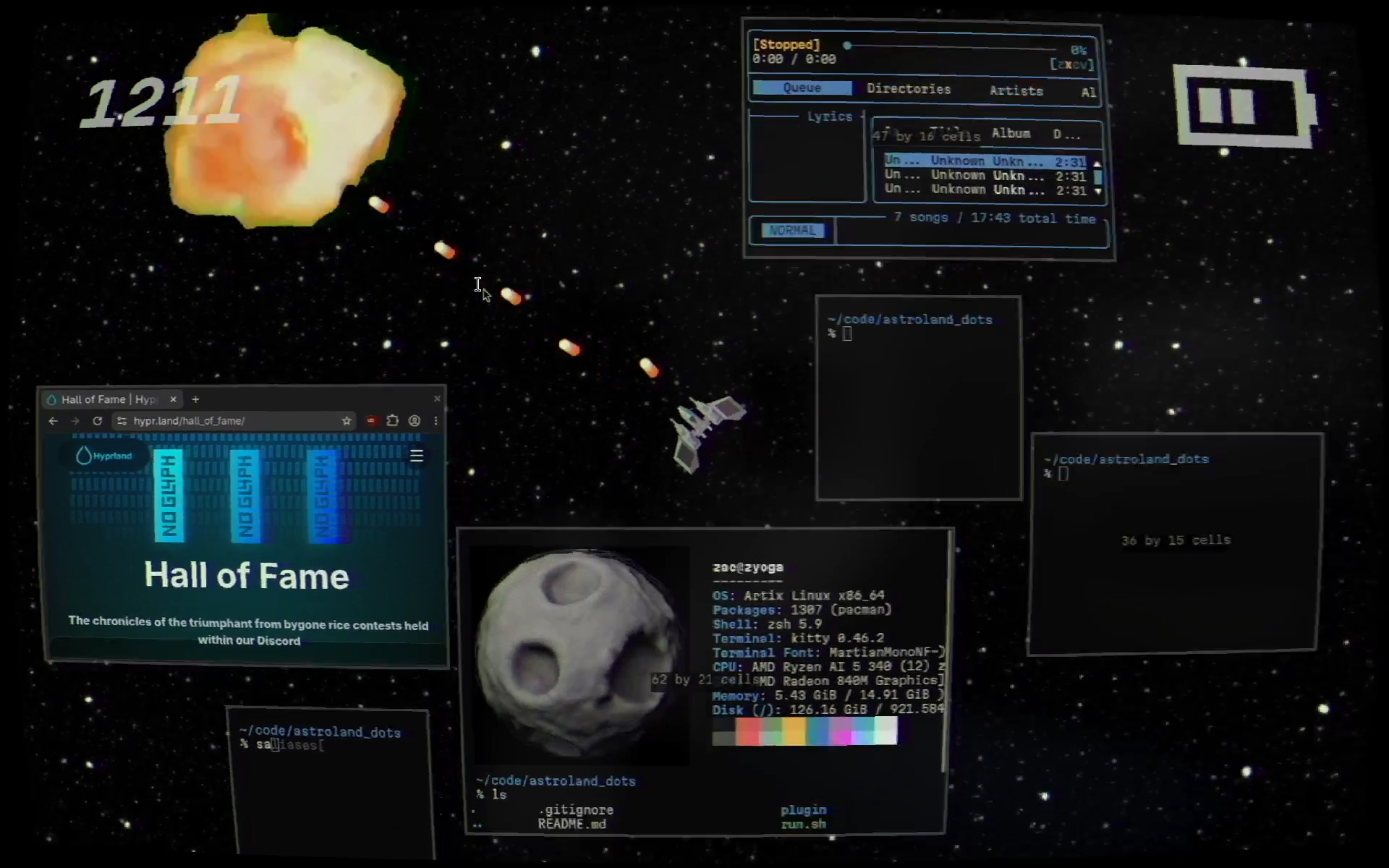
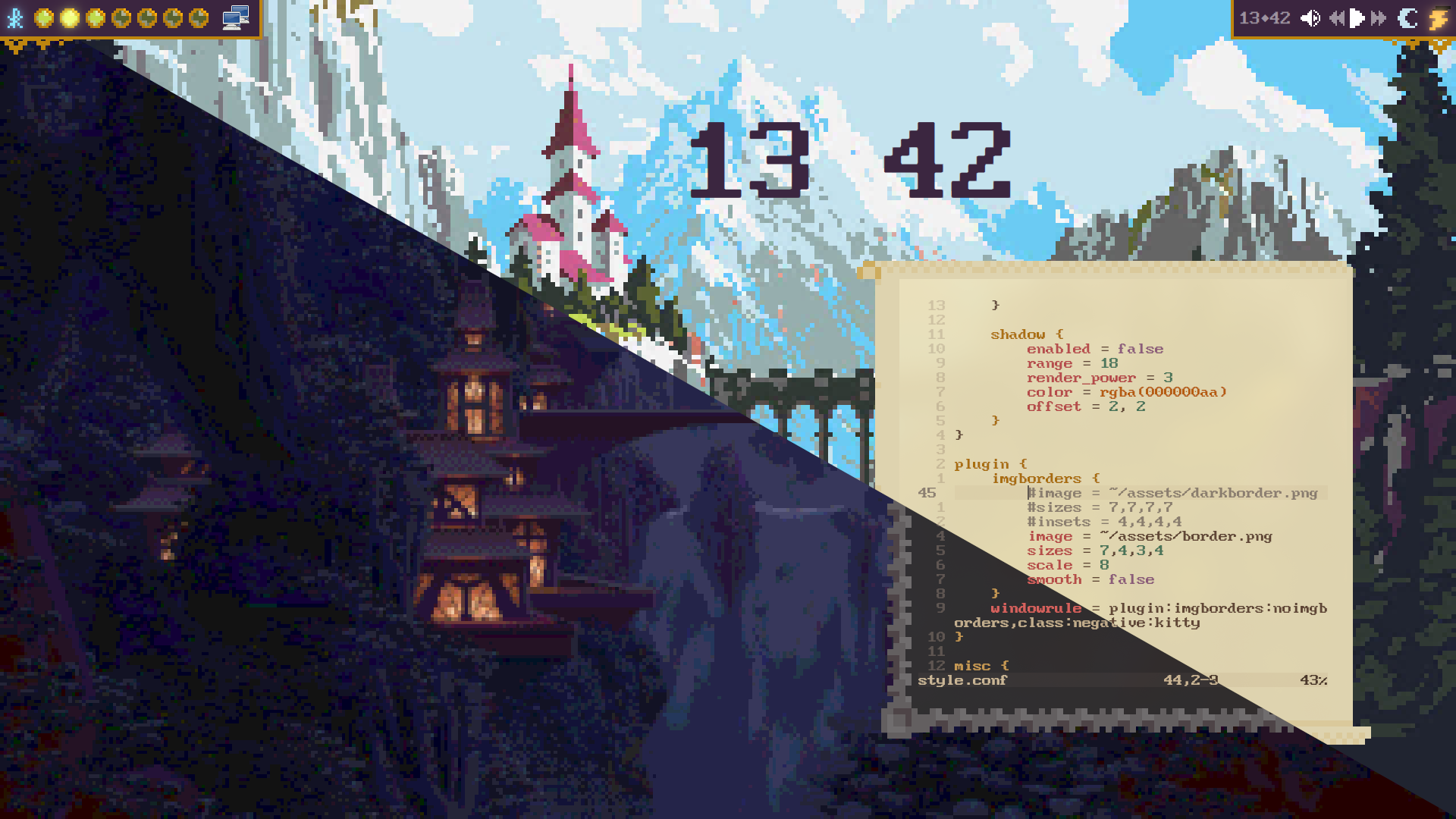
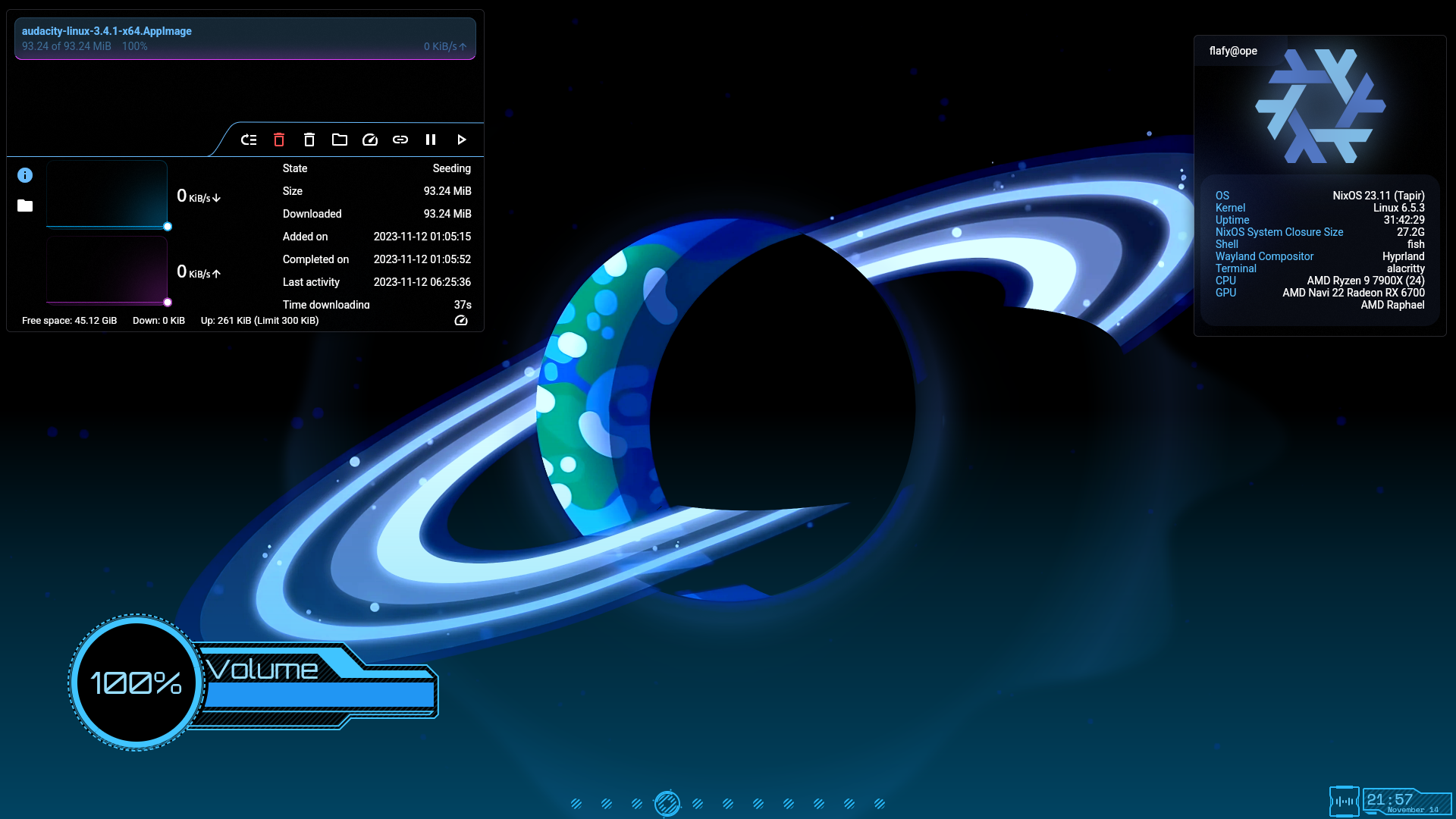
03. Screenshot Gallery // Hyprland Reference Compositor

Capture 01 // Fullscreen
Hyprland official anime minimalist backdrop
01 / 06

04. Documentation & Guide

Source: hyprwm/HyprlandRef: c7216a9807
README.md|GitHub Flavored Markdown
banner

![Badge Workflow] ![Badge License] Badge Language ![Badge Pull Requests] ![Badge Issues] Badge Hi Mom


Hyprland is a 100% independent, dynamic tiling Wayland compositor that doesn't sacrifice on its looks.

It provides the latest Wayland features, is highly customizable, has all the eyecandy, the most powerful plugins, easy IPC, much more QoL stuff than other compositors and more...


 Install 
 
   
 Quick Start 
 
   
 Configure 
 
   
 Contribute 


Features

  • All of the eyecandy: gradient borders, many types of blur, animations, glow, shadows and much more
  • A lot of customization
  • 100% independent, no wlroots, no libweston, no kwin, no mutter.
  • Custom bezier and spring curves for the best animations
  • Powerful plugin support
  • Built-in plugin manager
  • Tearing support for better gaming performance
  • Easily expandable and readable codebase
  • Fast and active development
  • Not afraid to provide bleeding-edge features
  • Config reloaded instantly upon saving
  • Global keybinds passed to your apps of choice
  • Tiling/pseudotiling/floating/fullscreen windows
  • Special workspaces (scratchpads)
  • Window groups (tabbed mode)
  • Powerful window/monitor/layer rules
  • Socket-based IPC
  • Native IME and Input Panels Support
  • Fully dynamic workspaces
  • Extensive layout support
    • Dwindle
    • Scrolling
    • Master
    • Monocle
    • Custom layout with Lua
    • Custom layouts with plugins
  • Per Workspace Layouts
  • and much more...


Gallery


Preview A


Preview B


Preview C


Special Thanks


wlroots - For powering Hyprland in the past

tinywl - For showing how 2 do stuff

Sway - For showing how 2 do stuff the overkill way

Vivarium - For showing how 2 do stuff the simple way

dwl - For showing how 2 do stuff the hacky way

Wayfire - For showing how 2 do some graphics stuff

GitHub Flavored Markdown (github-markdown-css)README snapshot at c7216a9807

05. Keyboard Shortcuts

Total: 4 shortcuts
SUPER + QShortcut
exec, kitty
Open terminal
SUPER + CShortcut
killactive
Close window
SUPER + MShortcut
exit
Exit Hyprland session
SUPER + VShortcut
togglefloating
Toggle window floating