Nordzy Icon Theme
Note
This project was previously under the ownership of @alvatip, before retiring, and transferring the repository to me. The document below is a verbatim copy of what they had written under their ownership.

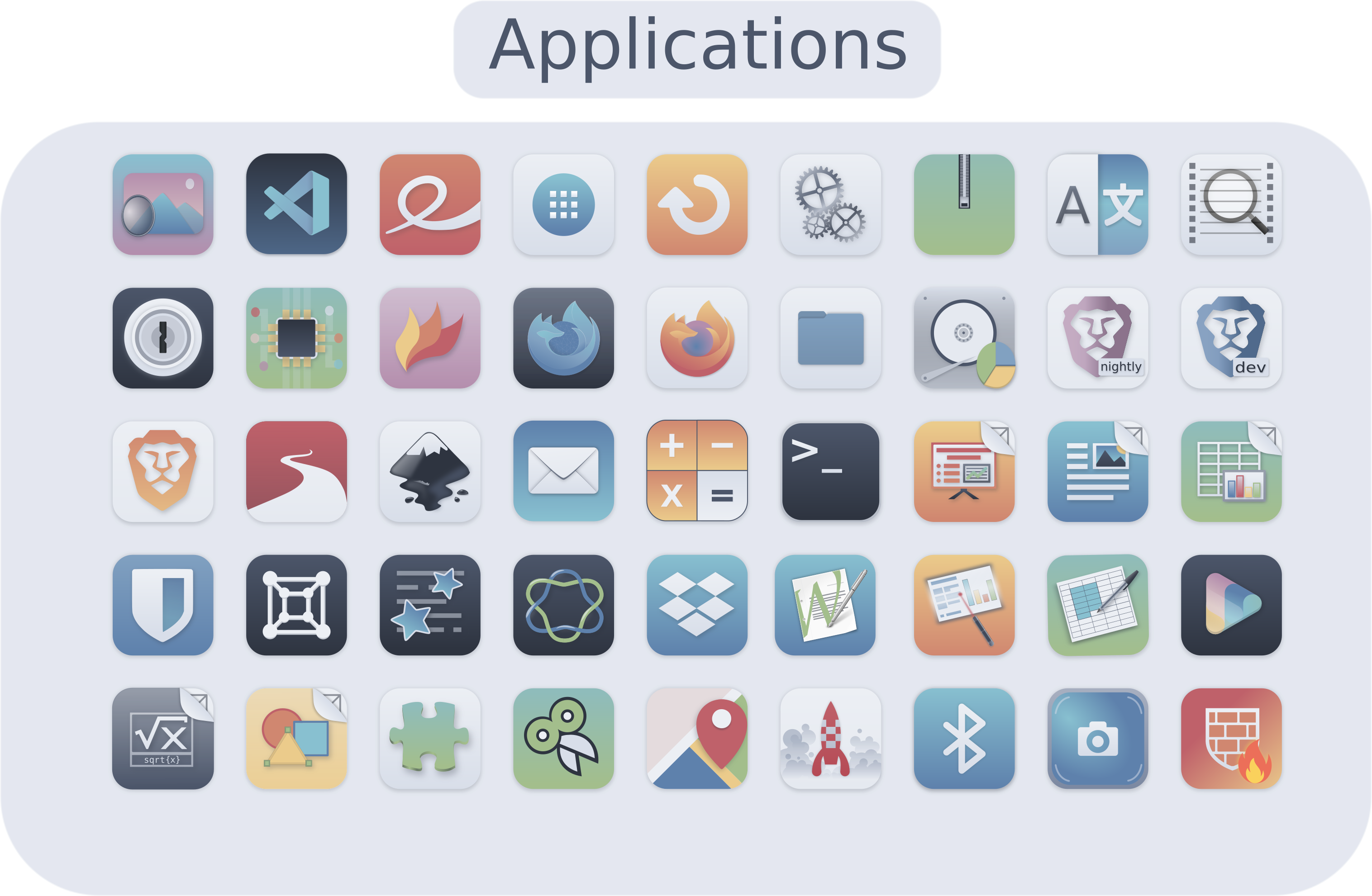
Nordzy is a free and open source icon theme for Linux desktops using the Nord color palette from Arctic Ice Studio and based on WhiteSur Icon Theme and Numix Icon Theme
I’ll take requests for which app icons I should put in next. If I get no requests, I take (almost) randomly from the long list of apps.
Dark variants are more appropriate for dark desktop environments, while the normal variants are more appropriate for light desktop environments.
If you are using a dark theme with a light panel (or the opposite) you can specify the panel argument which make the panel's color opposite.
Table of contents
Preview
Installation
Installer
To install the icon theme, first clone this repository
git clone https://github.com/MolassesLover/Nordzy-icon
Then go inside it
cd Nordzy-icon/
and use the installer script (with or without arguments).
For a local installation:
./install.sh
For a global installation:
sudo ./install.sh
Usage: ./install.sh [OPTIONS...]
| OPTIONS: | |
|---|---|
| -d, --dest DIR | Specify theme destination directory (Default: $HOME/.icons) |
| -n, --name NAME | Specify theme name (Default: Nordzy) |
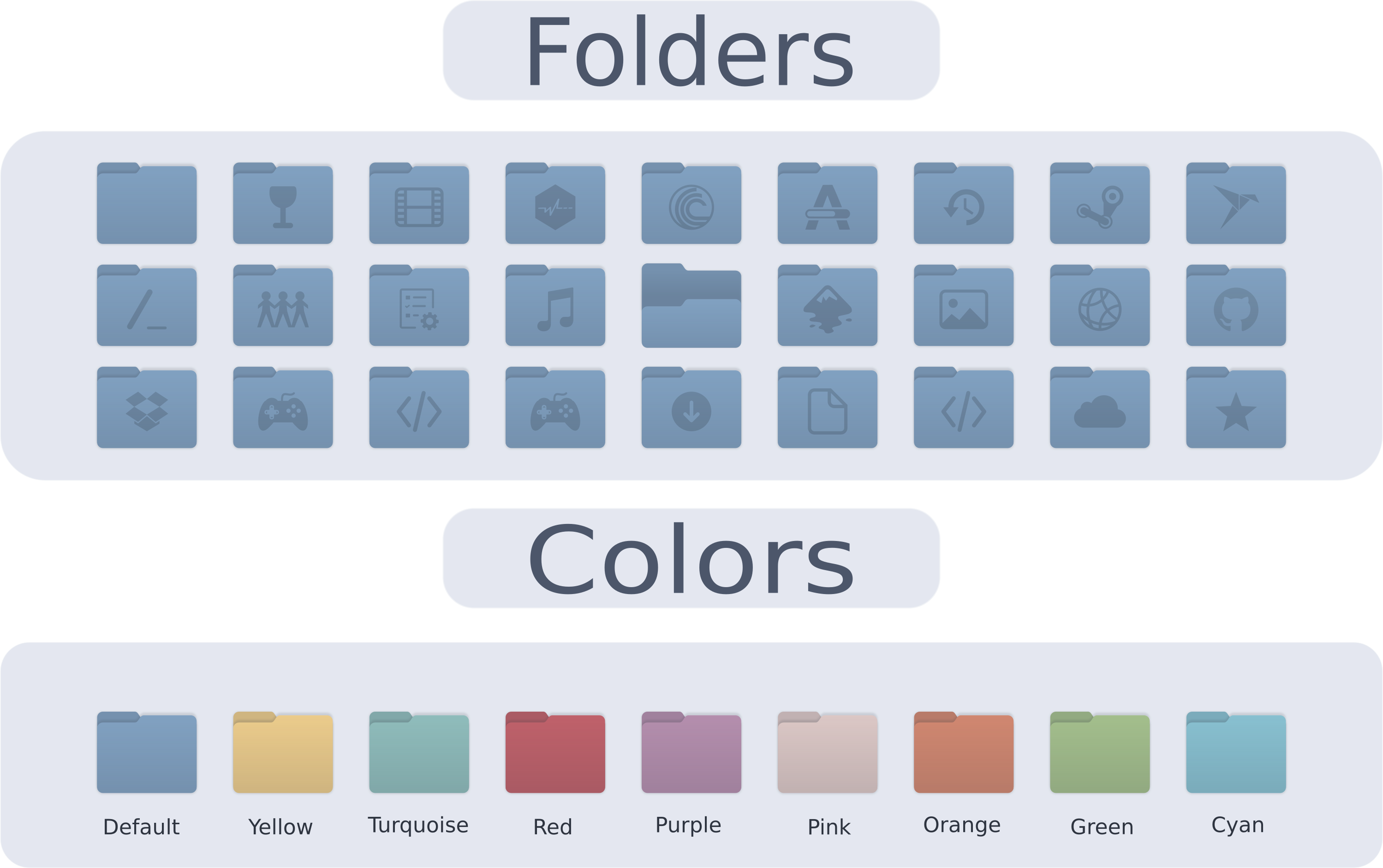
| -t, --theme VARIANT | Specify theme color variant(s) (default; purple; pink; red; orange; yellow; green; turquoise; cyan; all) |
| -c, --color VARIANT | Specify color variant(s) [standard;light;dark] (Default: All variants) |
| -p, --panel | Make panel's color opposite to the color variant of the theme (Default: same as color variant) |
| --total | Install all theme, color and panel variants |
| -h, --help | Show help |
tar.gz file
Alternatively, you can use the tar.gz files located in the release section and extract them to the adequate directory.
Usually
$HOME/.local/share/icons/for a user installation and/usr/share/icons/for a system wide installation.
Also available




Uninstallation
To remove the icon theme, If you installed it locally:
rm -r $HOME/.local/share/icons/Nordzy*
and to remove global installation:
sudo rm -r /usr/share/icons/Nordzy*
Using AppImageLauncher?
If you are using AppImageLauncher to manage your appimage application, running the python script AppImageIcon will update all the desktop file in $HOME/.local/share/applications/ that are created by AppImageLauncher to use Nordzy icons
python -m AppImageIcon
Icon request
When submitting an icon request, please give the following information:
- Application name
- Icon name if you know it
- Original icon image
- Use tray? Tray icon name (again, if you know it).
- Small description and/or a link to the official webpage.
Contributing
Help is always welcome.
- Create a new icon for missing applications
- Make a symlink to an existing icon
- Edit an existing icon
- Script improvement
- Spelling, grammar, etc.
Support the author

License
GNU General Public License v3.0.