
Materia
Materia is a Material Design theme for GNOME/GTK based desktop environments.
It supports GTK 2, GTK 3, GTK 4, GNOME Shell, Budgie, Cinnamon, MATE, Unity, Xfce, LightDM, GDM, Chrome theme, etc.
Previews
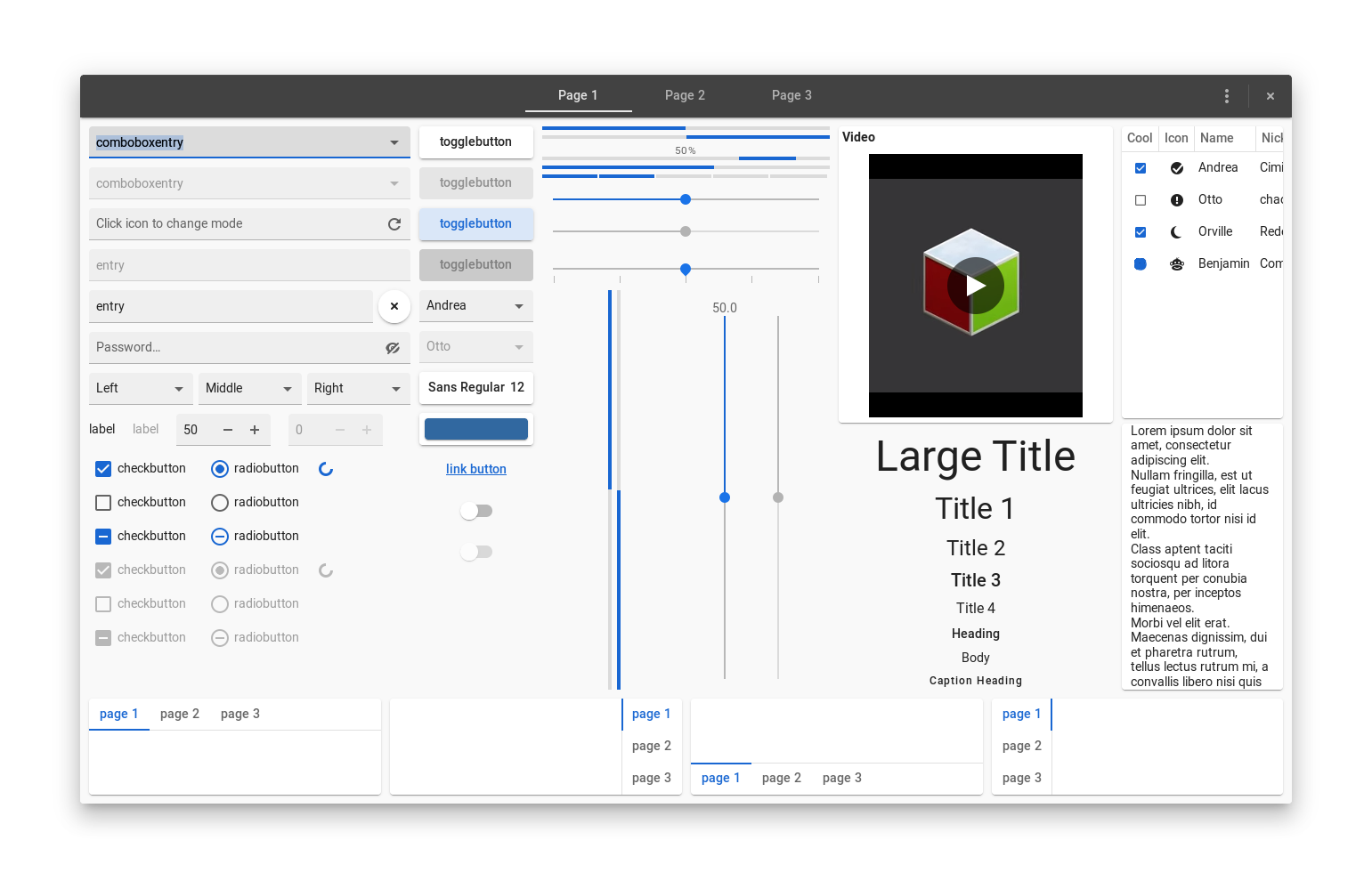
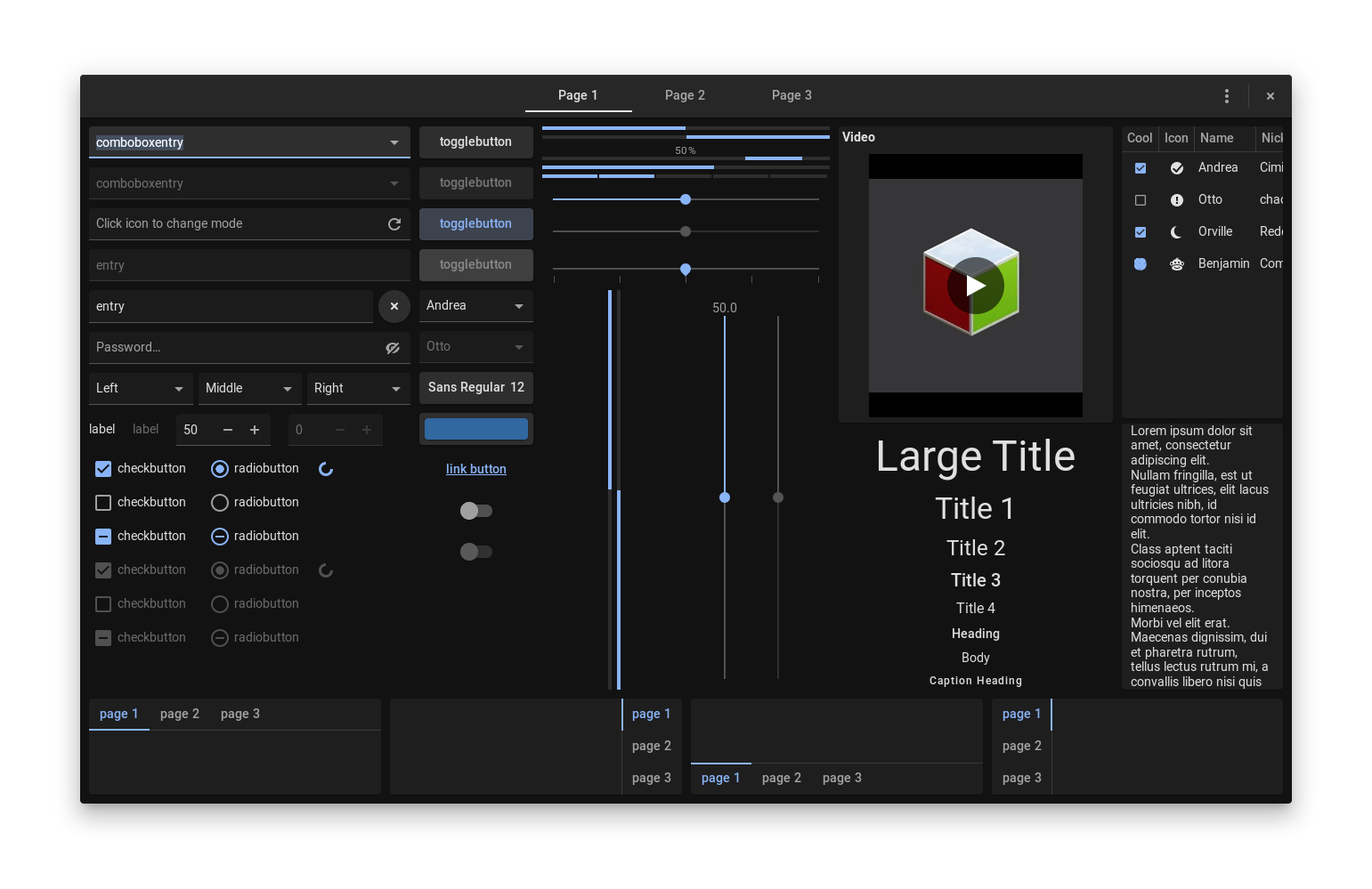
Features
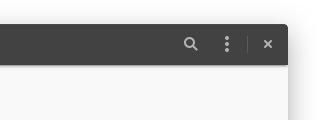
Supports ripple animations for GTK 3 and 4:

3 color variants and 2 size variants are available:
| Materia | standard | compact |
|---|---|---|
| standard | 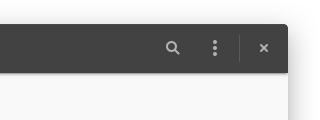 |
 |
| dark | 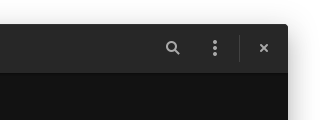 |
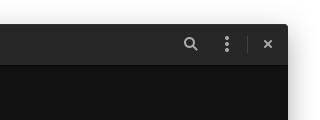 |
| light | 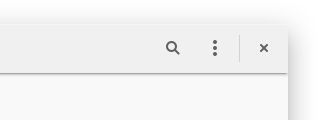 |
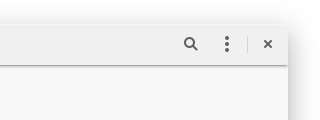 |
Supported Toolkits and Desktops
- GTK 2
- GTK 3
>=3.20 - GTK 4
>=4.0 - Budgie
>=10.4 - Cinnamon
>=3.x - GNOME Shell
>=3.26 - MATE
>=1.14 - Unity
>=7.4 - Xfce
>=4.13
Unsupported Apps and Desktops
- elementary apps
Because they are based on their own stylesheet that conflicts with GTK standards.
- Downstream customized GNOME sessions
E.g. "Ubuntu" session, "Pop" session. To properly use Materia on GNOME Shell, please install
gnome-sessionand then switch to "GNOME" or "GNOME on Xorg" session from your display manager.
Installation
Distro Packages
| Distro | Package Name | Annotation |
|---|---|---|
| Arch Linux | materia-gtk-theme |
Link |
| Debian 10 or later | materia-gtk-theme |
Link |
| Fedora | materia-gtk-theme |
Link |
| Solus | materia-gtk-theme |
Link |
| Ubuntu 18.04 or later | materia-gtk-theme |
Link |
NOTE: Distro packages could be outdated and incompatible with your desktop environment. You can check the latest version here.
Flatpak
All 6 variants are available via Flathub:
flatpak remote-add --if-not-exists flathub https://dl.flathub.org/repo/flathub.flatpakrepo
flatpak install flathub org.gtk.Gtk3theme.Materia{,-dark,-light}{,-compact}
Manual Installation
See `INSTALL.md` for details.
Recommendations
Font
- Use a font family including Medium weight (e.g. Roboto or M+) to properly display the theme.
- Set the font size to
9.75(= 13px at 96dpi) or10.5(= 14px at 96dpi).
Chrome Extensions
To improve the appearance of Chrome, you can install our Chrome extensions as follows:
- Open the
/usr/share/themes/Materia<-variant>/chromefolder in your file manager. - Drag and drop the
.crxfiles into the Chrome's Extensions page (chrome://extensions).
GDM Theme
You can change the GDM (lock/login screen) theme by replacing the default GNOME Shell theme.
See `INSTALL_GDM_THEME.md` for details.
Customization
Materia can be customized with GUI application, **oomox theme designer**.
Materia also allows you to change the color scheme relatively easily in other ways. See `HACKING.md` for details.
Contributing
If you find bugs or have suggestions, please report it to the issue tracker. Any contribution would be much appreciated.
Todo list can be found at `TODO.md`.
Related Projects
- **Materia KDE** by @PapirusDevelopmentTeam
- **Materia VSCode Theme** by @m-thorsen
- **Materia Kolorizer** by @DarthWound
- **oomox theme designer** by @themix-project
License
Materia is distributed under the terms of the GNU General Public License, version 2 or later. See the `COPYING` file for details.
Acknowledgments
- Materia is based on Adwaita by GNOME.
- Design and specifications are based on Google's Material Design.
- The included symbolic icons are based on Material Design icons by Google.
- The Chrome scrollbar extension was forked from Adwaita-chrome-scrollbar by GNOME Integration Team.
- Yauhen Kirylau (@actionless) who is oomox author polished scripts and supported Materia with oomox.
- @n3oxmind who helped improve the installation script we had.
- @smurphos who made and provided the Cinnamon theme for Materia.
- Our Meson code is heavily influenced by @monday15's lounge-gtk-theme.
Also thank you to all contributors and upstream developers.