





01. Overview & Architecture

Profile: v0.2.0
Schema validatedSource pinned
Purpose
Original specification of the arctic Nord palette.
Compatibility
Any distro (Server: BOTH)
Window Manager & Theme
Any WM / DE / Nord

02. Installation & Deployment

Before you installThis changes your desktop configuration. Run it as your normal user, never with sudo: it asks for sudo only where a step needs it (listed below).The guided installer shows its plan first. Files it would replace are kept unless you approve. Everything it copies, clones or appends to in your home folder is backed up and verified first, and --rollback restores it. Packages, sudo changes and the other commands listed under Impact are not undone.
IntegrityEach release from main builds the installers in GitHub Actions and signs them with a GitHub build attestation. Verify your download against the repository, not this website (Option B, step 2). If it does not verify, don't run it.
ImpactRuns the commands listed in the steps below.
RecoveryGuided: backups in ~/.local/state/0xtsoa/backups/, undo with bash install.sh --rollback.Manual: the steps below only write in the download folder or run listed commands.
Option A: manual installAdvanced
Read the source at the reviewed commit, back up, then run each step yourself.
$git clone https://github.com/nordtheme/nord ~/0xtsoa-review/nordtheme-nord# 1. clone to a review folder
$git -C ~/0xtsoa-review/nordtheme-nord checkout --detach 1cef71605416a222e57225b544540ce0fcec18d4# 2. the reviewed commit
Then the steps. Package commands are written for Arch; on other distros use your package manager.

Step-by-step deployment protocol

Step-by-step deployment
1Clone the repository
$git clone --filter=blob:none https://github.com/nordtheme/nord
$git -C nord checkout 1cef71605416a222e57225b544540ce0fcec18d4
$cd nord
2Follow the upstream README
$xdg-open https://github.com/nordtheme/nord#readme
Option B: guided installerRecommended
The same steps as one script for any distro. It shows the plan first, keeps files you already have unless you approve replacing them, and backs up everything it changes in your home folder. Never pipe it into a shell.
$curl -fsSLo install.sh 'https://www.0xtsoa.dev/configs/nordtheme/nord/install.sh'# 1. download
$gh attestation verify install.sh --repo nyharena25/0xTsoa --signer-workflow nyharena25/0xTsoa/.github/workflows/attest-installers.yml# 2. verify (GitHub CLI 2.49+, signed in)
$less install.sh# 3. read it
$bash install.sh --dry-run# 4. preview: changes nothing
$bash install.sh# 5. install (asks first)
$bash install.sh --rollback# undo the file changes
View script in browserOther options: --force (replace conflicts, backed up first), --yes, --help

03. Screenshot Gallery // Nord

Capture 01 // Fullscreen
Desktop showcase capture
01 / 05

04. Documentation & Guide

Source: nordtheme/nordRef: 1cef716054
readme.md|GitHub Flavored Markdown

An arctic, north-bluish color palette.

A total of sixteen, carefully selected, dimmed pastel colors for a eye-comfortable, but yet colorful ambiance.

Created for clear, uncluttered and elegant designs following a minimal and flat style pattern. For syntax highlighting it aims to ensure an undisturbed focus on important parts of the code, a good readability and a quick visual distinction between the different syntax elements.

Nord consists of four named color palettes providing different syntactic meanings and color effects for dark & bright ambiance designs.
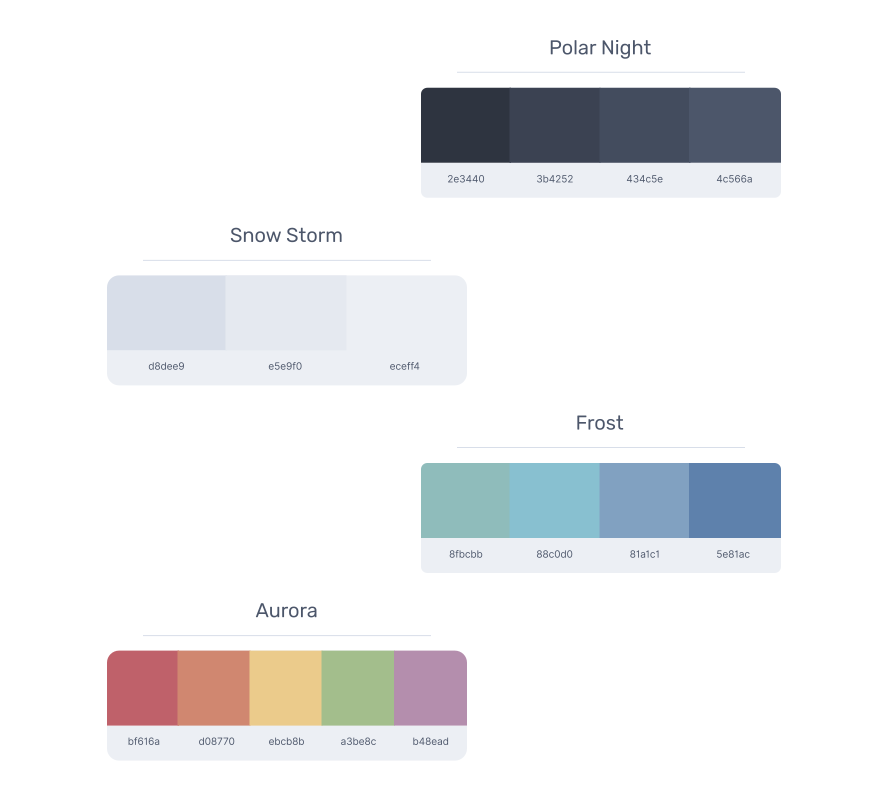
Nord color palette cards

All colors are numbered from nord0 to nord15 where each palette contains a different amount of colors. The naming convention preserves the compatibility for terminal color schemes and allows an uncomplicated use as base for such.

Getting Started

Visit the official website to learn all about Nord's colors and palettes and how to install and integrate Nord in your own projects or use the color swatches for your favorite applications.

Quick Start

Install Nord using npm or yarn:

# npm
npm install --save nord

# yarn
yarn add nord

Please see the complete installation and usage guide for more details.

Port Projects

Unify the appearance and usage experience for your favorite applications — from code editors, shell terminals to modern UIs and libraries.

Nord supports a broad and constantly growing spectrum that allows to customize your daily tool stack.
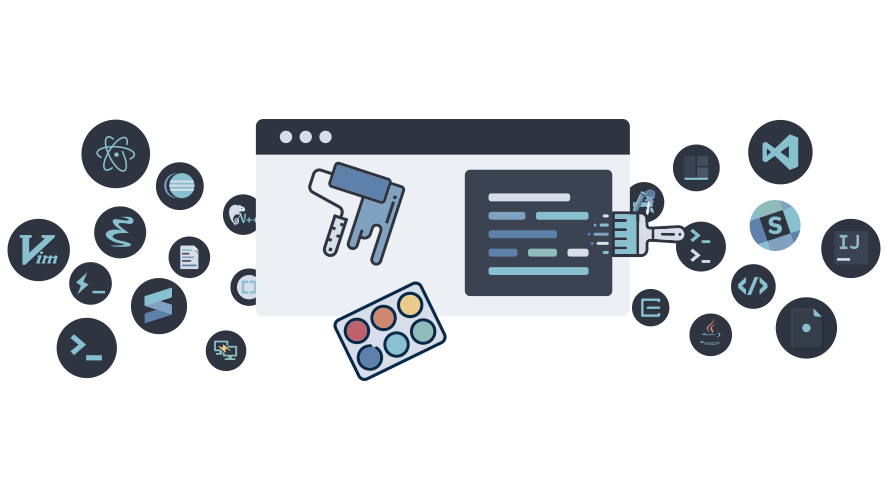
Nord port project illustration

Color Swatches

Next to the many ways of integrating Nord into your project, all color palettes of Nord are also available in various native color swatch formats.

Easily import Nord into macOS, Adobe products like Photoshop & Illustrator, GIMP/Krita/Inkscape and many more.
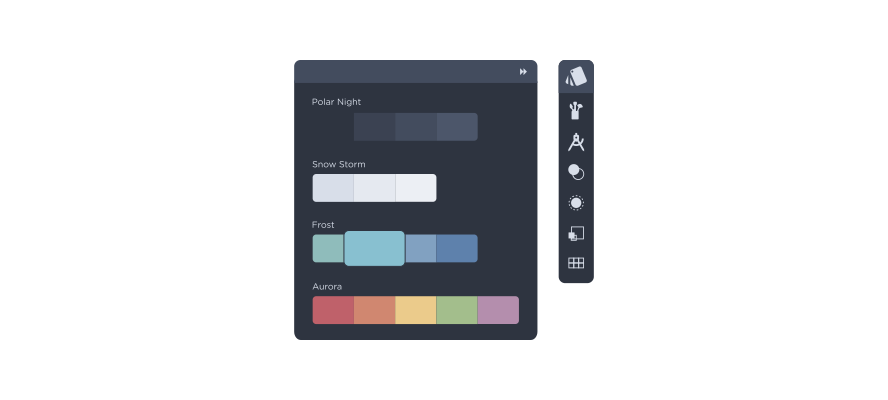
Nord color swatch toolbox

Contributing

Nord is an open source project and we love to receive contributions from the community!

There are many ways to contribute, from writing- and improving documentation and tutorials, reporting bugs, submitting enhancement suggestions that can be added to Nord by submitting pull requests.

Please take a moment to read the full contributing guide to learn about the development process, the project's used styleguides, branch organization and versioning model.

The guide also includes information about minimal, complete, and verifiable examples and other ways to contribute to the project like improving existing issues and giving feedback on issues and pull requests.

Copyright © 2016-present Sven Greb


GitHub Flavored Markdown (github-markdown-css)README snapshot at 1cef716054