01. Overview & Architecture

Schema validatedSource pinned
Purpose
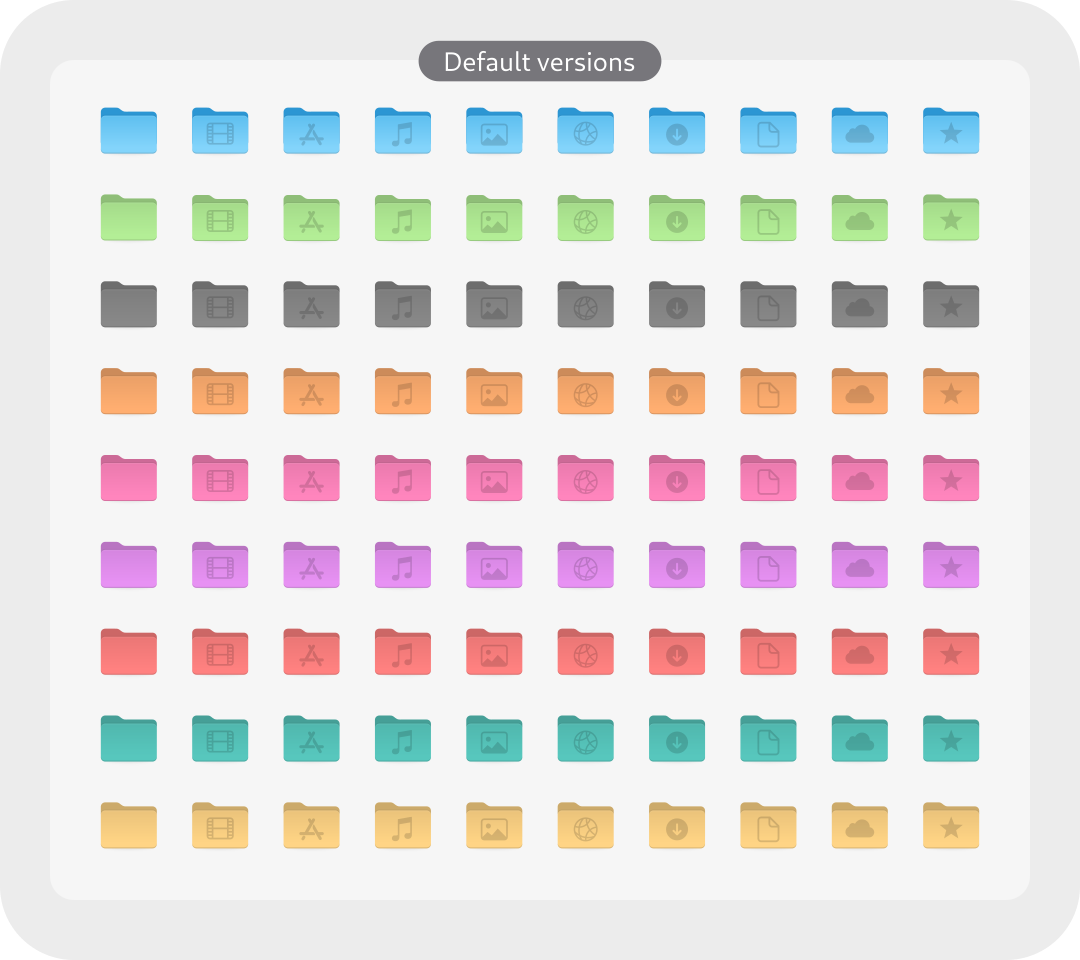
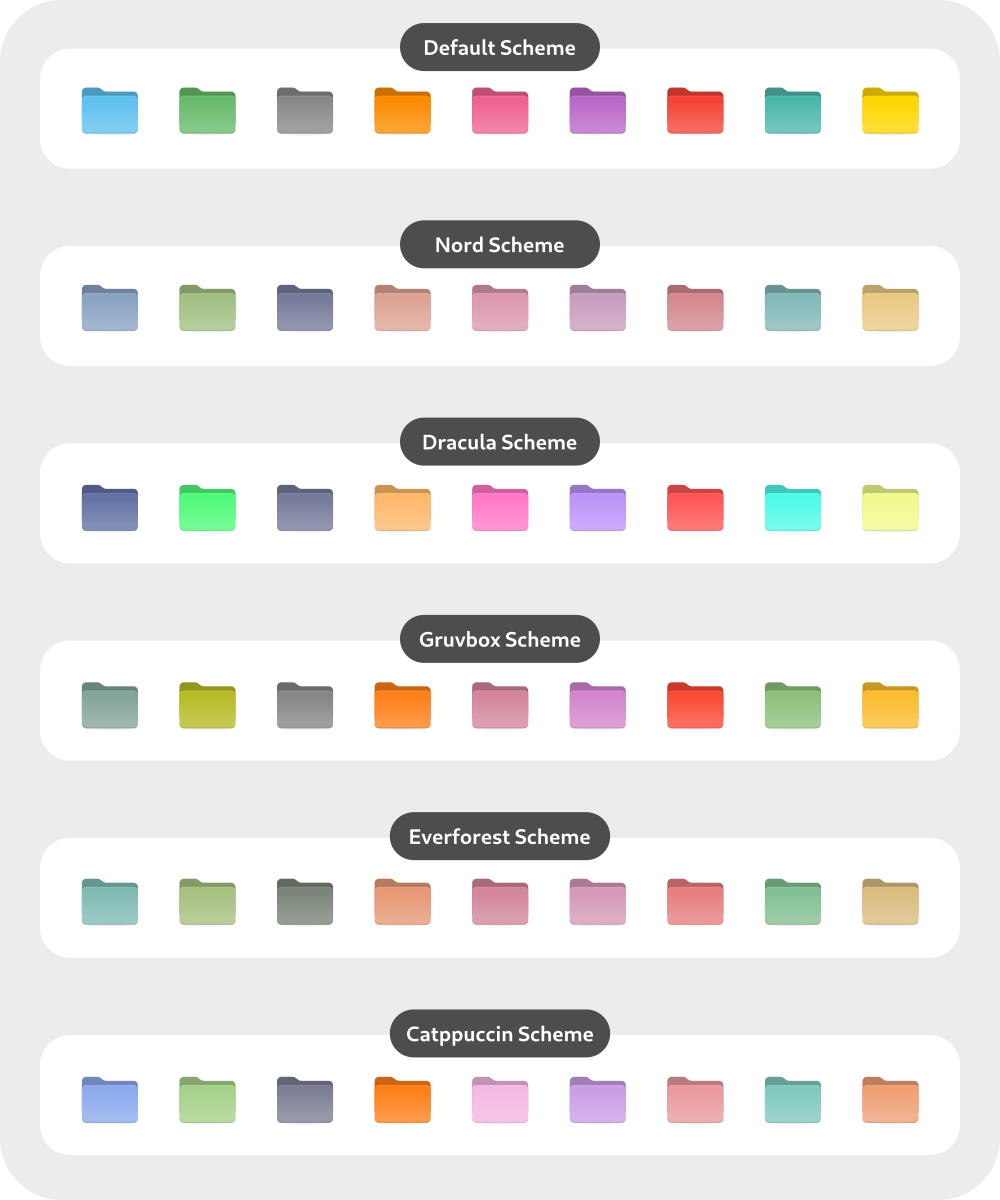
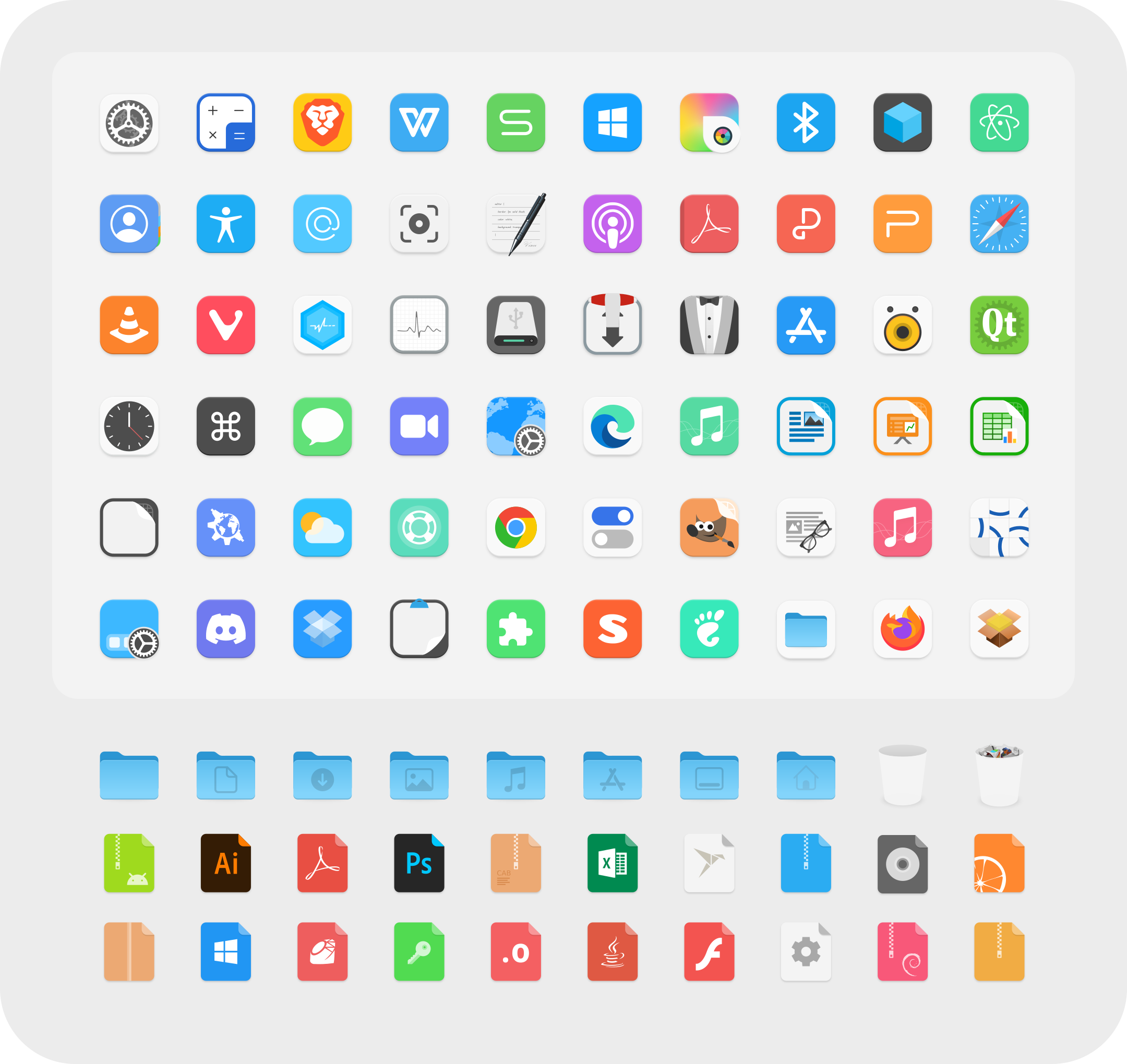
Colorful icon theme with Nord, Dracula and Gruvbox schemes.
Compatibility
Any distro (Server: BOTH)
Desktop Part
Icon themes
Window Manager & Theme
Any WM / DE / Other

02. Installation & Deployment

Before you installThis changes your desktop configuration and installs packages. Run it as your normal user, never with sudo: it asks for sudo only where a step needs it (listed below).The guided installer shows its plan first. Files it would replace are kept unless you approve. Everything it copies, clones or appends to in your home folder is backed up and verified first, and --rollback restores it. Packages, sudo changes and the other commands listed under Impact are not undone.
IntegrityEach release from main builds the installers in GitHub Actions and signs them with a GitHub build attestation. Verify your download against the repository, not this website (Option B, step 2). If it does not verify, don't run it.
ImpactPackages: colloid-icon-theme-git (some from the Arch AUR)
RecoveryGuided: backups in ~/.local/state/0xtsoa/backups/, undo with bash install.sh --rollback.Manual: the steps below only write in the download folder or run listed commands.
Option A: manual installAdvanced
Read the source at the reviewed commit, back up, then run each step yourself.
$git clone https://github.com/vinceliuice/Colloid-icon-theme ~/0xtsoa-review/vinceliuice-colloid-icon-theme# 1. clone to a review folder
$git -C ~/0xtsoa-review/vinceliuice-colloid-icon-theme checkout --detach ceac6608ecd0e40025cbc2ebbd32bf0e0f4ebc6a# 2. the reviewed commit
Then the steps. Package commands are written for Arch; on other distros use your package manager.

Step-by-step deployment protocol

Step-by-step deployment
1Install colloid-icon-theme-git (AUR)
$yay -S colloid-icon-theme-git # AUR
$# Other distros: see the upstream README
Option B: guided installerRecommended
The same steps as one script for any distro. It shows the plan first, keeps files you already have unless you approve replacing them, and backs up everything it changes in your home folder. Never pipe it into a shell.
$curl -fsSLo install.sh 'https://www.0xtsoa.dev/configs/vinceliuice/colloid-icon-theme/install.sh'# 1. download
$gh attestation verify install.sh --repo nyharena25/0xTsoa --signer-workflow nyharena25/0xTsoa/.github/workflows/attest-installers.yml# 2. verify (GitHub CLI 2.49+, signed in)
$less install.sh# 3. read it
$bash install.sh --dry-run# 4. preview: changes nothing
$bash install.sh# 5. install (asks first)
$bash install.sh --rollback# undo the file changes
View script in browserOther options: --force (replace conflicts, backed up first), --yes, --help

03. Screenshot Gallery // Colloid Icons

Capture 01 // Fullscreen
Colloid Icons screenshot 1
01 / 07

04. Documentation & Guide

Source: vinceliuice/Colloid-icon-themeRef: ceac6608ec
README.md|GitHub Flavored Markdown

Colloid icon theme

1

Donate

If you like my project, you can buy me a coffee:

PayPal donate button

Install tips

Usage: ./install.sh [OPTIONS...]

-d, --dest DIR          Specify destination directory (Default: $HOME/.local/share/icons)
-n, --name NAME         Specify theme name (Default: Colloid)
-s, --scheme VARIANTS   Specify folder colorscheme variant(s) [default|nord|dracula|gruvbox|everforest|catppuccin|all]
-t, --theme VARIANTS    Specify folder color variant(s) [default|purple|pink|red|orange|yellow|green|teal|grey|all] (Default: blue)
-a, --alternative       Install alternative icons for software center and file-manager
-p, --kde-plasma        Replaces Apple logo with KDE Plasma logo.
-b, --bold              Install bolder panel icons version (1.5px size)
-notint, --notint       Disable Follow ColorSheme for folders on KDE Plasma
-h, --help              Show help

For example: install teal nord version -> run: ./install.sh -s nord -t teal

For more information, run: ./install.sh -h

bold

folders

schemes

GitHub Flavored Markdown (github-markdown-css)README snapshot at ceac6608ec