01. Overview & Architecture

Schema validatedSource pinned
Purpose
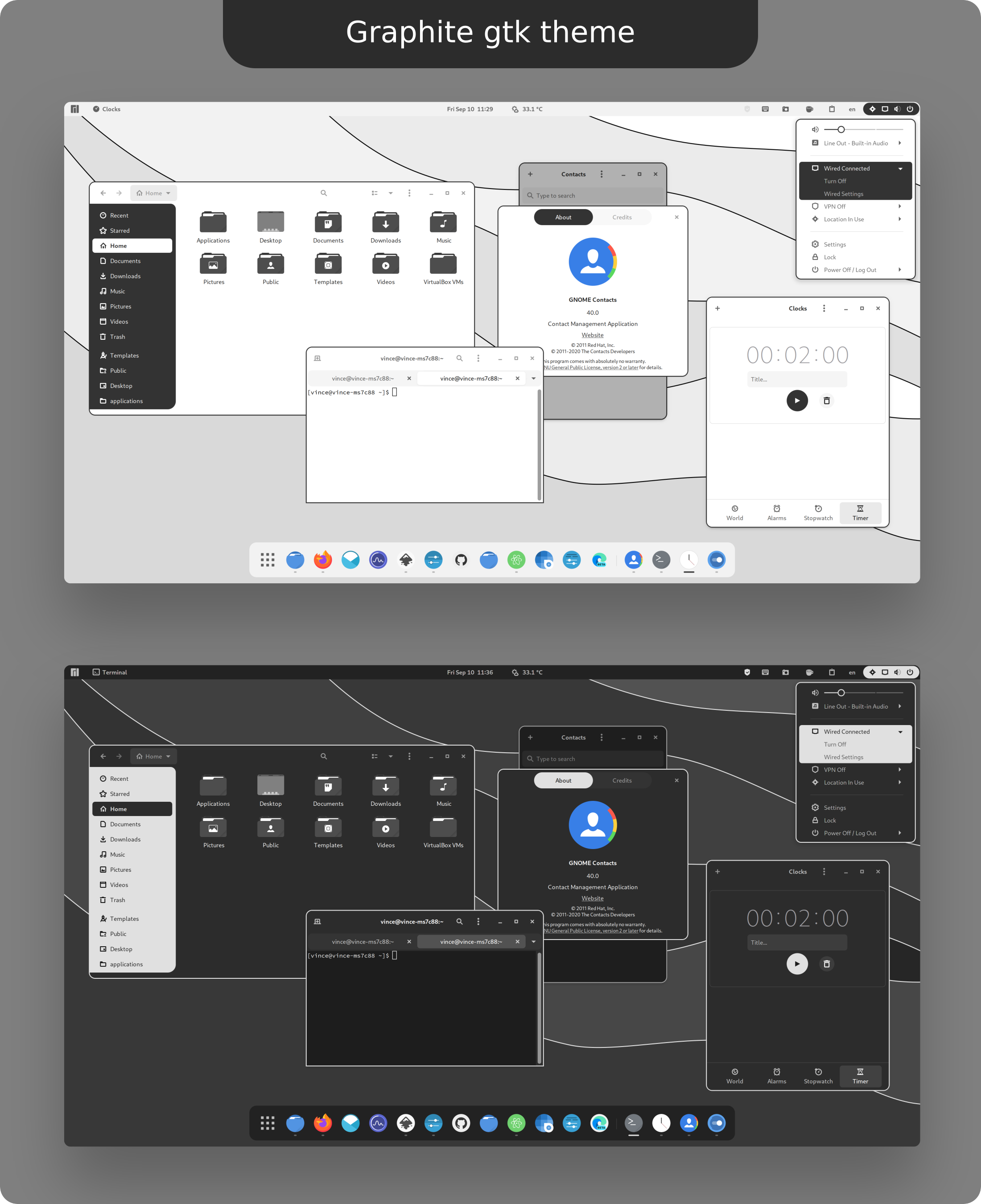
Flat, graphite-toned GTK theme with Nord and rimless variants.
Compatibility
Any distro (Server: BOTH)
Desktop Part
GTK & shell themes
Window Manager & Theme
Any WM / DE / Monochrome

02. Installation & Deployment

Before you installThis changes your desktop configuration and installs packages. Run it as your normal user, never with sudo: it asks for sudo only where a step needs it (listed below).The guided installer shows its plan first. Files it would replace are kept unless you approve. Everything it copies, clones or appends to in your home folder is backed up and verified first, and --rollback restores it. Packages, sudo changes and the other commands listed under Impact are not undone.
IntegrityEach release from main builds the installers in GitHub Actions and signs them with a GitHub build attestation. Verify your download against the repository, not this website (Option B, step 2). If it does not verify, don't run it.
ImpactPackages: graphite-gtk-theme-git (some from the Arch AUR)
RecoveryGuided: backups in ~/.local/state/0xtsoa/backups/, undo with bash install.sh --rollback.Manual: the steps below only write in the download folder or run listed commands.
Option A: manual installAdvanced
Read the source at the reviewed commit, back up, then run each step yourself.
$git clone https://github.com/vinceliuice/Graphite-gtk-theme ~/0xtsoa-review/vinceliuice-graphite-gtk-theme# 1. clone to a review folder
$git -C ~/0xtsoa-review/vinceliuice-graphite-gtk-theme checkout --detach 364173f47407164948788e4abb5e2eb46600f71a# 2. the reviewed commit
Then the steps. Package commands are written for Arch; on other distros use your package manager.

Step-by-step deployment protocol

Step-by-step deployment
1Install graphite-gtk-theme-git (AUR)
$yay -S graphite-gtk-theme-git # AUR
$# Other distros: see the upstream README
Option B: guided installerRecommended
The same steps as one script for any distro. It shows the plan first, keeps files you already have unless you approve replacing them, and backs up everything it changes in your home folder. Never pipe it into a shell.
$curl -fsSLo install.sh 'https://www.0xtsoa.dev/configs/vinceliuice/graphite-gtk-theme/install.sh'# 1. download
$gh attestation verify install.sh --repo nyharena25/0xTsoa --signer-workflow nyharena25/0xTsoa/.github/workflows/attest-installers.yml# 2. verify (GitHub CLI 2.49+, signed in)
$less install.sh# 3. read it
$bash install.sh --dry-run# 4. preview: changes nothing
$bash install.sh# 5. install (asks first)
$bash install.sh --rollback# undo the file changes
View script in browserOther options: --force (replace conflicts, backed up first), --yes, --help

03. Screenshot Gallery // Graphite

Capture 01 // Fullscreen
Graphite
01 / 05

04. Documentation & Guide

Source: vinceliuice/Graphite-gtk-themeRef: 364173f474
README.md|GitHub Flavored Markdown

Graphite

Requirements

  • GTK >=3.20

  • gnome-themes-extra (or gnome-themes-standard)

  • Murrine engine — The package name depends on the distro.

    • gtk-engine-murrine on Arch Linux
    • gtk-murrine-engine on Fedora
    • gtk2-engine-murrine on openSUSE
    • gtk2-engines-murrine on Debian, Ubuntu, etc.
  • sassc — build dependency

  • Icon theme Tela-circle-icon-theme

  • Wallpapers Graphite Wallpapers

Installation

Manual Installation

Run the following commands in the terminal:

./install.sh

Tip: ./install.sh allows the following options:

-d, --dest DIR          Specify destination directory (Default: $HOME/.themes, with sudo: /usr/share/themes)

-n, --name NAME         Specify theme name (Default: Graphite)

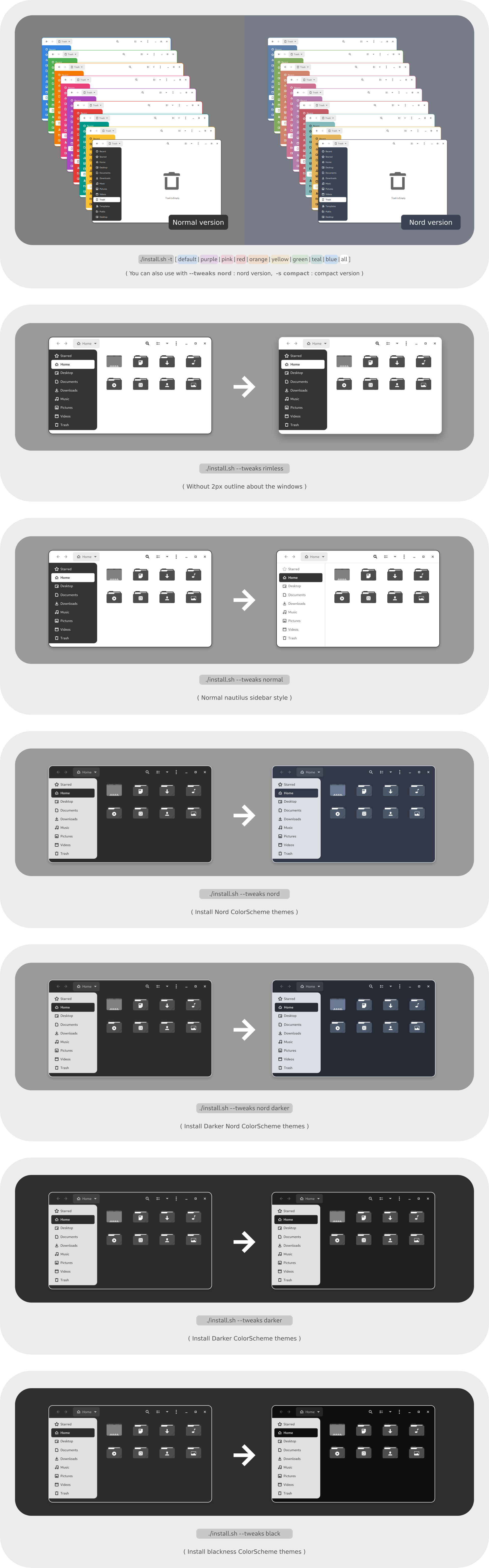
-t, --theme VARIANT...  Specify theme color variant(s) [default|purple|pink|red|orange|yellow|green|teal|blue|all] (Default: grey)

-c, --color VARIANT...  Specify color variant(s) [standard|light|dark] (Default: All variants)

-s, --size VARIANT...   Specify size variant [standard|compact] (Default: standard variant)

-g, --gdm               Install GDM theme

-l, --libadwaita        Install link to gtk4 config for theming libadwaita

-u, --uninstall
-r, --remove            Uninstall/Remove themes or link for libadwaita

--tweaks                Specify versions for tweaks [nord|dracula|ferra|black|darker|rimless|normal]
                        (WORRING: 'nord', 'dracula', 'ferra' and 'darker' can not mix use with 'black'!)
                        1. nord:     Nord colorscheme version
                        2. dracula:  Dracula colorscheme version
                        3. ferra:    Ferra colorscheme version (https://github.com/casperstorm/ferra)
                        4. black:    Blackness colorscheme version
                        5. darker:   Darker (default|nord|dracula|ferra) color version (black option can not be darker)
                        6. rimless:  Remove the 2px outline about windows and menus
                        7. normal:   Normal sidebar style (Nautilus)
                        8. float:    Float gnome-shell panel style
                        9. colorful: Colorful gnome-shell panel style

--round                 Change theme round corner border-radius [Input the px value you want] (Suggested: 2px < value < 16px)
                          1. 3px
                          2. 4px
                          3. 5px
                          ...
                          13. 15px

-h, --help              Show help

Uninstall theme

Uninstall legacy theme, run: ./install.sh -u

Uninstall libadwaita theme, run: ./install.sh -u -l

Uninstall gdm theme, run: sudo ./install.sh -u -g

For more information, run: ./install.sh --help
Tweaks

Flatpak Installation

Automatically install your host GTK+ theme as a Flatpak. Use this:

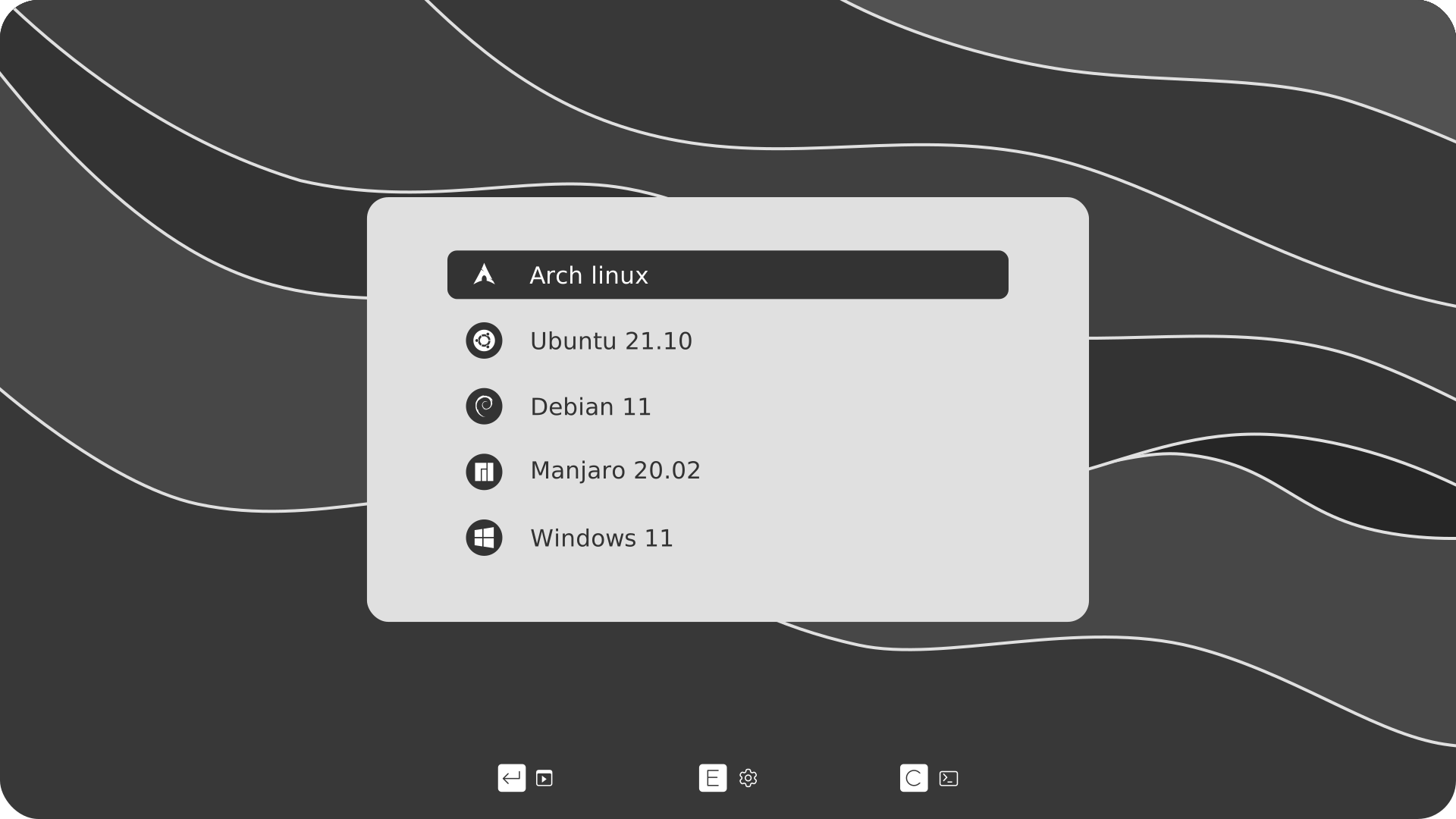
Grub2 theme
grub2

GitHub Flavored Markdown (github-markdown-css)README snapshot at 364173f474