01. Overview & Architecture

Schema validatedSource pinned
Purpose
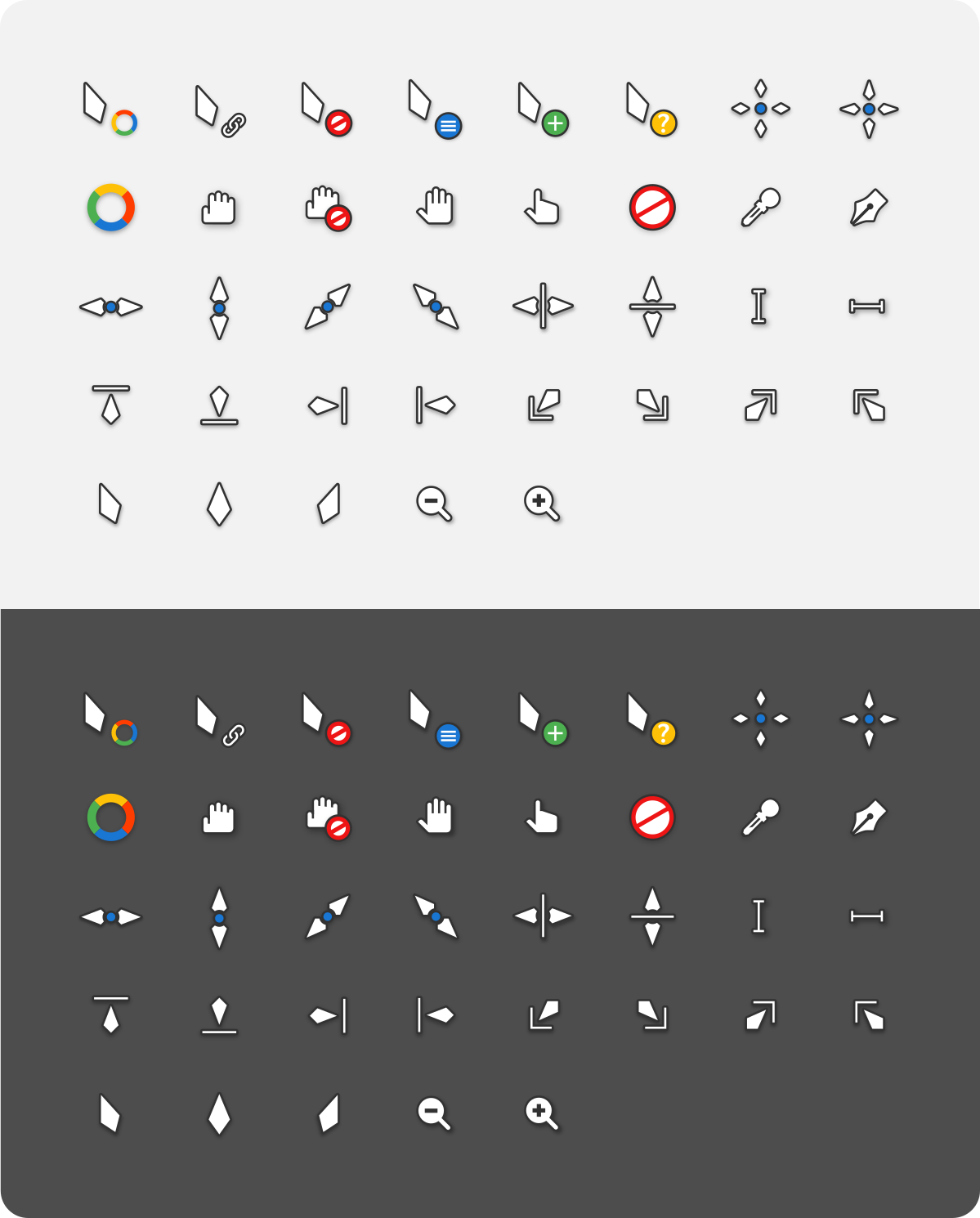
X cursor theme inspired by Material design.
Compatibility
Any distro (Server: BOTH)
Desktop Part
Cursor themes
Window Manager & Theme
Any WM / DE / Other

02. Installation & Deployment

Before you installThis changes your desktop configuration and installs packages. Run it as your normal user, never with sudo: it asks for sudo only where a step needs it (listed below).The guided installer shows its plan first. Files it would replace are kept unless you approve. Everything it copies, clones or appends to in your home folder is backed up and verified first, and --rollback restores it. Packages, sudo changes and the other commands listed under Impact are not undone.
IntegrityEach release from main builds the installers in GitHub Actions and signs them with a GitHub build attestation. Verify your download against the repository, not this website (Option B, step 2). If it does not verify, don't run it.
ImpactPackages: vimix-cursors
RecoveryGuided: backups in ~/.local/state/0xtsoa/backups/, undo with bash install.sh --rollback.Manual: the steps below only write in the download folder or run listed commands.
Option A: manual installAdvanced
Read the source at the reviewed commit, back up, then run each step yourself.
$git clone https://github.com/vinceliuice/Vimix-cursors ~/0xtsoa-review/vinceliuice-vimix-cursors# 1. clone to a review folder
$git -C ~/0xtsoa-review/vinceliuice-vimix-cursors checkout --detach 9bc292f40904e0a33780eda5c5d92eb9a1154e9c# 2. the reviewed commit
Then the steps. Package commands are written for Arch; on other distros use your package manager.

Step-by-step deployment protocol

Step-by-step deployment
1Install vimix-cursors (Arch repos)
$sudo pacman -S --needed vimix-cursors
$# Other distros: see the upstream README
Option B: guided installerRecommended
The same steps as one script for any distro. It shows the plan first, keeps files you already have unless you approve replacing them, and backs up everything it changes in your home folder. Never pipe it into a shell.
$curl -fsSLo install.sh 'https://www.0xtsoa.dev/configs/vinceliuice/vimix-cursors/install.sh'# 1. download
$gh attestation verify install.sh --repo nyharena25/0xTsoa --signer-workflow nyharena25/0xTsoa/.github/workflows/attest-installers.yml# 2. verify (GitHub CLI 2.49+, signed in)
$less install.sh# 3. read it
$bash install.sh --dry-run# 4. preview: changes nothing
$bash install.sh# 5. install (asks first)
$bash install.sh --rollback# undo the file changes
View script in browserOther options: --force (replace conflicts, backed up first), --yes, --help

03. Screenshot Gallery // Vimix Cursors

Capture 01 // Fullscreen
Vimix
01 / 02

04. Documentation & Guide

Source: vinceliuice/Vimix-cursorsRef: 9bc292f409
README.md|GitHub Flavored Markdown

Vimix cursors

This is an x-cursor theme inspired by Materia design and based on capitaine-cursors.

Installation

To install the cursor theme simply copy the compiled theme to your icons directory. For local user installation:

./install.sh

For system-wide installation for all users:

sudo ./install.sh

Then set the theme with your preferred desktop tools.

Windows

The Windows build comes with an INF file to make installation easy.

  1. Open .windows/ folder in Explorer, and right click on install.inf.
  2. Click 'Install' from the context menu, and authorise the modifications to your system.
  3. Press the Windows Key and R at the same time and type main.cpl in the run promt and press Ok.
  4. Go to Pointers and select Vimix Cursors under the Scheme category.
  5. Click 'Apply'.

Building from source

You'll find everything you need to build and modify this cursor set in the src/ directory. To build the xcursor theme from the SVG source run:

./build.sh

This will generate the pixmaps and appropriate aliases. The freshly compiled cursor theme will be located in dist/

Building depends requirement

  • xorg-xcursorgen.
  • python-cairosvg.

Fedora/RedHat distros:

dnf install xorg-xcursorgen python-cairosvg

Ubuntu/Mint/Debian distros:

sudo apt-get install xorg-xcursorgen python-cairosvg

ArchLinux/Manjaro:

pacman -S xorg-xcursorgen python-cairosvg

Other: Search for the engines in your distributions repository or install the depends from source.

Preview
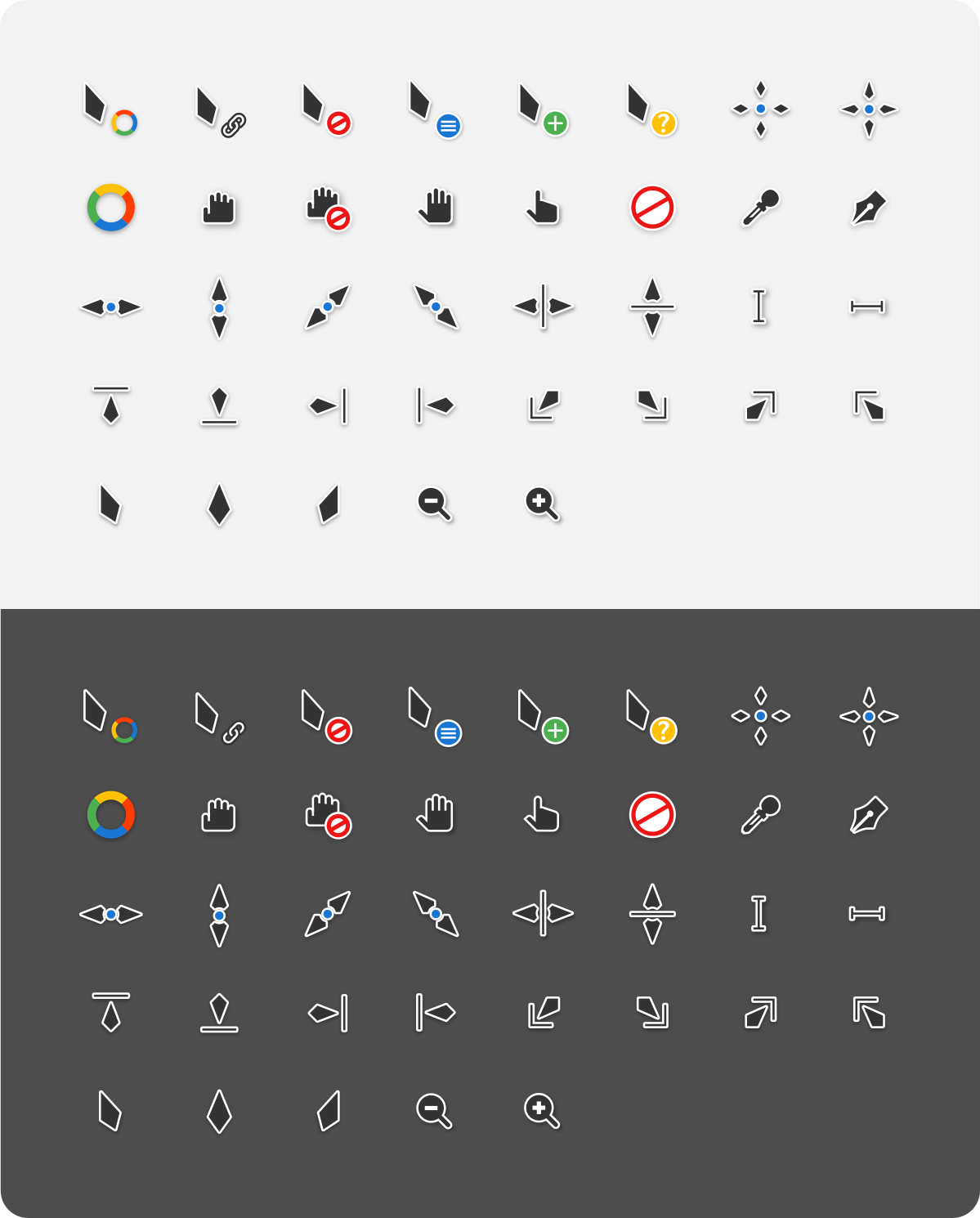
Vimix Vimix-white

GitHub Flavored Markdown (github-markdown-css)README snapshot at 9bc292f409