01. Overview & Architecture

Profile: v0.11.0
Schema validatedSource pinned
Purpose
3D Wayland compositor with Compiz-style plugins such as wobbly windows and cube.
Compatibility
Any distro (Server: WAYLAND)
Desktop Part
WM & compositors
Window Manager & Theme
Wayfire / Other

02. Installation & Deployment

Before you installThis changes your desktop configuration and installs packages. Run it as your normal user, never with sudo: it asks for sudo only where a step needs it (listed below).The guided installer shows its plan first. Files it would replace are kept unless you approve. Everything it copies, clones or appends to in your home folder is backed up and verified first, and --rollback restores it. Packages, sudo changes and the other commands listed under Impact are not undone.
IntegrityEach release from main builds the installers in GitHub Actions and signs them with a GitHub build attestation. Verify your download against the repository, not this website (Option B, step 2). If it does not verify, don't run it.
ImpactPackages: wayfire
RecoveryGuided: backups in ~/.local/state/0xtsoa/backups/, undo with bash install.sh --rollback.Manual: the steps below only write in the download folder or run listed commands.
Option A: manual installAdvanced
Read the source at the reviewed commit, back up, then run each step yourself.
$git clone https://github.com/WayfireWM/wayfire ~/0xtsoa-review/wayfirewm-wayfire# 1. clone to a review folder
$git -C ~/0xtsoa-review/wayfirewm-wayfire checkout --detach 988c20ab6938b0bfb08058c5971709a597aa411d# 2. the reviewed commit
Then the steps. Package commands are written for Arch; on other distros use your package manager.

Step-by-step deployment protocol

Step-by-step deployment
1Install wayfire (Arch repos)
$sudo pacman -S --needed wayfire
$# Other distros: see the upstream README
Option B: guided installerRecommended
The same steps as one script for any distro. It shows the plan first, keeps files you already have unless you approve replacing them, and backs up everything it changes in your home folder. Never pipe it into a shell.
$curl -fsSLo install.sh 'https://www.0xtsoa.dev/configs/wayfirewm/wayfire/install.sh'# 1. download
$gh attestation verify install.sh --repo nyharena25/0xTsoa --signer-workflow nyharena25/0xTsoa/.github/workflows/attest-installers.yml# 2. verify (GitHub CLI 2.49+, signed in)
$less install.sh# 3. read it
$bash install.sh --dry-run# 4. preview: changes nothing
$bash install.sh# 5. install (asks first)
$bash install.sh --rollback# undo the file changes
View script in browserOther options: --force (replace conflicts, backed up first), --yes, --help

03. Documentation & Guide

Source: WayfireWM/wayfireRef: 988c20ab69
README.md|GitHub Flavored Markdown

Wayfire

Version ![Matrix: #wayfire:matrix.org](https://img.shields.io/badge/matrix-%23wayfire%3Amatrix.org-blue) ![IRC: #wayfire on Libera.chat](https://img.shields.io/badge/IRC-%23wayfire%20at%20libera.chat-green) ![Discord](https://img.shields.io/discord/1144831589877043220?label=Discord) ![CI](https://github.com/WayfireWM/wayfire/workflows/CI/badge.svg) ![Packaging status](https://repology.org/badge/tiny-repos/wayfire.svg) ![License](https://img.shields.io/github/license/WayfireWM/wayfire)

Get started | Manual | Configuration

Wayfire is a 3D Wayland compositor, inspired by Compiz and based on wlroots.

It aims to create a customizable, extendable and lightweight environment without sacrificing its appearance.
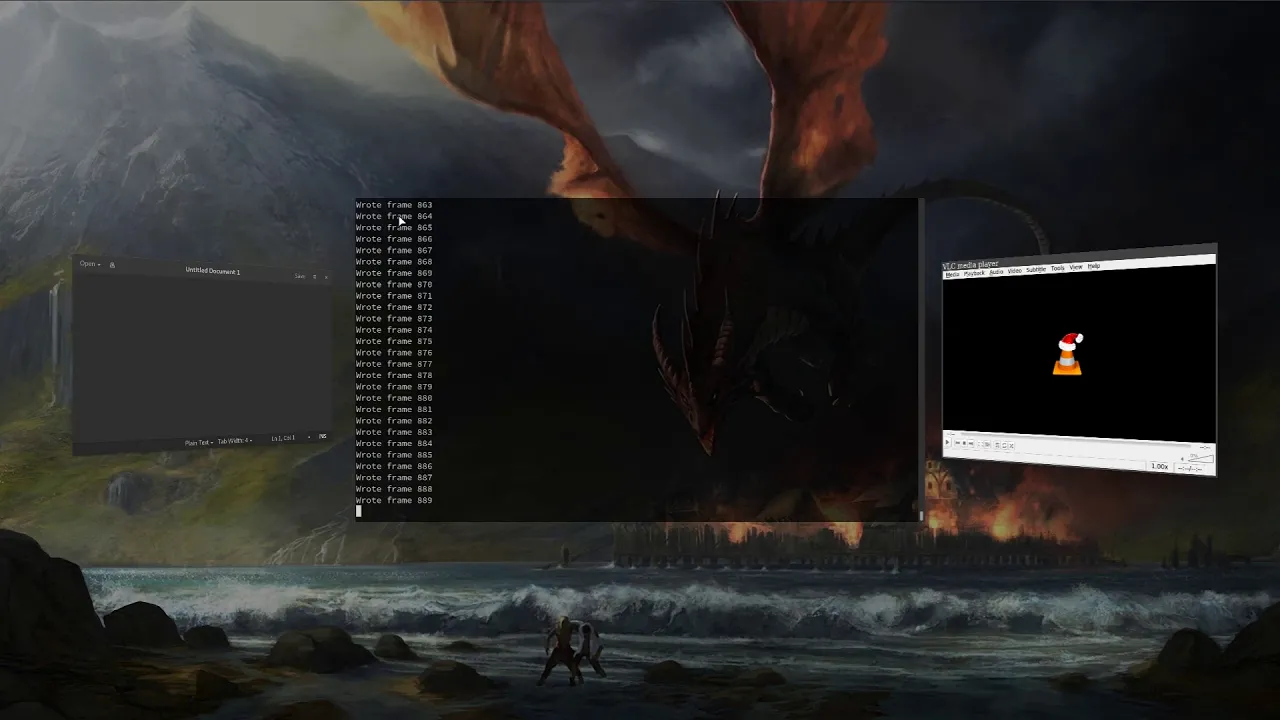
![Wayfire demos](https://img.youtube.com/vi_webp/2PtNzxDsxYM/maxresdefault.webp) ![YouTube Play Button](https://www.iconfinder.com/icons/317714/download/png/16) · Wayfire demos

Dependencies

Wayfire Dependencies

These are the dependencies needed for building Wayfire.

wlroots Dependencies

These are the dependencies needed for building wlroots, and should be installed before building it. They are relevant for cases when the system doesn't have a version of wlroots installed.

DRM Backend (required)
GLES2 renderer (required)
Libinput Backend (required)
Session Provider (required)
XWayland Support (optional)
X11 Backend (optional)

Installation

The easiest way to install Wayfire, wf-shell and WCM to get a functional desktop is to use the install scripts.

Alternatively, you can build from source:

meson build
ninja -C build
sudo ninja -C build install

Note: wf-config and wlroots can be built as submodules, by specifying -Duse_system_wfconfig=disabled and -Duse_system_wlroots=disabled options to meson. This is the default if they are not present on your system.

Installing wf-shell is recommended for a complete experience.

External plugins can be installed either manually or with wayfire-plugin, for example:

wayfire-plugin install https://github.com/soreau/pixdecor

See Managing External Plugins for more information.

Arch Linux

wayfire and wayfire-git are available in the AUR.

yay -S wayfire
Exherbo
cave resolve -x wayfire
Fedora
dnf install wayfire
FreeBSD

Install the latest release and recommended addons with

pkg install wayfire wayfire-plugins-extra wf-shell wcm
Gentoo

Install the latest release with

emerge --ask --verbose wayfire

and to use the live version

emerge --ask --verbose "=gui-wm/wayfire-9999"
NixOS

Enable Wayfire in your NixOS configuration:

programs.wayfire = {
  enable = true;
  plugins = with pkgs.wayfirePlugins; [
    wcm
    wf-shell
    wayfire-plugins-extra
  ];
};
Ubuntu/Debian 13
apt install wayfire
Void
xbps-install -S wayfire

Configuration

Copy `wayfire.ini` to ~/.config/wayfire.ini or ~/.config/wayfire/wayfire.ini. Before running Wayfire, you may want to change the command to start a terminal. See the Configuration document for information on the options.

Running

Run `wayfire` from a TTY, or via a Wayland-compatible login manager.

GitHub Flavored Markdown (github-markdown-css)README snapshot at 988c20ab69