The best GNOME extensions and themes in 2026
GNOME is customized mostly through Shell extensions: small add-ons that run inside GNOME Shell. They can add tiling (Tiling Shell, PaperWM), merge the dash and top bar into a taskbar (Dash to Panel), blur the panel and overview (Blur my Shell), play video wallpapers (Hanabi) or animate windows (Burn My Windows). Extension Manager lets you browse and install them in a native app.
Because extensions run inside the shell, each one supports specific GNOME versions. After a major GNOME upgrade, an extension may be disabled until its author releases an update, so the Maintenance column is worth a look.
10 entries · each pinned to an exact upstream version · updated
All 10 entries, compared
Filter in the catalogue →| Setup | Works with | Difficulty | What it changes | Maintenance | Stars |
|---|---|---|---|---|---|
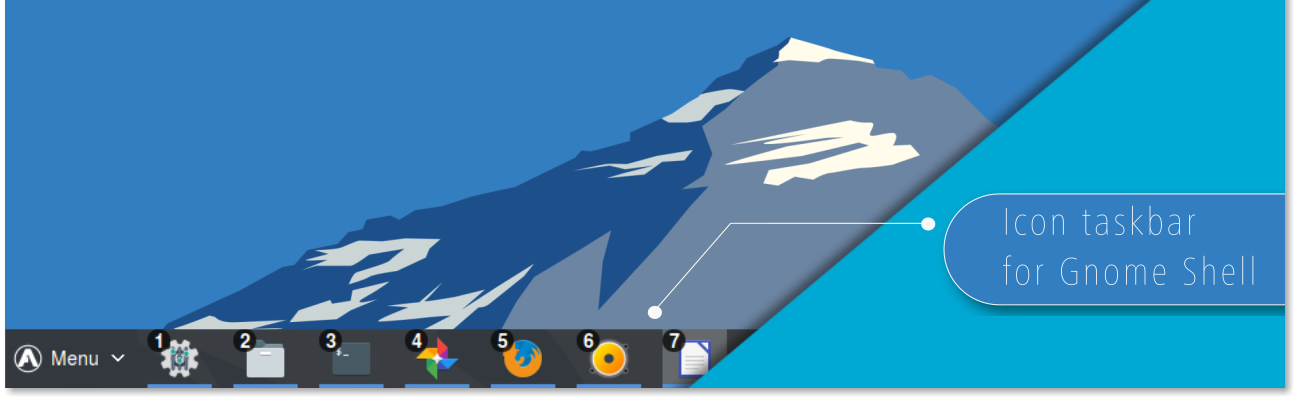 Dash to PanelMerges the GNOME dash and top bar into a single taskbar. Dash to PanelMerges the GNOME dash and top bar into a single taskbar. | Works with: GNOME (Wayland & X11) | Moderate | Changes: 1 package | Active | Stars: 4.5k |
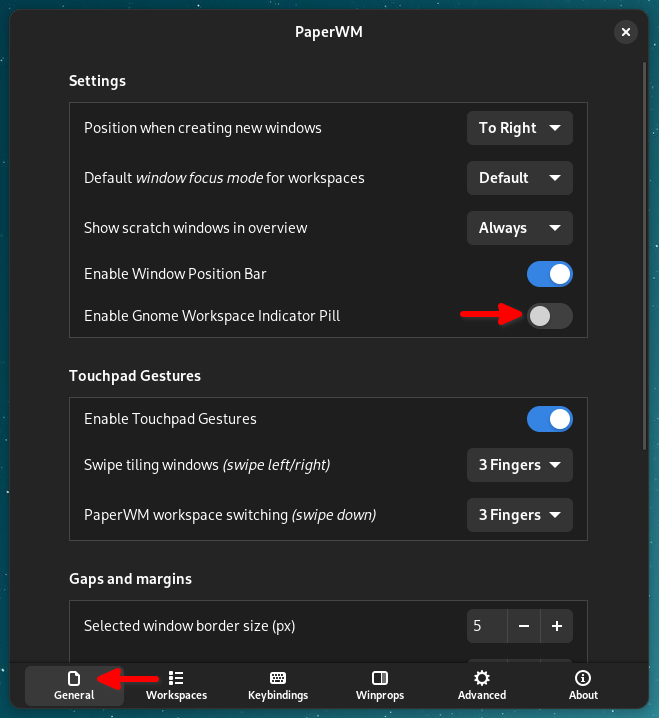 PaperWMScrollable tiling of windows inside GNOME Shell. PaperWMScrollable tiling of windows inside GNOME Shell. | Works with: GNOME (Wayland & X11) | Advanced | Changes: 1 package | Active | Stars: 4.4k |
 Burn My WindowsRetro window open/close effects for GNOME Shell and KWin. Burn My WindowsRetro window open/close effects for GNOME Shell and KWin. | Works with: GNOME (Wayland & X11) | Advanced | Changes: 1 package | Active | Stars: 3.1k |
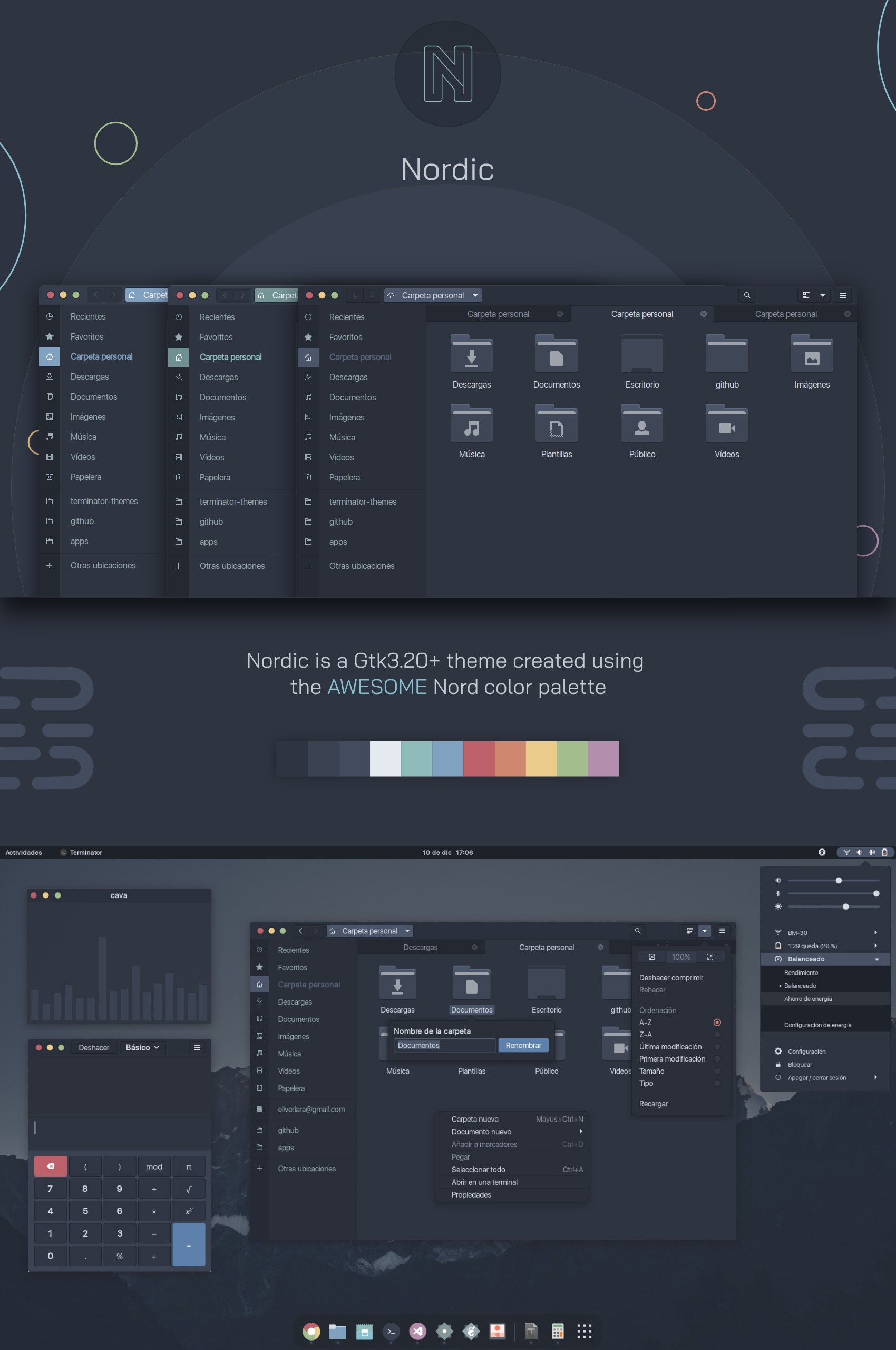 Nordic Dark Frost StudioDark, cold GTK and GNOME desktop theme created using the arctic Nord palette. Nordic Dark Frost StudioDark, cold GTK and GNOME desktop theme created using the arctic Nord palette. | Works with: GNOME (Wayland & X11) · Arch Linux, Fedora, Ubuntu, Debian, openSUSE | Moderate | Changes: 1 folder in ~ | Active | Stars: 2.7k |
| Works with: GNOME (Wayland & X11) | Advanced | Changes: 1 package | Active | Stars: 2.4k | |
 Tiling ShellWindows 11 style snap layouts and tiling for GNOME. Tiling ShellWindows 11 style snap layouts and tiling for GNOME. | Works with: GNOME (Wayland & X11) | Advanced | Changes: 1 package | Active | Stars: 2.1k |
 HanabiLive video wallpaper extension for GNOME. HanabiLive video wallpaper extension for GNOME. | Works with: GNOME (Wayland) | Advanced | Changes: 1 package | Active | Stars: 1.6k |
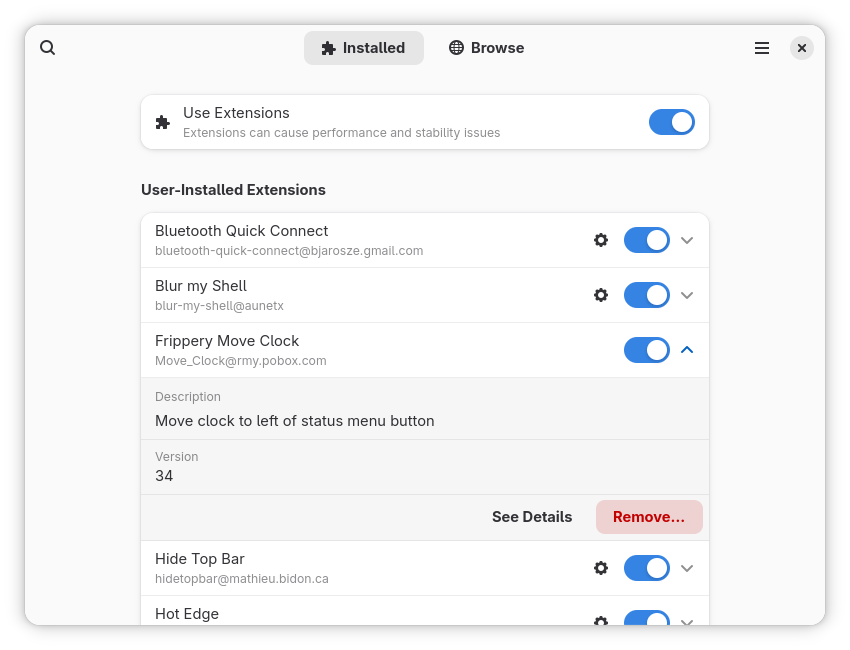 Extension ManagerNative app to browse, install and manage GNOME Shell extensions. Extension ManagerNative app to browse, install and manage GNOME Shell extensions. | Works with: GNOME (Wayland & X11) | Moderate | Changes: 1 package | Active | Stars: 1.4k |
| Fly-PieMarking-menu (pie menu) for GNOME Shell to launch apps and shortcuts. | Works with: GNOME (Wayland & X11) | Advanced | Changes: 1 package | Active | Stars: 1.3k |
| Works with: GNOME (Wayland & X11) | Advanced | Changes: 1 package | Active | Stars: 1.1k |
How to choose
- Check that the extension supports your GNOME version before installing.
- Install a few at a time: if the shell misbehaves, you know which one to disable.
- For tiling, compare Tiling Shell (snap layouts) with PaperWM (scrolling columns).
Questions
How do I disable a GNOME extension that breaks my desktop?
Open the Extensions app or Extension Manager and switch it off, or run gnome-extensions disable followed by the extension’s UUID from a terminal or a TTY.
Why did my extensions turn off after upgrading GNOME?
GNOME disables extensions that do not declare support for the new version. They come back once their authors publish an update.
Can GNOME do tiling like a tiling window manager?
With extensions, yes. Tiling Shell adds Windows 11 style snap layouts and tiling; PaperWM arranges windows in scrollable columns.