The best Linux dotfiles and full rices in 2026
Dotfiles are the configuration files in your home folder, most of them hidden (their names start with a dot) or kept in ~/.config. Sharing them is how the Linux community passes on a whole desktop: the window manager, bar, launcher, terminal, colors and keybindings that make up a "rice".
This page lists complete setups across window managers, from Wayland compositors like Hyprland to X11 classics like AwesomeWM, bspwm, dwm and Openbox. Each one is pinned to an exact commit and shows, before you install anything, which packages it adds, which folders it writes to and how to restore your previous files.
21 entries · each pinned to an exact upstream version · updated
All 21 entries, compared
Filter in the catalogue →| Setup | Works with | Difficulty | What it changes | Maintenance | Stars |
|---|---|---|---|---|---|
| Works with: Hyprland (Wayland) · Arch Linux, Fedora, NixOS | Advanced | Changes: 1 folder in ~ · own installer | Active | Stars: 16k | |
 Caelestia ShellQuickshell-based desktop shell for Hyprland with dashboard, launcher and dynamic colors. Caelestia ShellQuickshell-based desktop shell for Hyprland with dashboard, launcher and dynamic colors. | Works with: Hyprland (Wayland) · Arch Linux | Manual setup | Changes: Nothing for you: follow the upstream guide | Active | Stars: 13k |
 HyDESuccessor of Hyprdots: themeable Hyprland desktop with a theme switcher and gallery. HyDESuccessor of Hyprdots: themeable Hyprland desktop with a theme switcher and gallery. | Works with: Hyprland (Wayland) · Arch Linux | Advanced | Changes: 1 folder in ~ · own installer | Active | Stars: 9.7k |
 HyDE HyprdotsAesthetic, dynamic and minimal dotfiles for Arch Linux Hyprland with dynamic theming. HyDE HyprdotsAesthetic, dynamic and minimal dotfiles for Arch Linux Hyprland with dynamic theming. | Works with: Hyprland (Wayland) · Arch Linux, EndeavourOS | Advanced | Changes: 2 packages · 1 folder in ~ · own installer | Quiet | Stars: 8.5k |
| ML4W DotfilesFull Hyprland desktop with a settings app, wallpaper-driven colors and guided installer. | Works with: Hyprland (Wayland) · Arch Linux, Fedora, openSUSE | Advanced | Changes: own installer | Active | Stars: 5.1k |
 gh0stzk BSPWM StudioLegendary BSPWM environment with 18 distinct themes, live switcher and custom Polybar. gh0stzk BSPWM StudioLegendary BSPWM environment with 18 distinct themes, live switcher and custom Polybar. | Works with: bspwm (X11) · Arch Linux, Debian, Void Linux, Fedora | Moderate | Changes: 2 folders in ~ | Active | Stars: 4.8k |
 JaKooLit Arch HyprlandComplete automated Arch Linux Hyprland installation and configuration setup. JaKooLit Arch HyprlandComplete automated Arch Linux Hyprland installation and configuration setup. | Works with: Hyprland (Wayland) · Arch Linux, EndeavourOS, Manjaro | Advanced | Changes: 1 folder in ~ · own installer | Quiet | Stars: 4.6k |
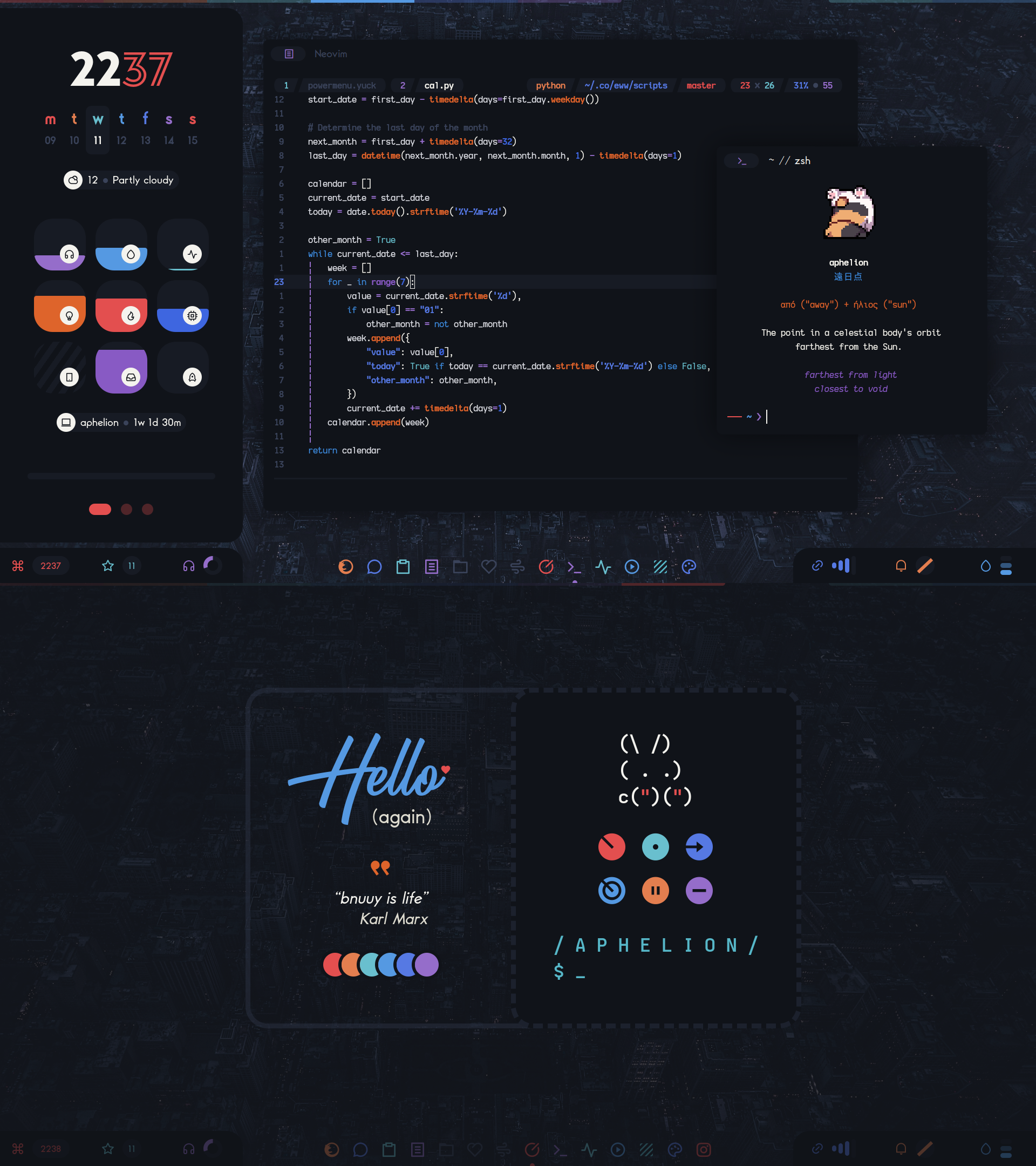 Elena Aphelion DesktopIconic pastel r/unixporn aesthetic with handcrafted Lua widgets and exquisite typography. Elena Aphelion DesktopIconic pastel r/unixporn aesthetic with handcrafted Lua widgets and exquisite typography. | Works with: AwesomeWM (X11) · Arch Linux, Void Linux, Gentoo | Easy | Changes: 2 folders in ~ | Quiet | Stars: 3.9k |
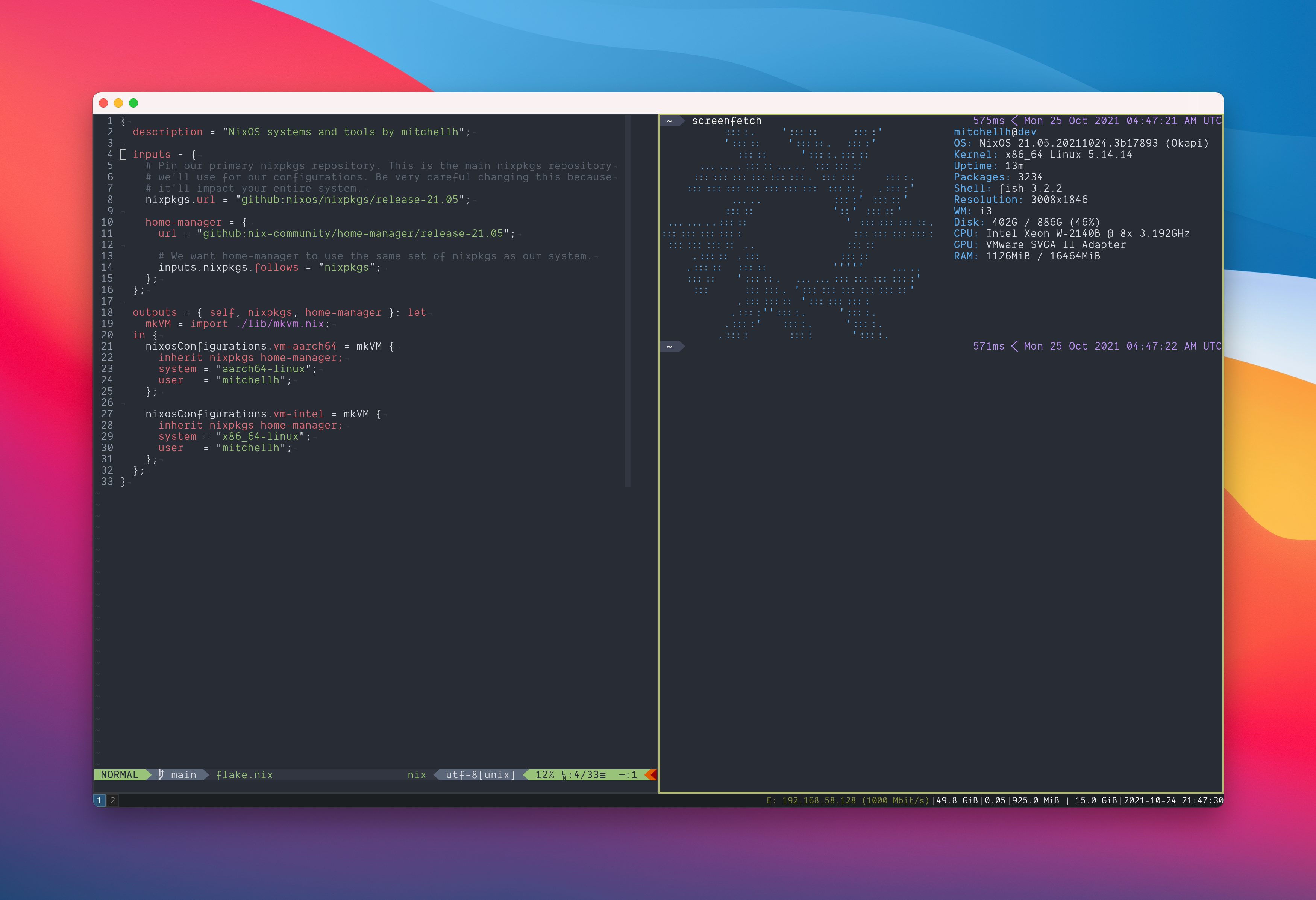 mitchellh NixOS ConfigDeclarative NixOS configuration for VM-based development with i3. mitchellh NixOS ConfigDeclarative NixOS configuration for VM-based development with i3. | Works with: i3 (X11) · NixOS | Manual setup | Changes: Nothing for you: follow the upstream guide | Active | Stars: 3.1k |
| Aylur DotfilesPersonal Hyprland setup by the author of AGS, built around a custom GTK shell. | Works with: Hyprland (Wayland) | Manual setup | Changes: Nothing for you: follow the upstream guide | Active | Stars: 3.1k |
 chadwmPatched dwm build with a styled status bar, gaps and multiple colorschemes. chadwmPatched dwm build with a styled status bar, gaps and multiple colorschemes. | Works with: dwm (X11) | Advanced | Changes: 1 folder in ~ · own installer | Quiet | Stars: 3.0k |
| Works with: Hyprland (Wayland) | Manual setup | Changes: Nothing for you: follow the upstream guide | Active | Stars: 2.0k | |
 HotfilesAwesomeWM rice with Material-style widgets, dashboard and lockscreen in Lua. HotfilesAwesomeWM rice with Material-style widgets, dashboard and lockscreen in Lua. | Works with: AwesomeWM (X11) | Manual setup | Changes: Nothing for you: follow the upstream guide | Quiet | Stars: 1.6k |
 Misterio77 nix-configFlake-based NixOS and home-manager setup with Hyprland and generated colors. Misterio77 nix-configFlake-based NixOS and home-manager setup with Hyprland and generated colors. | Works with: Hyprland (Wayland) · NixOS | Manual setup | Changes: Nothing for you: follow the upstream guide | Active | Stars: 1.3k |
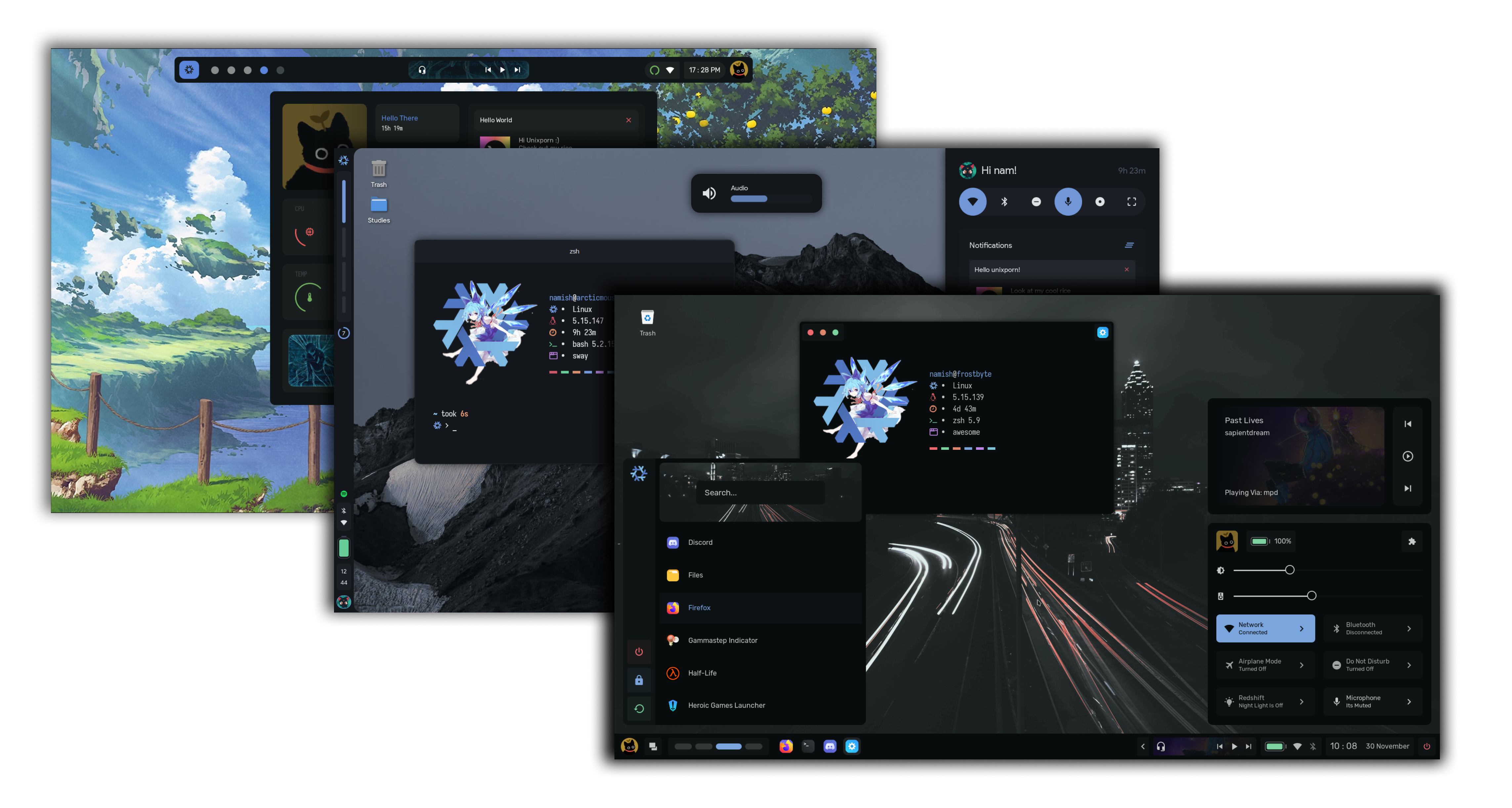 CrystalAwesomeWM configuration with multiple colorschemes and handcrafted widgets. CrystalAwesomeWM configuration with multiple colorschemes and handcrafted widgets. | Works with: AwesomeWM (X11) | Manual setup | Changes: Nothing for you: follow the upstream guide | Quiet | Stars: 885 |
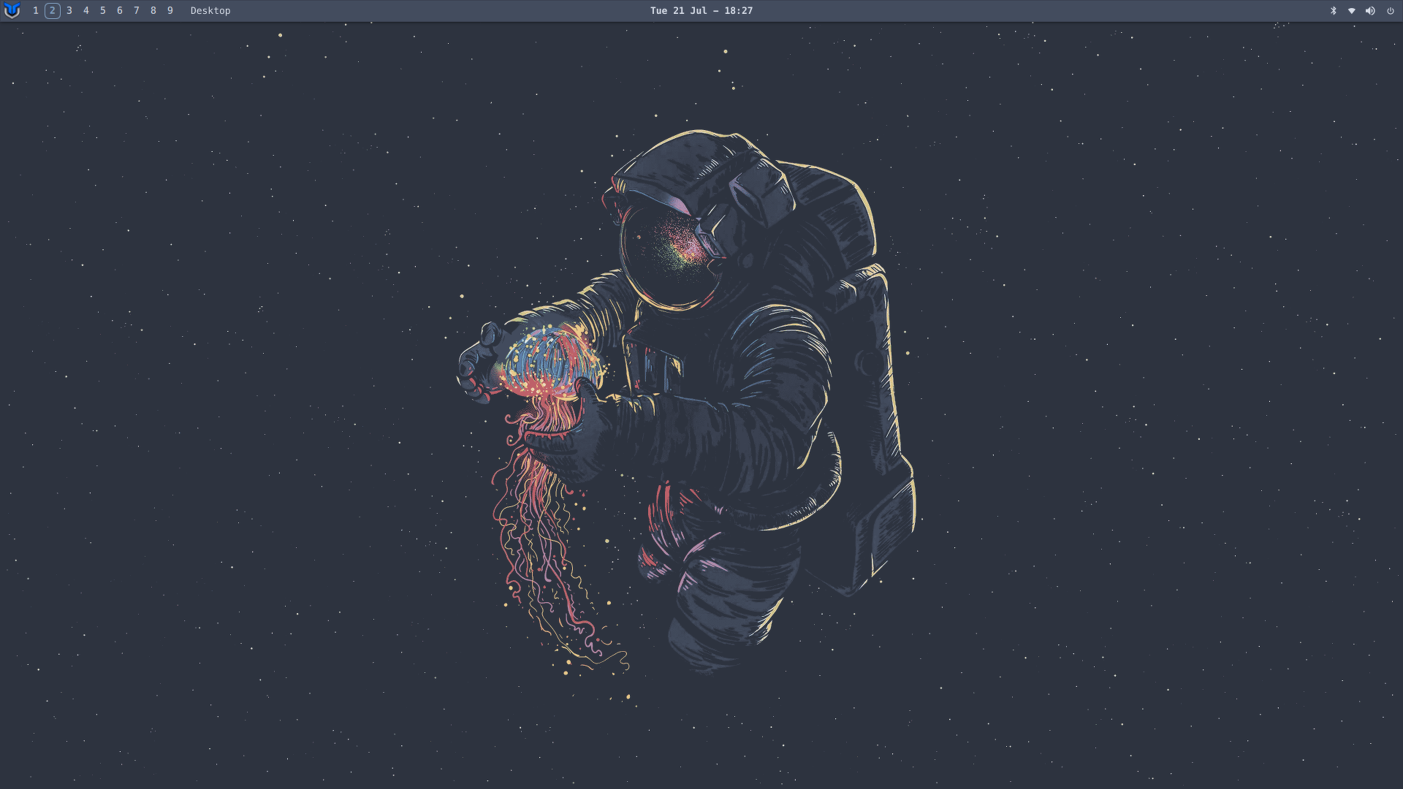 dwm-titusReady-to-use dwm fork with sensible patches, slstatus and rofi integration. dwm-titusReady-to-use dwm fork with sensible patches, slstatus and rofi integration. | Works with: dwm (X11) | Advanced | Changes: own installer | Active | Stars: 469 |
 Yoru AwesomeWMClean, dark and minimalist AwesomeWM desktop with custom Lua widgets and Tokyo Night palette. Yoru AwesomeWMClean, dark and minimalist AwesomeWM desktop with custom Lua widgets and Tokyo Night palette. | Works with: AwesomeWM (X11) · Arch Linux, Debian, Ubuntu | Moderate | Changes: 5 packages · 1 folder in ~ | Archived upstream | Stars: 3.6k |
 owl4ce Openbox DotsOpenbox rice with switchable modes, tint2/polybar panels and a matching GTK theme. owl4ce Openbox DotsOpenbox rice with switchable modes, tint2/polybar panels and a matching GTK theme. | Works with: Openbox (X11) | Easy | Changes: 1 folder in ~ | Archived upstream | Stars: 2.2k |
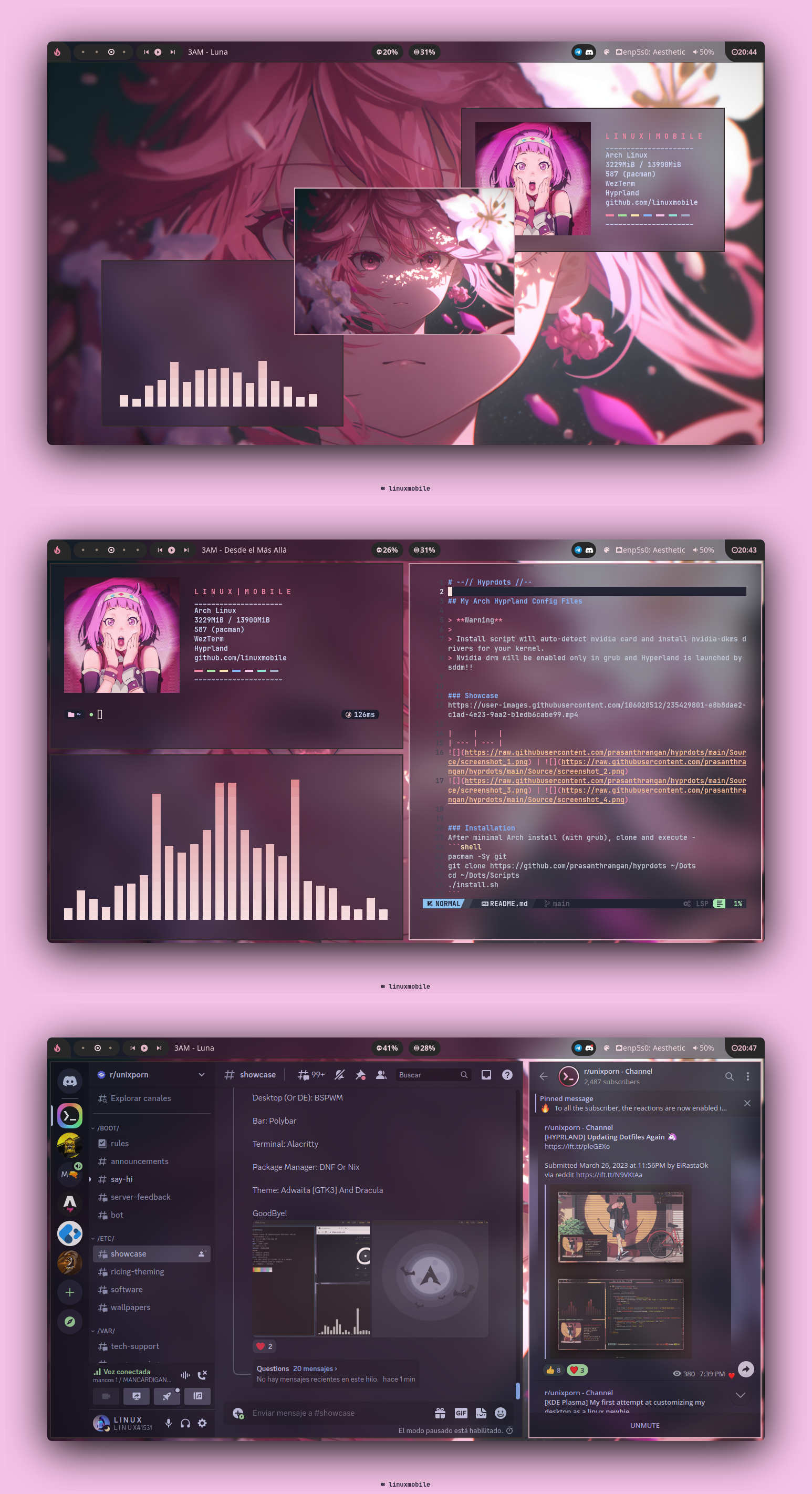 linuxmobile Hyprland DotsCompact Hyprland rice with eww widgets and a warm, low-contrast palette. linuxmobile Hyprland DotsCompact Hyprland rice with eww widgets and a warm, low-contrast palette. | Works with: Hyprland (Wayland) | Manual setup | Changes: Nothing for you: follow the upstream guide | Archived upstream | Stars: 1.7k |
 Ax-ShellHyprland shell written with Fabric: notch bar, dashboard, launcher and wallpaper colors. Ax-ShellHyprland shell written with Fabric: notch bar, dashboard, launcher and wallpaper colors. | Works with: Hyprland (Wayland) · Arch Linux | Advanced | Changes: own installer | Archived upstream | Stars: 1.6k |
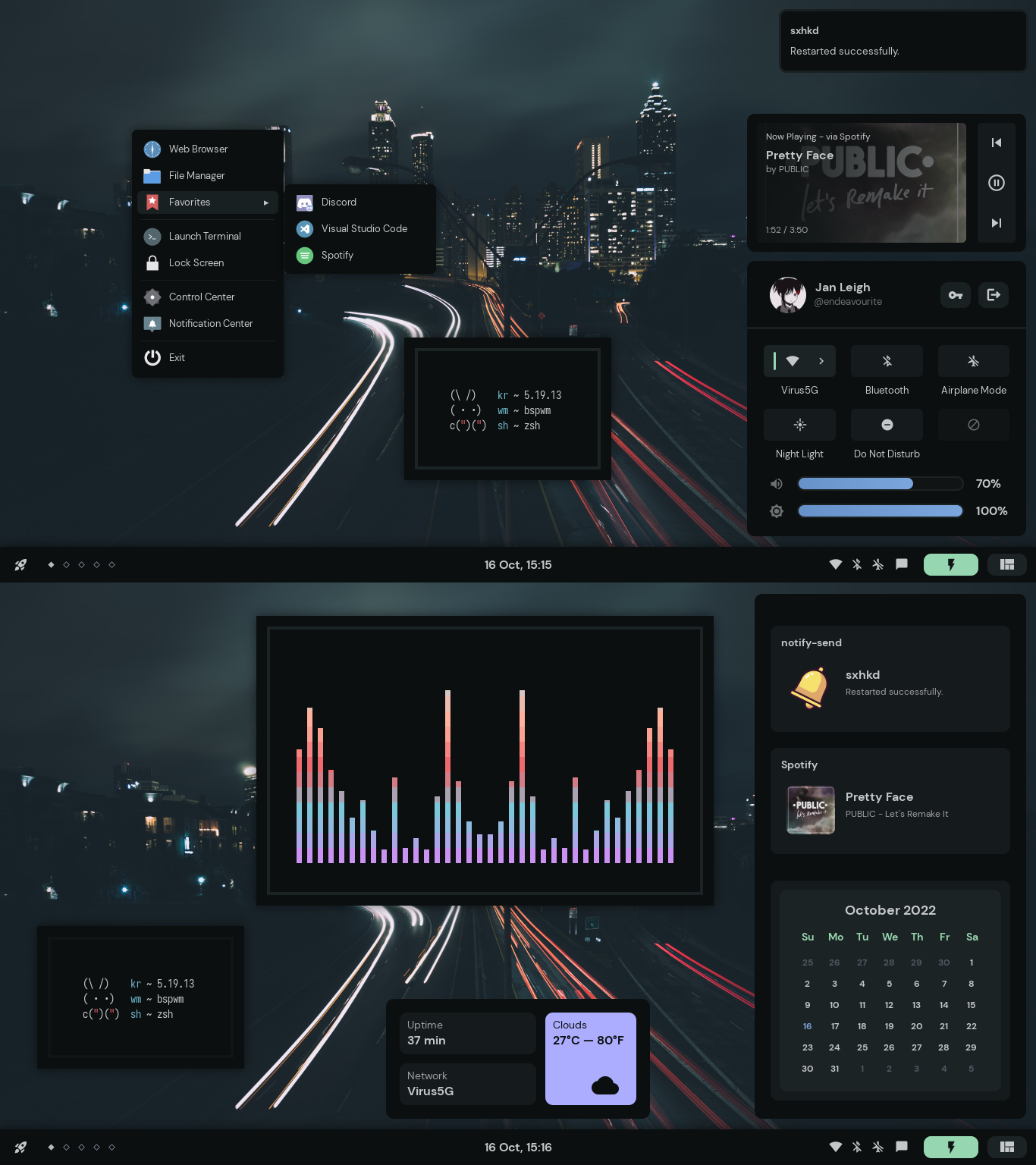 janleigh DotfilesSmall, tidy AwesomeWM rice with a soft palette and minimal widgets. janleigh DotfilesSmall, tidy AwesomeWM rice with a soft palette and minimal widgets. | Works with: AwesomeWM (X11) | Manual setup | Changes: Nothing for you: follow the upstream guide | Archived upstream | Stars: 936 |
Avoid or migrate
These still install, but their projects have stopped. Pick a maintained alternative for a new setup.
- Yoru AwesomeWM
The upstream repository is archived: it may still work, but bugs will not be fixed.
Move to: Elena Aphelion Desktop, Hotfiles
- owl4ce Openbox Dots
The upstream repository is archived: it may still work, but bugs will not be fixed.
Move to: gh0stzk BSPWM Studio, Crystal
- linuxmobile Hyprland Dots
The upstream repository is archived: it may still work, but bugs will not be fixed.
Move to: flick0 Dotfiles, Illogical Impulse Dots
- Ax-Shell
The upstream repository is archived: it may still work, but bugs will not be fixed.
Move to: Caelestia Shell, ML4W Dotfiles
- janleigh Dotfiles
The upstream repository is archived: it may still work, but bugs will not be fixed.
Move to: Elena Aphelion Desktop, Hotfiles
How to choose
- Choose the window manager first: a rice built for AwesomeWM will not run on Hyprland, and X11 setups need an X11 session.
- NixOS configurations are a different kind of dotfiles: they describe the whole system and need NixOS or home-manager.
- Read the "What it changes" column: some setups only copy a few folders, others run their own installer across your system.
Questions
What are dotfiles?
Plain-text configuration files, usually in your home folder or ~/.config, that set up programs like your window manager, shell and editor. Keeping them in a Git repository lets you copy your desktop to another machine, or share it.
What does "ricing" mean?
Customizing a Linux desktop until it looks and works exactly the way you want, usually with a tiling window manager, a custom bar and a consistent color scheme. The finished desktop is called a rice.
How do I install someone else’s dotfiles safely?
Read what the install does before running it, back up your own ~/.config, and prefer installers that can preview and undo. Every entry here has a guided installer with --dry-run and --rollback for the files it changes in your home folder.