GTK themes for Linux: previews and safe installs
GTK themes restyle the windows, buttons and menus of GTK applications: most of the apps on GNOME, Xfce, Cinnamon and tiling window managers. A theme installed in your home folder (~/.themes or ~/.local/share/themes) only affects your user and can be removed by deleting its folder; a system-wide install in /usr/share/themes needs sudo.
GTK4 apps built with libadwaita, which includes most GNOME apps, ignore classic GTK themes by default. Some themes below ship a libadwaita variant or an install option for it, and adw-gtk3 goes the other way, giving older GTK3 apps the libadwaita look so everything matches.
16 entries · each pinned to an exact upstream version · updated
All 16 entries, compared
Filter in the catalogue →| Setup | Works with | Difficulty | What it changes | Maintenance | Stars |
|---|---|---|---|---|---|
 WhiteSur GTKmacOS Big Sur style theme for GTK and GNOME Shell. WhiteSur GTKmacOS Big Sur style theme for GTK and GNOME Shell. | Works with: Any desktop (Wayland & X11) | Advanced | Changes: 1 package | Active | Stars: 9.4k |
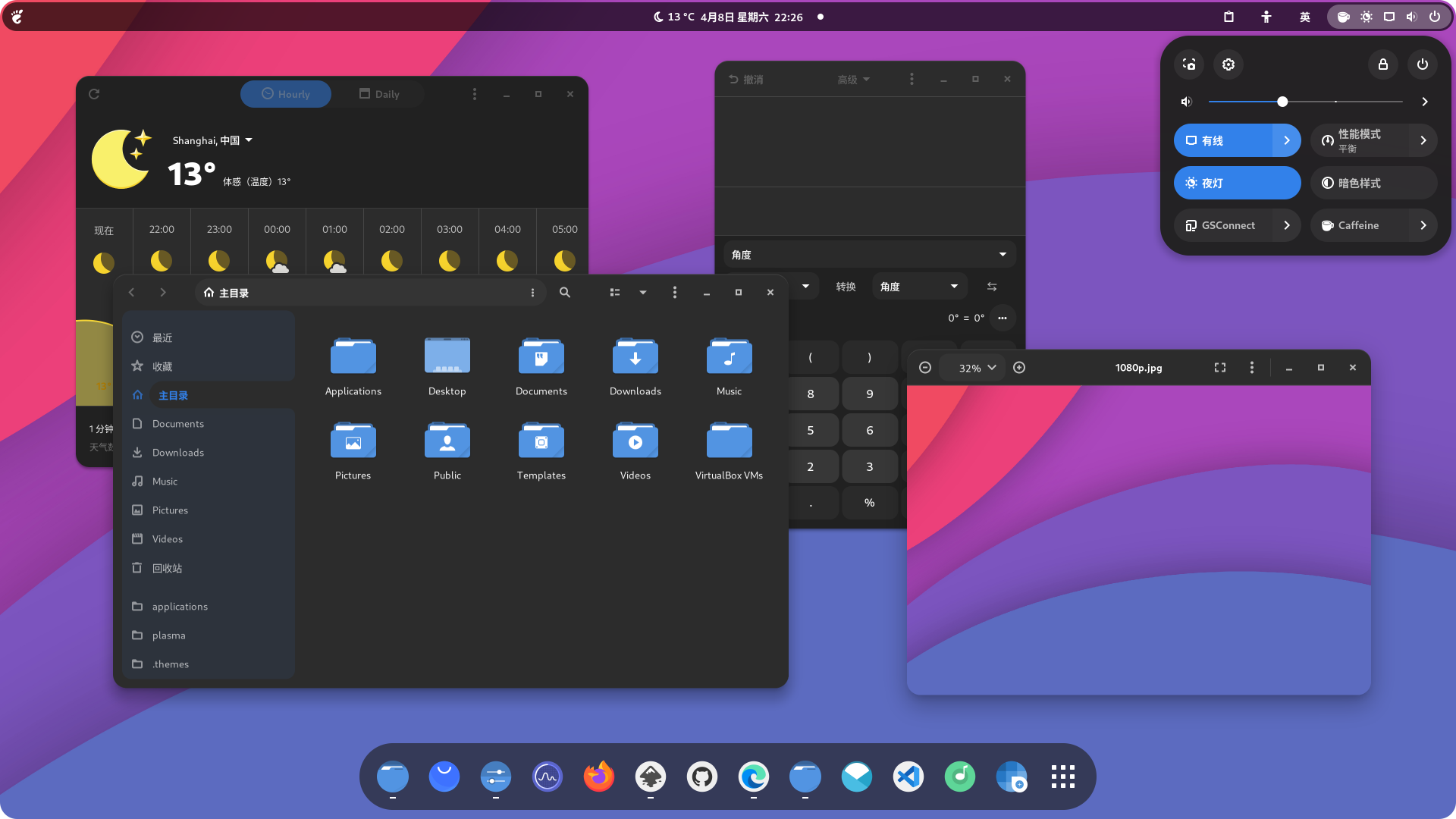 OrchisMaterial-inspired GTK theme with rounded corners. OrchisMaterial-inspired GTK theme with rounded corners. | Works with: Any desktop (Wayland & X11) | Moderate | Changes: 1 package | Active | Stars: 4.2k |
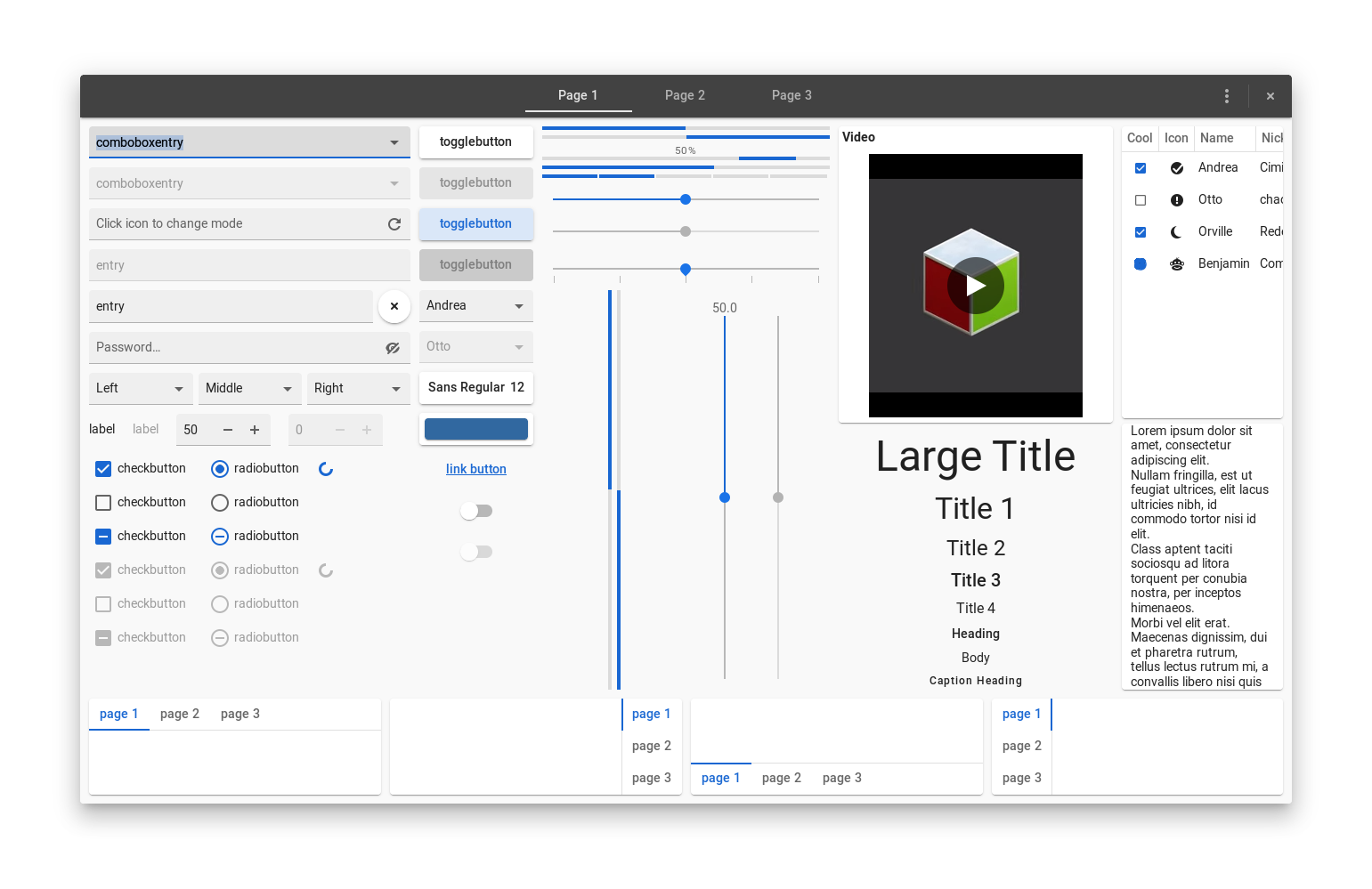 MateriaFlat Material Design theme for GTK desktops. MateriaFlat Material Design theme for GTK desktops. | Works with: Any desktop (Wayland & X11) | Moderate | Changes: 1 package | Quiet | Stars: 3.5k |
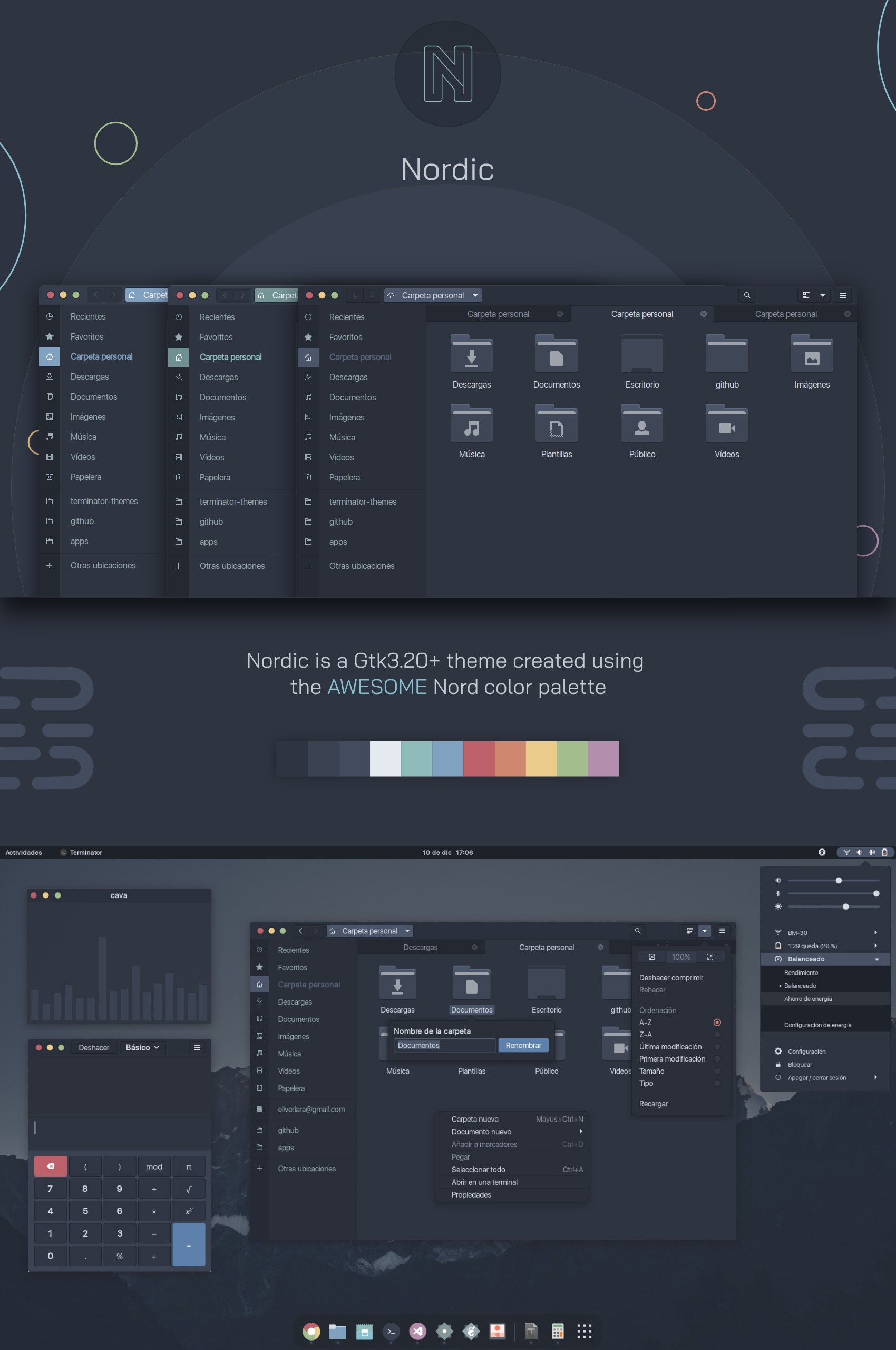 Nordic Dark Frost StudioDark, cold GTK and GNOME desktop theme created using the arctic Nord palette. Nordic Dark Frost StudioDark, cold GTK and GNOME desktop theme created using the arctic Nord palette. | Works with: GNOME (Wayland & X11) · Arch Linux, Fedora, Ubuntu, Debian, openSUSE | Moderate | Changes: 1 folder in ~ | Active | Stars: 2.7k |
 Themix (Oomox)GUI to generate your own GTK2/3, icon and terminal themes. Themix (Oomox)GUI to generate your own GTK2/3, icon and terminal themes. | Works with: Any desktop (Wayland & X11) | Advanced | Changes: 1 package | Active | Stars: 2.3k |
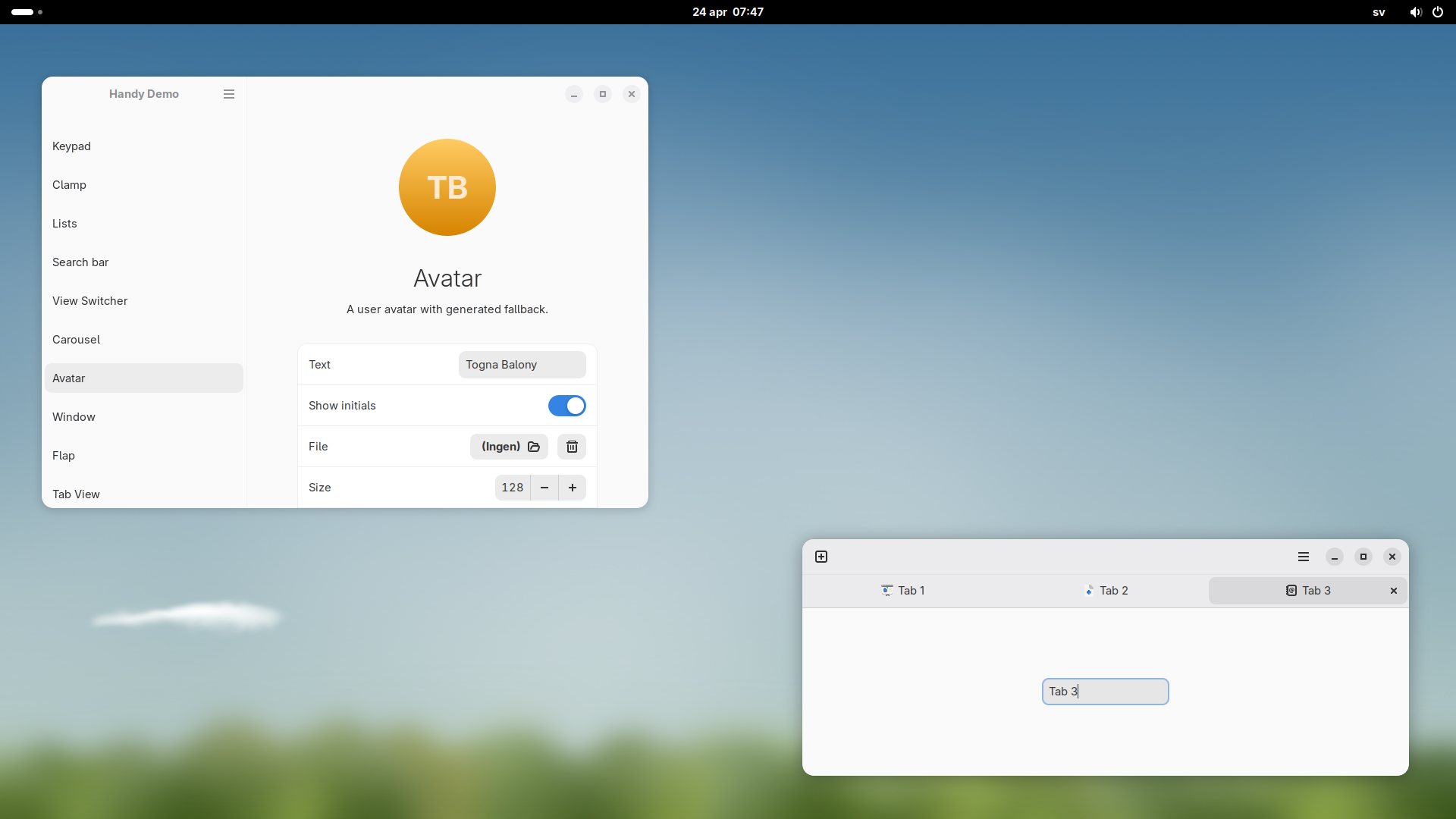 adw-gtk3Brings the libadwaita look to legacy GTK3 applications. adw-gtk3Brings the libadwaita look to legacy GTK3 applications. | Works with: Any desktop (Wayland & X11) | Moderate | Changes: 1 package | Active | Stars: 2.1k |
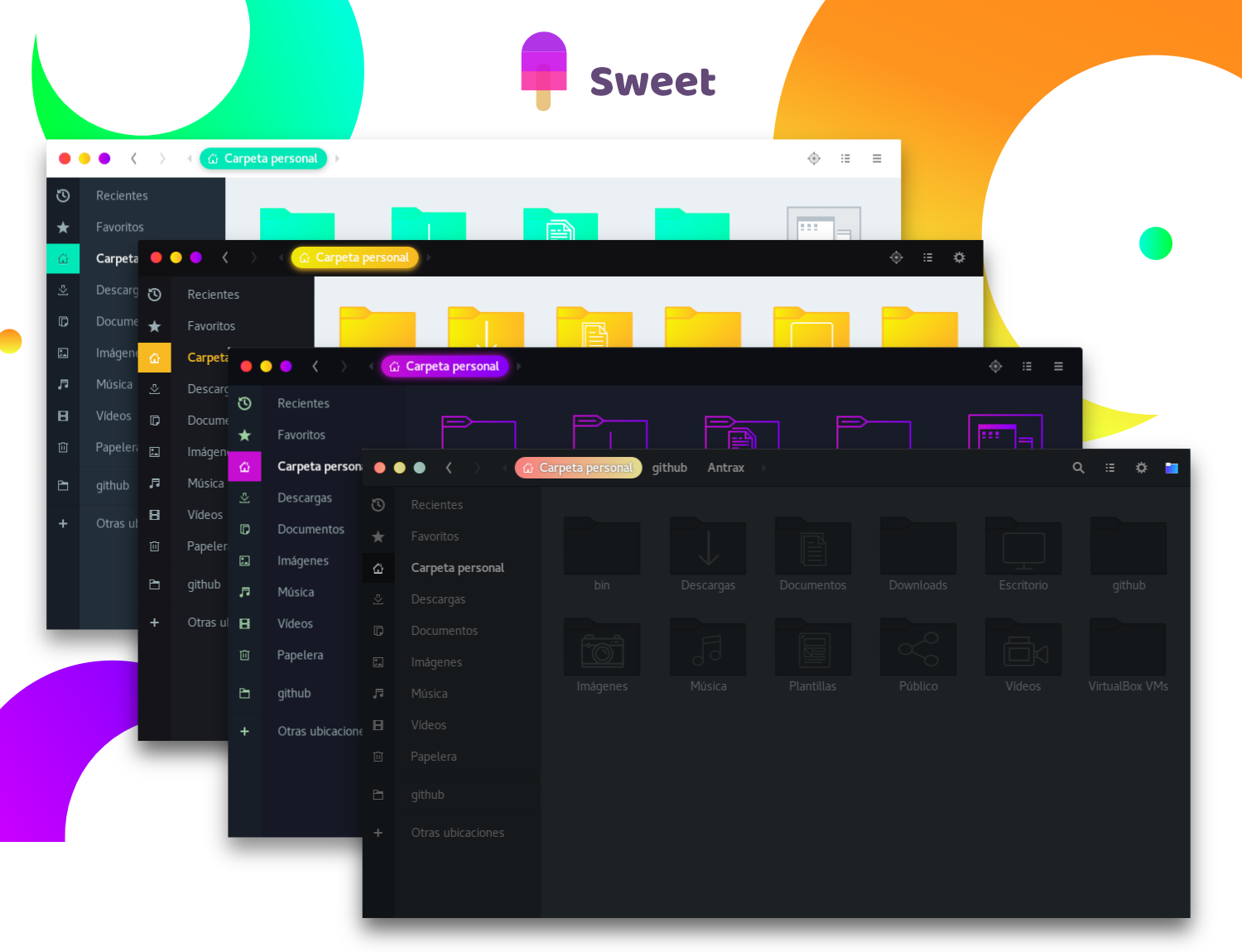 SweetDark neon GTK theme, a long-time r/unixporn favorite. SweetDark neon GTK theme, a long-time r/unixporn favorite. | Works with: Any desktop (Wayland & X11) | Advanced | Changes: 1 package | Active | Stars: 1.7k |
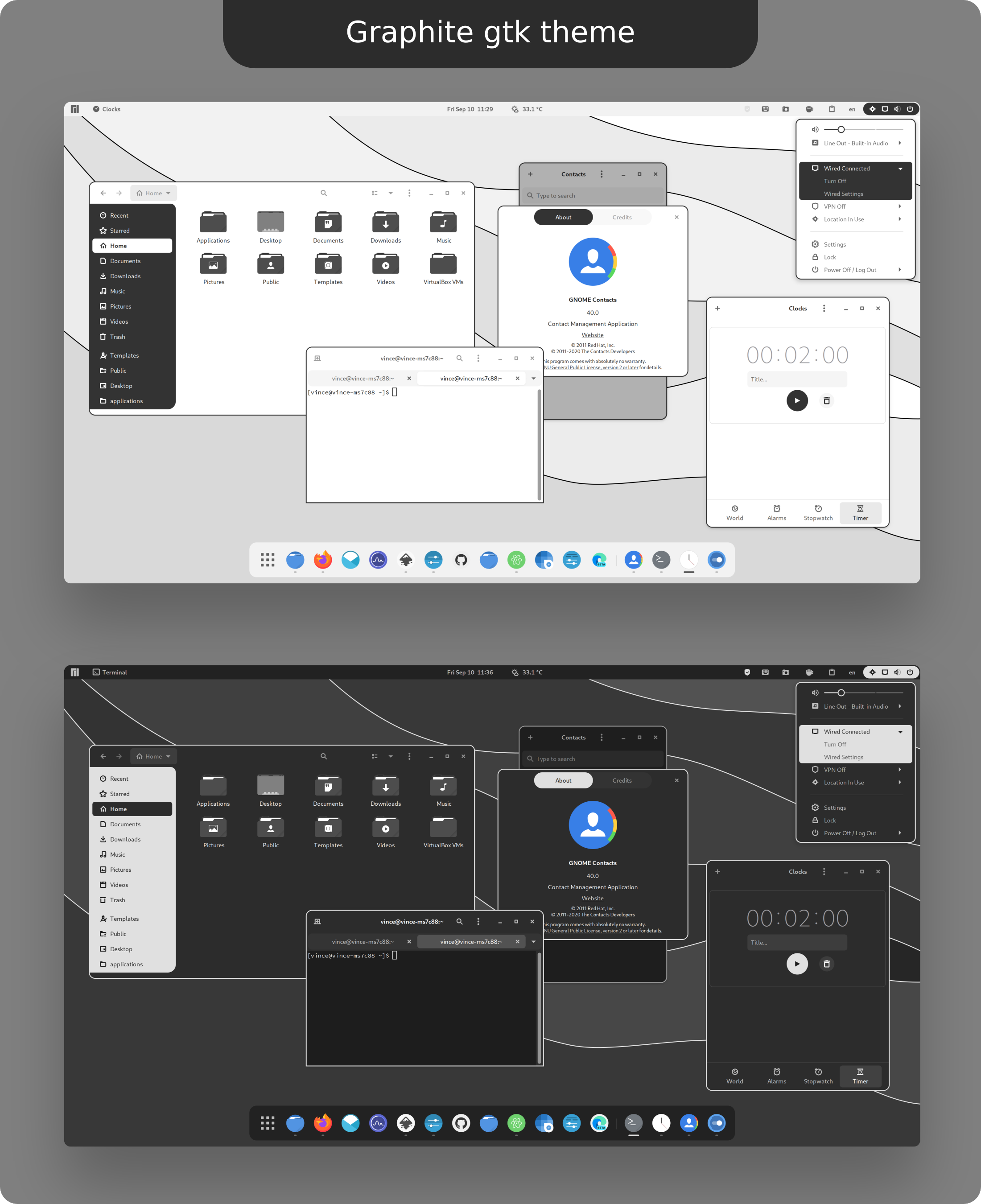 GraphiteFlat, graphite-toned GTK theme with Nord and rimless variants. GraphiteFlat, graphite-toned GTK theme with Nord and rimless variants. | Works with: Any desktop (Wayland & X11) | Advanced | Changes: 1 package | Active | Stars: 1.5k |
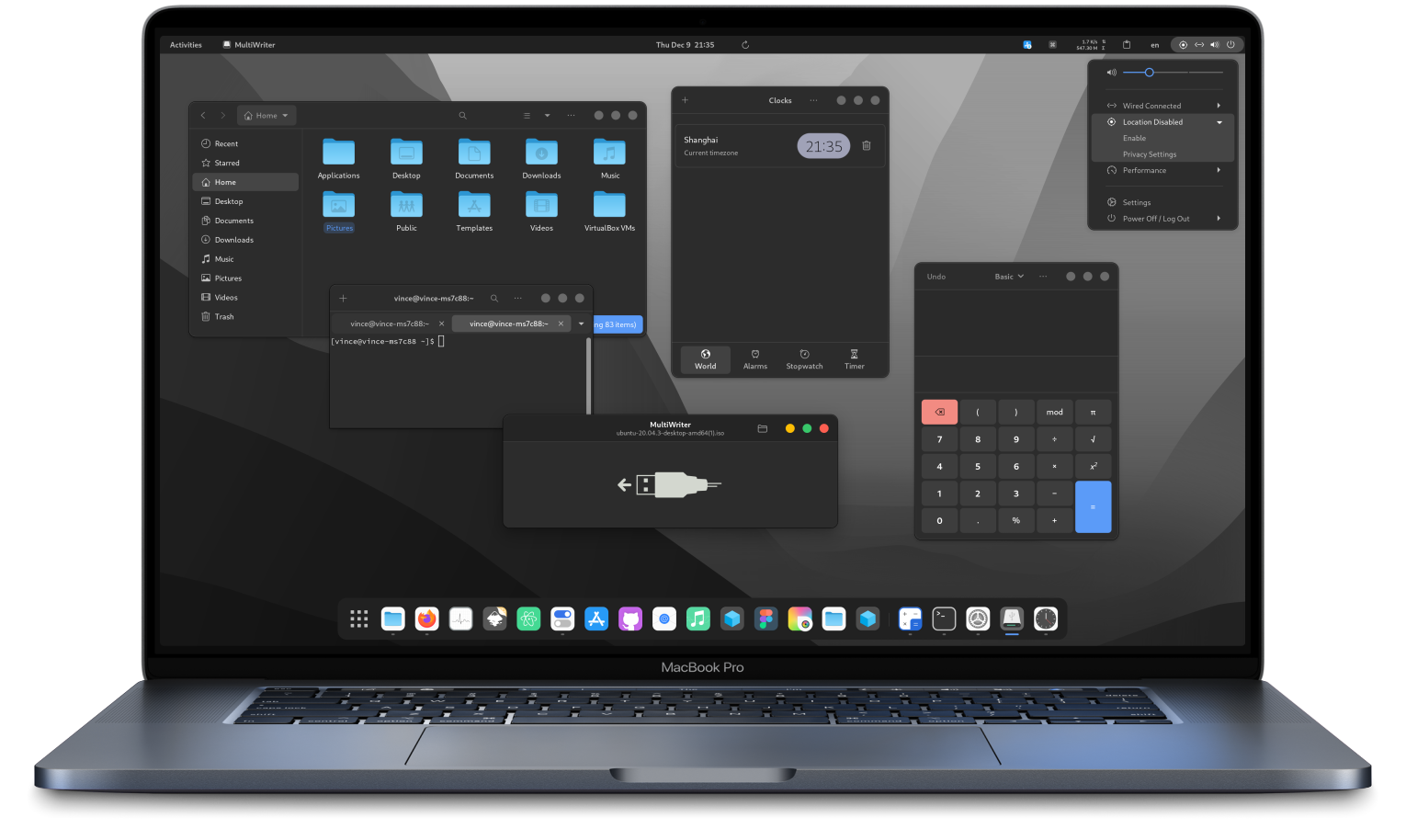 Colloid GTKClean GTK theme with libadwaita support and multiple color schemes. Colloid GTKClean GTK theme with libadwaita support and multiple color schemes. | Works with: Any desktop (Wayland & X11) | Advanced | Changes: 1 package | Active | Stars: 1.5k |
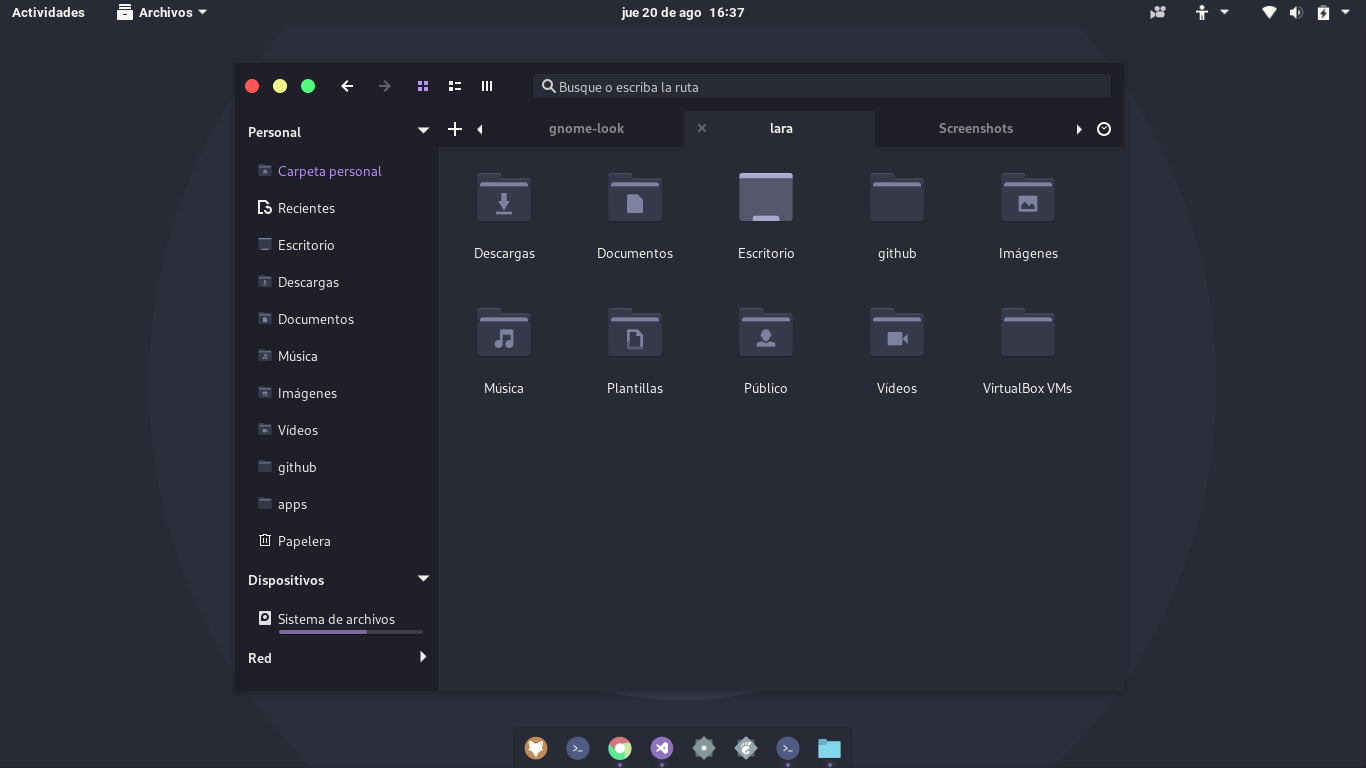 Dracula GTKOfficial Dracula theme for GTK. Dracula GTKOfficial Dracula theme for GTK. | Works with: Any desktop (Wayland & X11) | Advanced | Changes: 1 package | Active | Stars: 1.1k |
 Yaru-ColorsUbuntu Yaru theme recolored in several accents. Yaru-ColorsUbuntu Yaru theme recolored in several accents. | Works with: Any desktop (Wayland & X11) | Advanced | Changes: 1 package | Quiet | Stars: 527 |
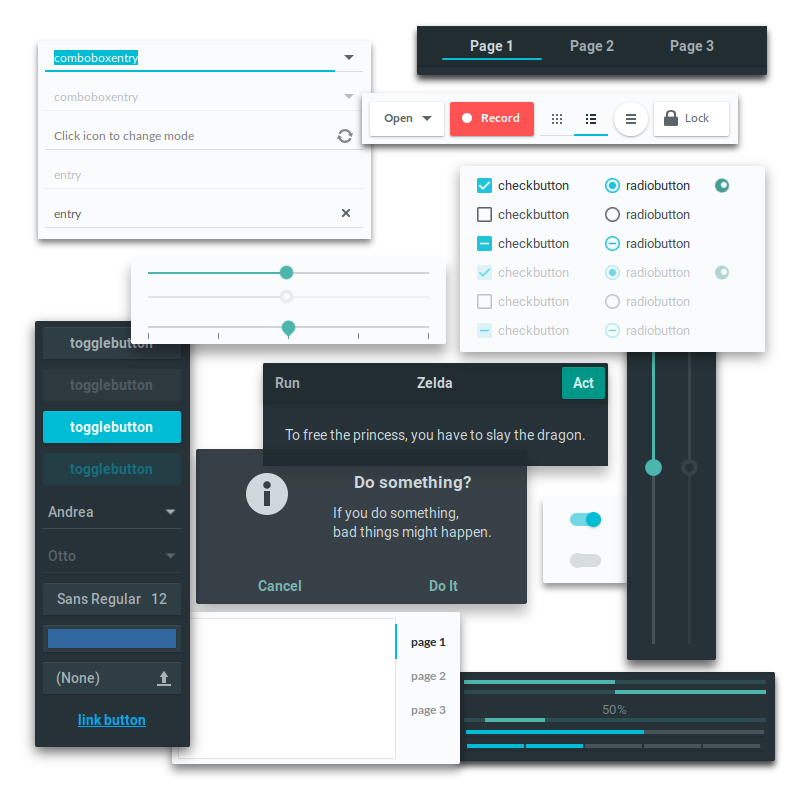 AdaptaAdaptive GTK theme based on Material Design guidelines. AdaptaAdaptive GTK theme based on Material Design guidelines. | Works with: Any desktop (Wayland & X11) | Moderate | Changes: 1 package | Archived upstream | Stars: 3.3k |
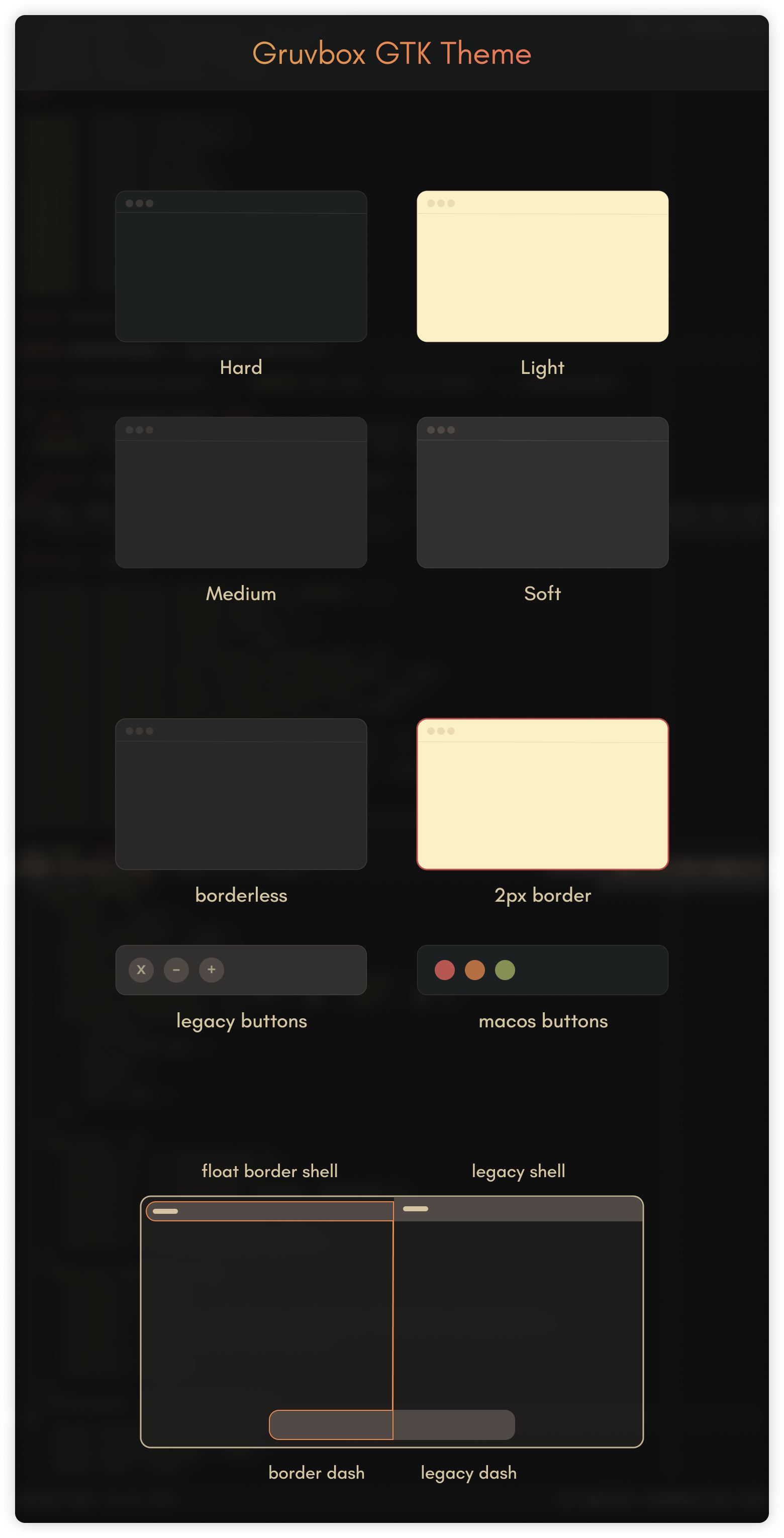 Gruvbox GTKFull GTK port of the retro Gruvbox palette. Gruvbox GTKFull GTK port of the retro Gruvbox palette. | Works with: Any desktop (Wayland & X11) | Advanced | Changes: 1 package | Archived upstream | Stars: 1.0k |
| Catppuccin GTKOfficial Catppuccin port for GTK in all four flavors. | Works with: Any desktop (Wayland & X11) | Advanced | Changes: 1 package | Archived upstream | Stars: 946 |
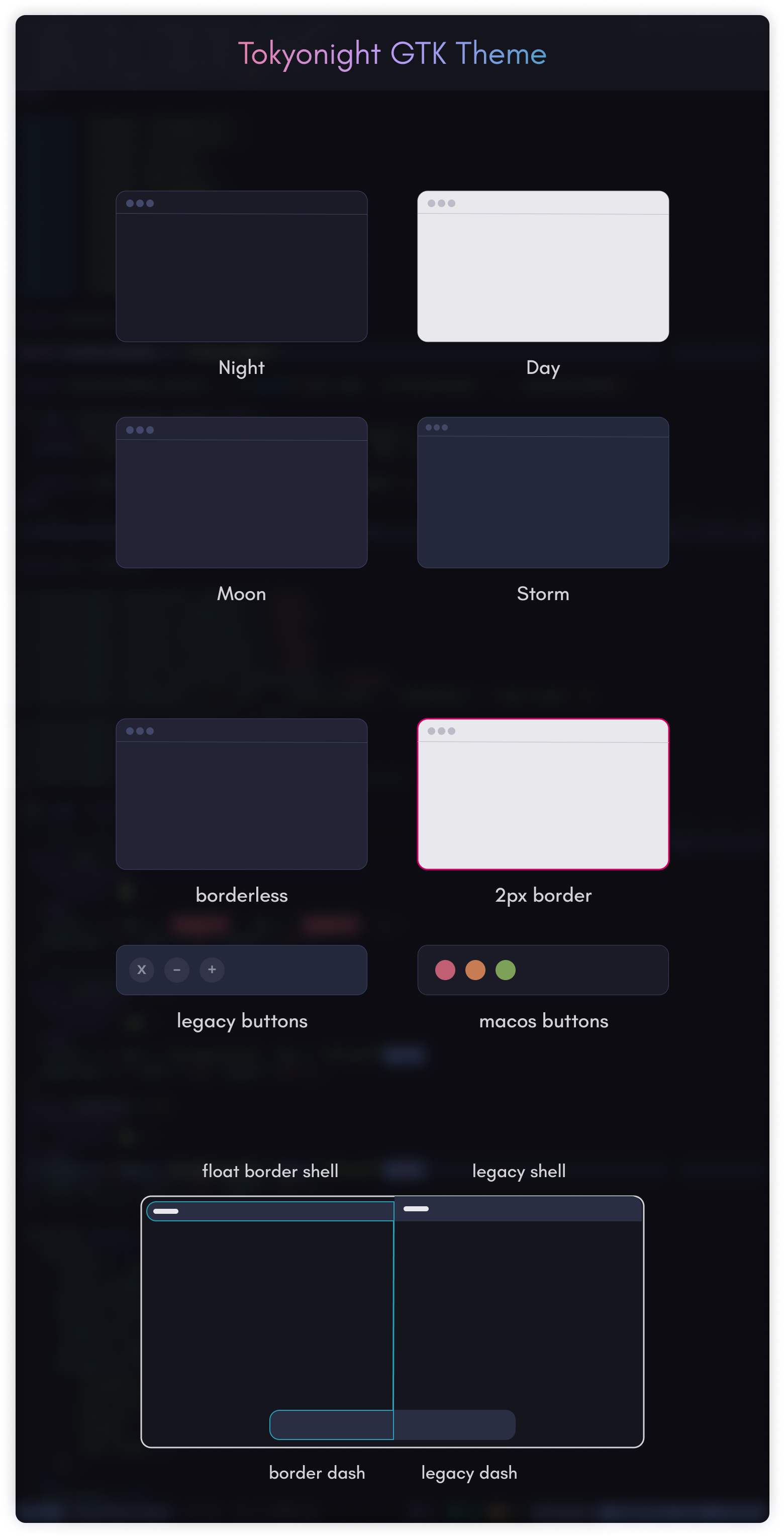 Tokyo Night GTKGTK theme based on the Tokyo Night palette. Tokyo Night GTKGTK theme based on the Tokyo Night palette. | Works with: Any desktop (Wayland & X11) | Advanced | Changes: 1 package | Archived upstream | Stars: 823 |
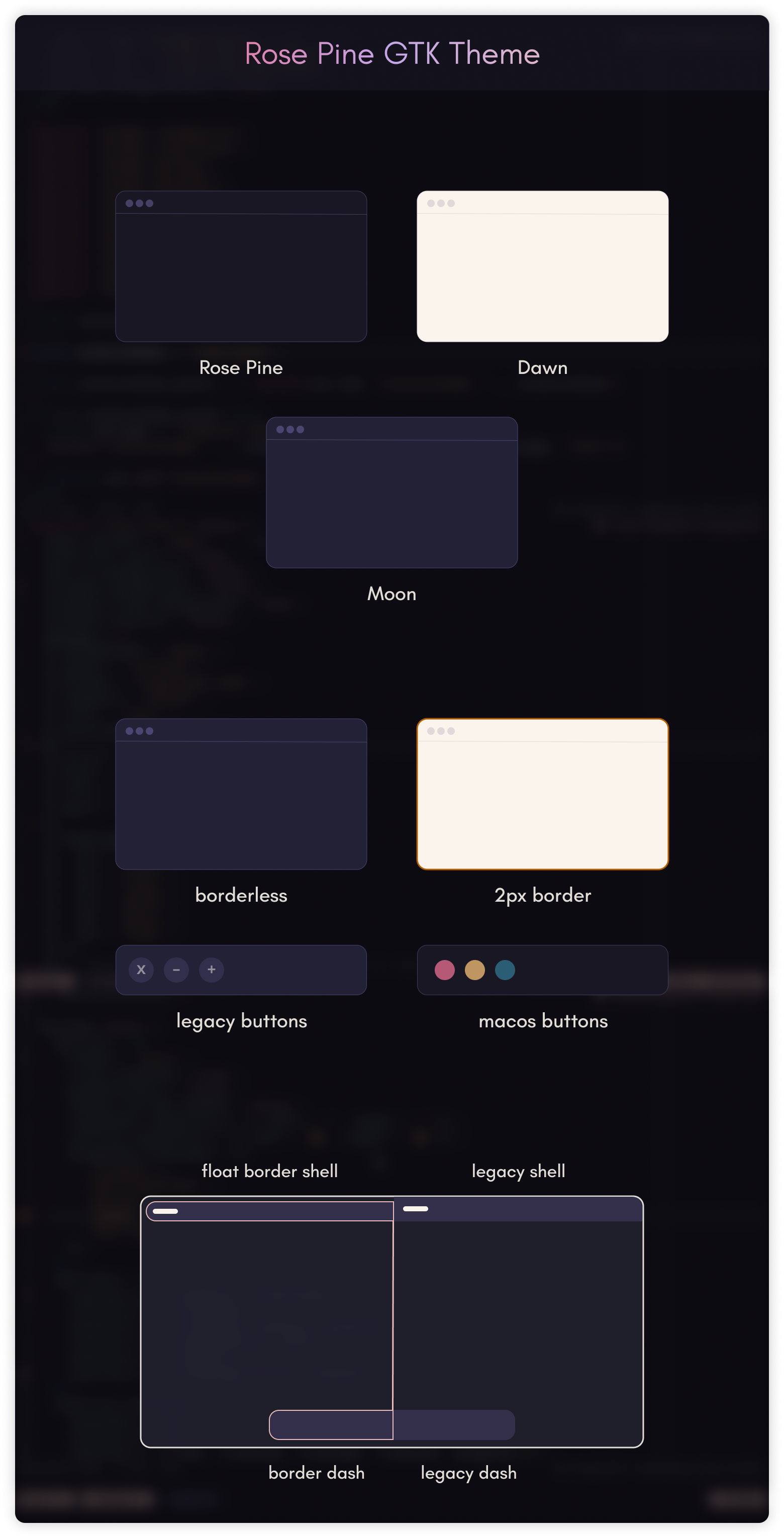 Rosé Pine GTKGTK theme based on the Rosé Pine palette. Rosé Pine GTKGTK theme based on the Rosé Pine palette. | Works with: Any desktop (Wayland & X11) | Advanced | Changes: 1 package | Archived upstream | Stars: 223 |
Avoid or migrate
These still install, but their projects have stopped. Pick a maintained alternative for a new setup.
- Adapta
The upstream repository is archived: it may still work, but bugs will not be fixed.
- Gruvbox GTK
The upstream repository is archived: it may still work, but bugs will not be fixed.
Move to: WhiteSur GTK, Orchis
- Catppuccin GTK
The upstream repository is archived: it may still work, but bugs will not be fixed.
Move to: WhiteSur GTK, Orchis
- Tokyo Night GTK
The upstream repository is archived: it may still work, but bugs will not be fixed.
Move to: WhiteSur GTK, Orchis
- Rosé Pine GTK
The upstream repository is archived: it may still work, but bugs will not be fixed.
Move to: WhiteSur GTK, Orchis
How to choose
- Check GTK4 and libadwaita support if you use recent GNOME apps.
- Pick a theme from the same family as your icons and terminal palette (Nord, Gruvbox, Catppuccin…) for a consistent desktop.
- Prefer a user install: it needs no sudo and is undone by removing one folder.
Questions
Why does my GTK theme not apply to GNOME apps?
Apps built with libadwaita use their own stylesheet and ignore the GTK theme setting. Themes that support libadwaita install a gtk.css into ~/.config/gtk-4.0; otherwise those apps keep the default look.
How do I set a GTK theme on Hyprland or Sway?
Use a settings app such as nwg-look, or set it directly with gsettings set org.gnome.desktop.interface gtk-theme followed by the theme name. Both write the setting GTK applications read.
Should I install a theme for my user or for the whole system?
For your user, unless several accounts need it. A user install stays in your home folder, needs no sudo and is easy to remove.